


For the inquiry
Use the form for the model or MLFB, quantity, destination and request details. If you contact us directly, send the brand, specifications, required condition and product or nameplate photos when available.
We help procurement and maintenance teams record Siemens PLC fault symptoms, identify MLFBs, locate HMI and ET 200 documents, and request model-specific quotations.
ORDER FULFILMENT
Each order moves from product identification and quotation to confirmation, product checks, packing and shipment. You can confirm the model, commercial terms and delivery details before the order proceeds.
Use the website form to send the model or MLFB, quantity, required condition and destination. You can also contact us by Email, WhatsApp or phone; for a direct message, add the brand, specifications and a clear product or nameplate photo when available.
After we receive your request, our staff confirm the identifier, quantity and destination, then prepare a quotation with the available product, pricing and delivery information.
When you accept the quotation, we issue a proforma invoice (PI) for confirmation. You can check the model, quantity, commercial terms and delivery details before the order is processed.
Before packing, we check the product identifier, quantity and visible condition against the confirmed request. Tell us before shipment arrangements are finalized if you need additional photos or a specific detail checked.
We prepare protective packaging suited to the item and route, then organize the shipment for handling. State any special packaging, labeling or document requirement in your inquiry so it can be confirmed before shipment.
We arrange shipment to the confirmed destination and share the available shipping details and documents. Delivery timing depends on the destination, carrier and terms confirmed in the quotation.
PURCHASING CLARITY
Accurate product information reduces unnecessary confirmation and helps us prepare a quotation that matches your requirement. We check the details you provide rather than assuming that similar model numbers are interchangeable.
Send Your RequestUse the form for the model or MLFB, quantity, destination and request details. If you contact us directly, send the brand, specifications, required condition and product or nameplate photos when available.
We check the identifier and purchasing information before preparing the quotation. The specific availability, price, lead time and commercial terms are confirmed in the quotation for the requested item.
We use the confirmed request as the reference for the model, quantity and visible-condition check. If your maintenance or project team has a special packing or documentation requirement, tell us early.
AFTER-SALES SUPPORT
For questions after a quotation or shipment, send the model, quotation or PI reference and a clear description of the issue. This keeps the follow-up connected to the correct product and order details.
Contact our team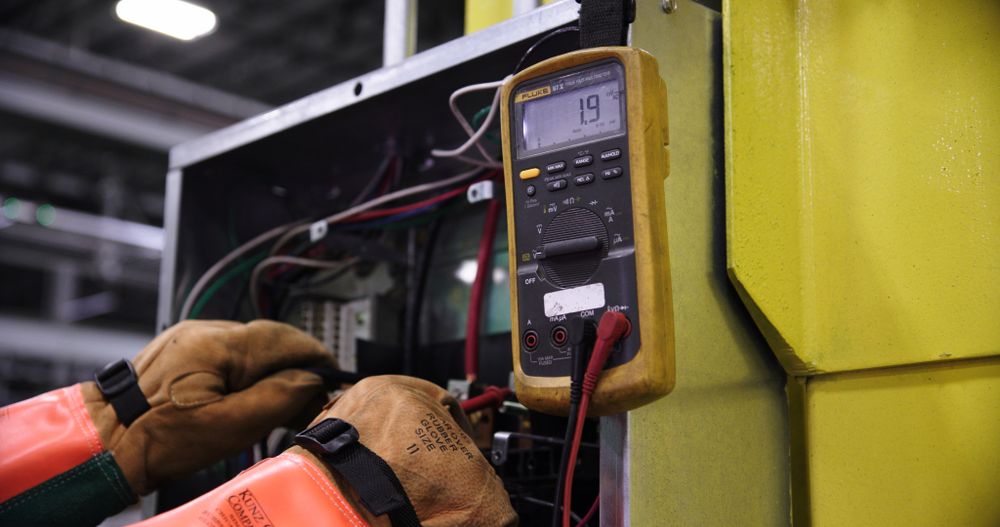
We can continue to clarify model identification, product documentation and the information needed for a sourcing follow-up. Include photos, screenshots or the complete order number when relevant.
For a delivery question, send the quotation or PI reference, destination and the details you need us to check. We will use the confirmed order information as the basis for the follow-up.
For a fault or installation question, provide the installed model, symptoms, error codes and relevant photos or screenshots. Qualified personnel must perform electrical testing, commissioning and work inside control equipment.
Record the following diagnostic information before replacing hardware. Use the Siemens documentation for your exact product family, and have qualified personnel perform all electrical work.
Record the supply voltage, polarity, protective-device status, terminal condition, and LED state. Do not assume that a module has failed until the external power supply and wiring have been checked safely.
Record the RUN, STOP, or ERROR indicators, diagnostic buffer entries, recent hardware or software changes, and the order numbers of the affected modules.
For PROFINET, PROFIBUS, or Industrial Ethernet faults, check the physical link, device name or address, applicable termination, cable condition, network topology, and project configuration.
Record the HMI runtime status, communication path, I/O channel diagnostics, firmware and hardware versions, and any displayed alarms or tag-addressing errors.
Products with similar housings or product family names are not necessarily interchangeable. Send us the complete installed order number and your technical requirement so we can assess documented alternative options.
Request Siemens PLC manuals, datasheets, selection guides or configuration references using the complete model number. Availability depends on the product generation, requested language, software licensing and document source.
Request a DocumentSend the complete MLFB or order number and the document language you need.
Tell us the product family and the selection question you need to resolve.
Include the software name, version and target product. Licensing and download rights are confirmed separately.
Paste multiple order numbers when you need documents for a bill of materials or maintenance list.
Find out what to send us for model identification, fault diagnosis, technical documents and purchasing requests.
A clear nameplate photo can help us identify the product. Type every visible order number, suffix and hardware version because a partial identifier may refer to several variants.
No. We need the complete installed model and must compare the electrical, mechanical, communication, firmware and engineering requirements before discussing a possible alternative.
Send the complete CPU and module order numbers, LED states, error codes, diagnostic-buffer messages, recent changes and a short description of when the fault occurs.
We can assess model identifiers, recorded symptoms, error codes, documentation needs and sourcing questions. Qualified personnel must carry out electrical tests, program changes and work inside control equipment.
Yes. Include the full model, product generation, and required language. We will check whether the requested document is available.
Send the complete order number, quantity, required condition and delivery destination. Availability, lead time and commercial terms are confirmed for the specific quotation.
Use the form to send fault symptoms, request model identification or technical documents, or ask for a quote. Include the complete product identifier and state whether you need troubleshooting guidance, a document, a replacement assessment or a quotation.
Include any error codes, nameplate details, required quantity, and destination that apply to your request.