6ED1057-4EA00-0AA0
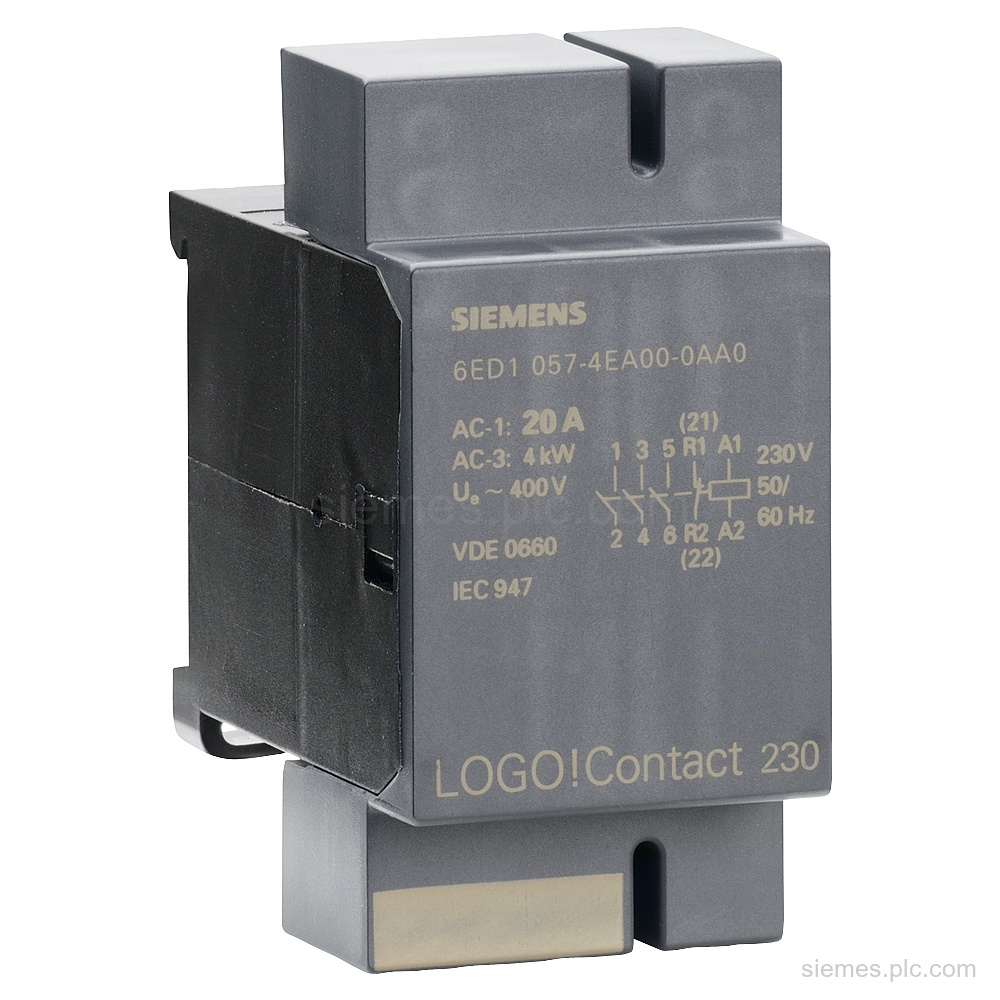
6ED1057-4EA00-0AA0 identifies a Siemens LOGO! contact switching module for 230 V AC, with 3 NO contacts + 1 NC contact.…

Siemens Product Category
Siemens LOGO! logic modules provide compact control for simple automation tasks, with expansion and communication options by model.
Products
Search LOGO! Logic Modules products by Siemens MLFB, part number or product code, or select a product group from the category menu.
6ED1057-4EA00-0AA0 identifies a Siemens LOGO! contact switching module for 230 V AC, with 3 NO contacts + 1 NC contact.…
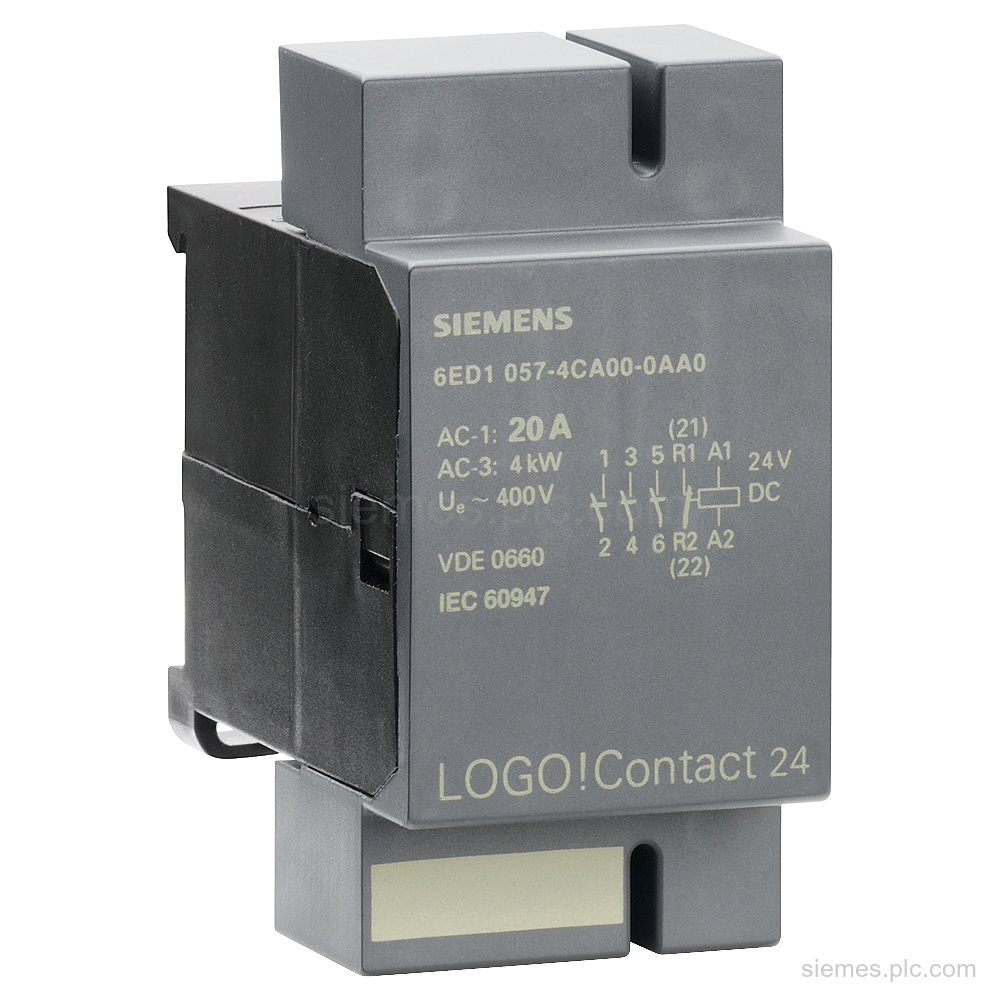
Siemens 6ED1057-4CA00-0AA0 is a LOGO! contact switching module for direct switching of resistive loads up to 20 A and motors…
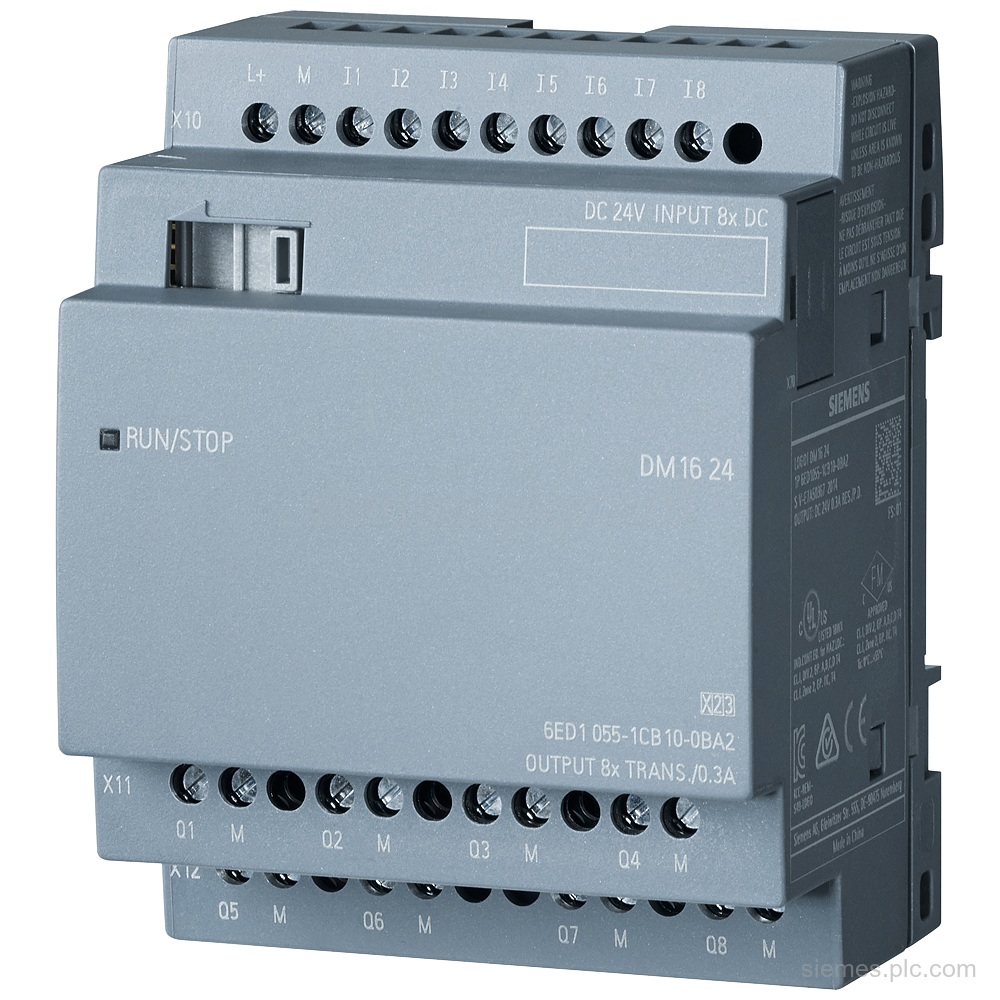
6ED1055-1CB10-0BA2 identifies a Siemens LOGO! DM16 24 expansion module for LOGO! 8 with 8 DI, 8 DO, 4 MW, and…
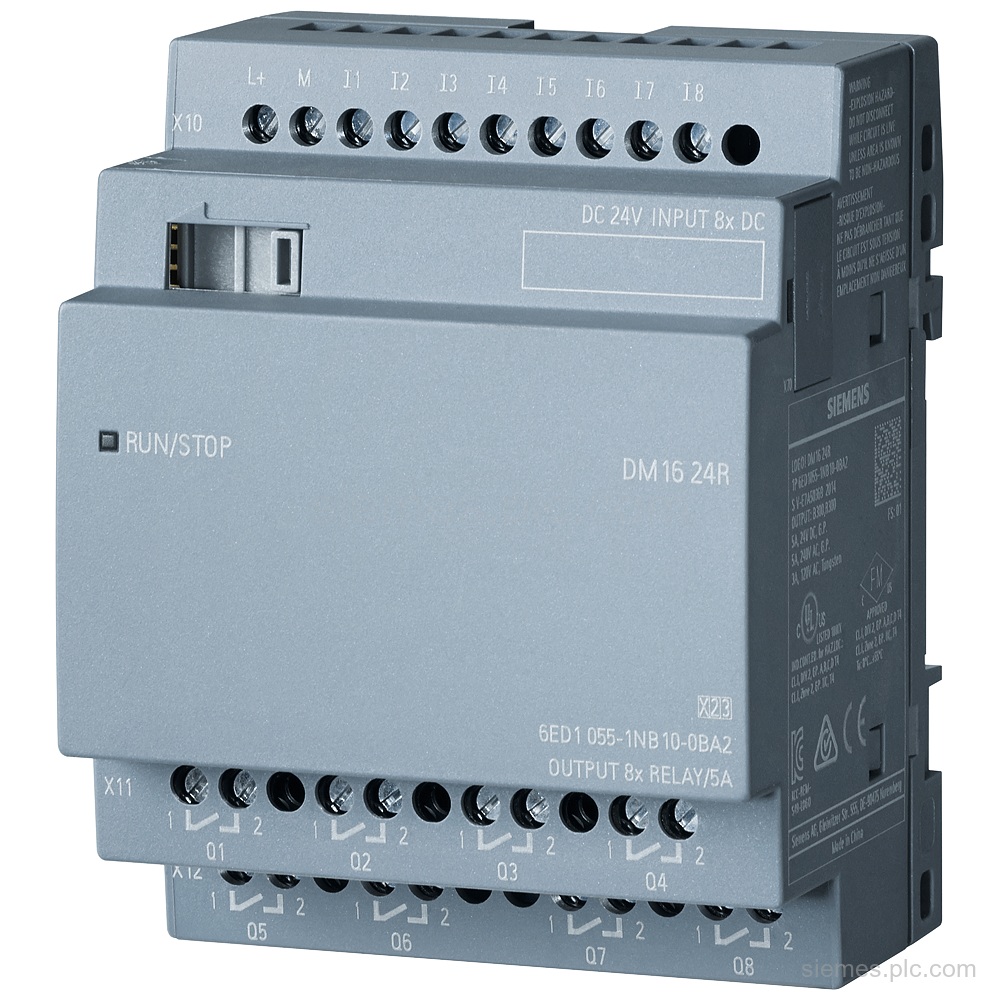
6ED1055-1NB10-0BA2 identifies the Siemens LOGO! DM16 24R expansion module: 8 DI/8 DO, 24 V DC and relay outputs. Verify the…
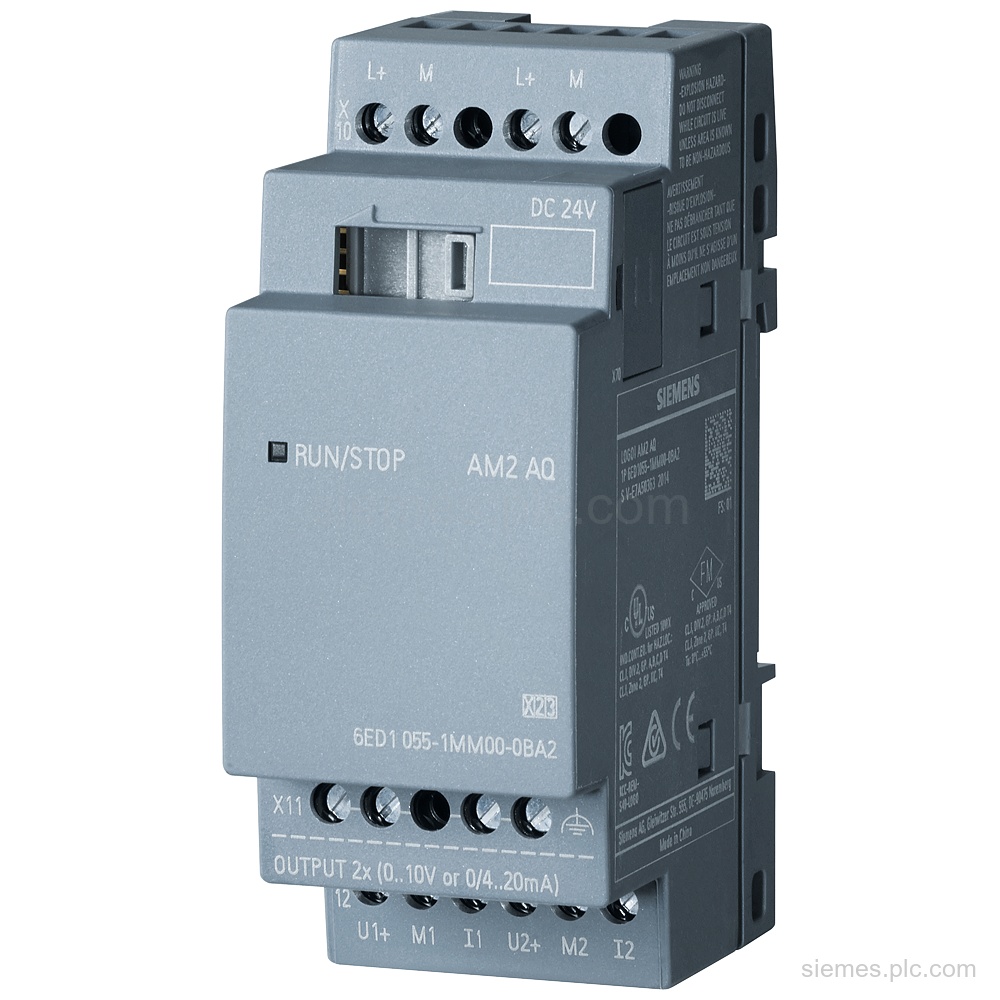
6ED1055-1MM00-0BA2 identifies the Siemens LOGO! AM2 AQ expansion module with 24 V DC supply, 2 analog outputs, and 0 to…
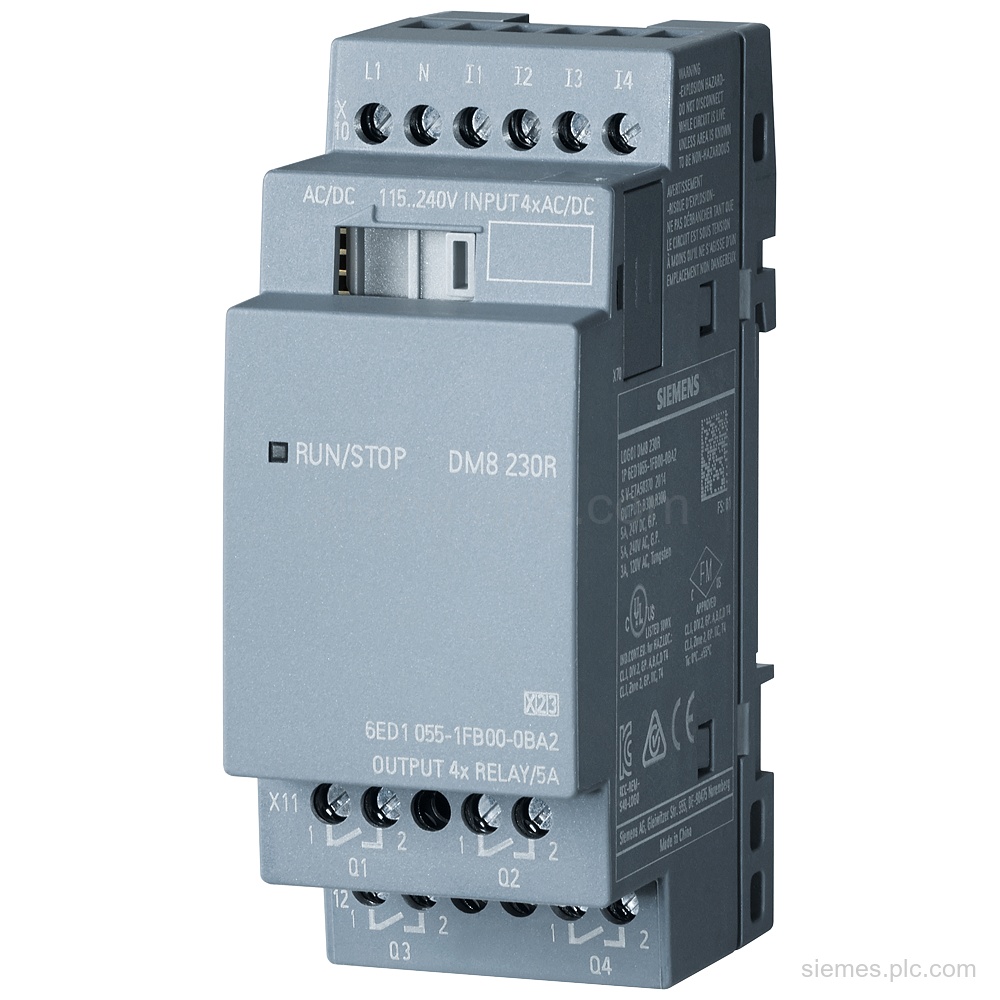
6ED1055-1FB00-0BA2 identifies a Siemens LOGO! DM8 230R expansion module with 4 DI/4 relay DO, 230V/230V PS/I/O, and 35 mm DIN-rail…
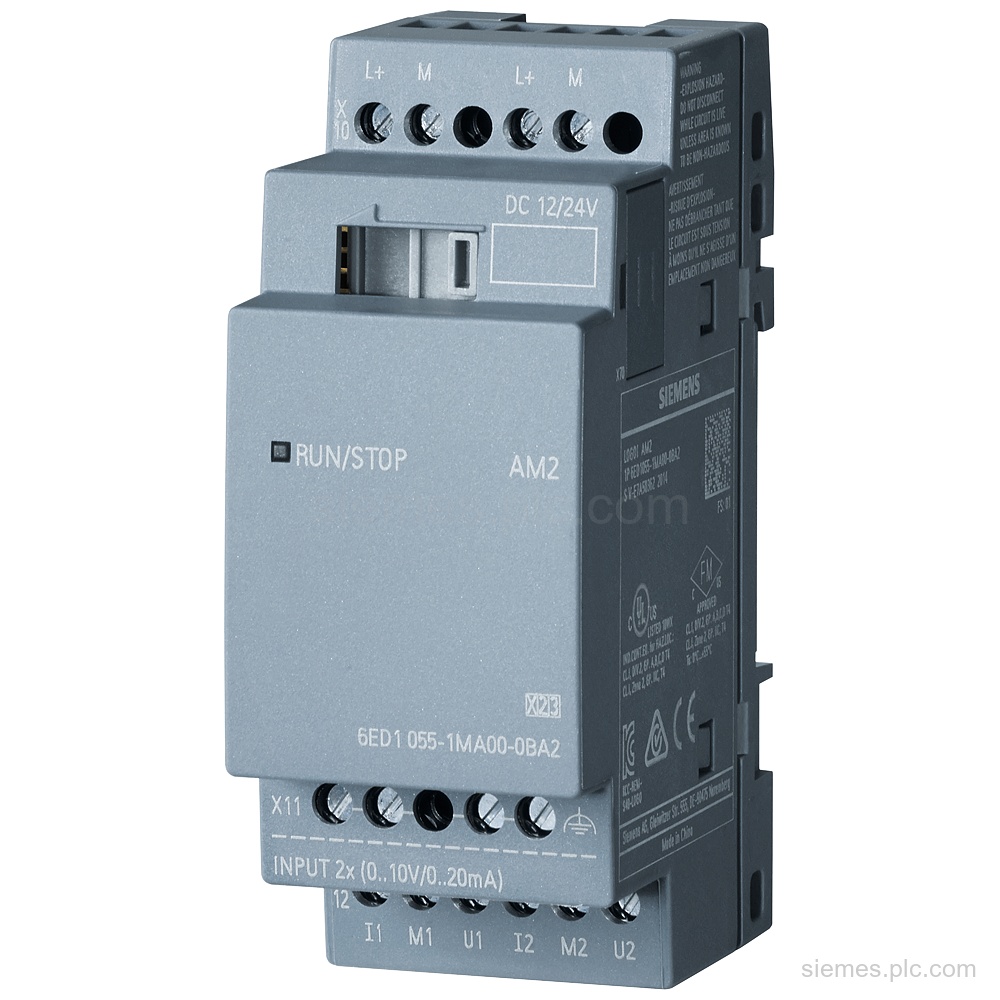
6ED1055-1MA00-0BA2 identifies a Siemens LOGO! AM2 expansion module with 2 AI, 12/24 V DC supply, and 0-10 V or 0/4-20…
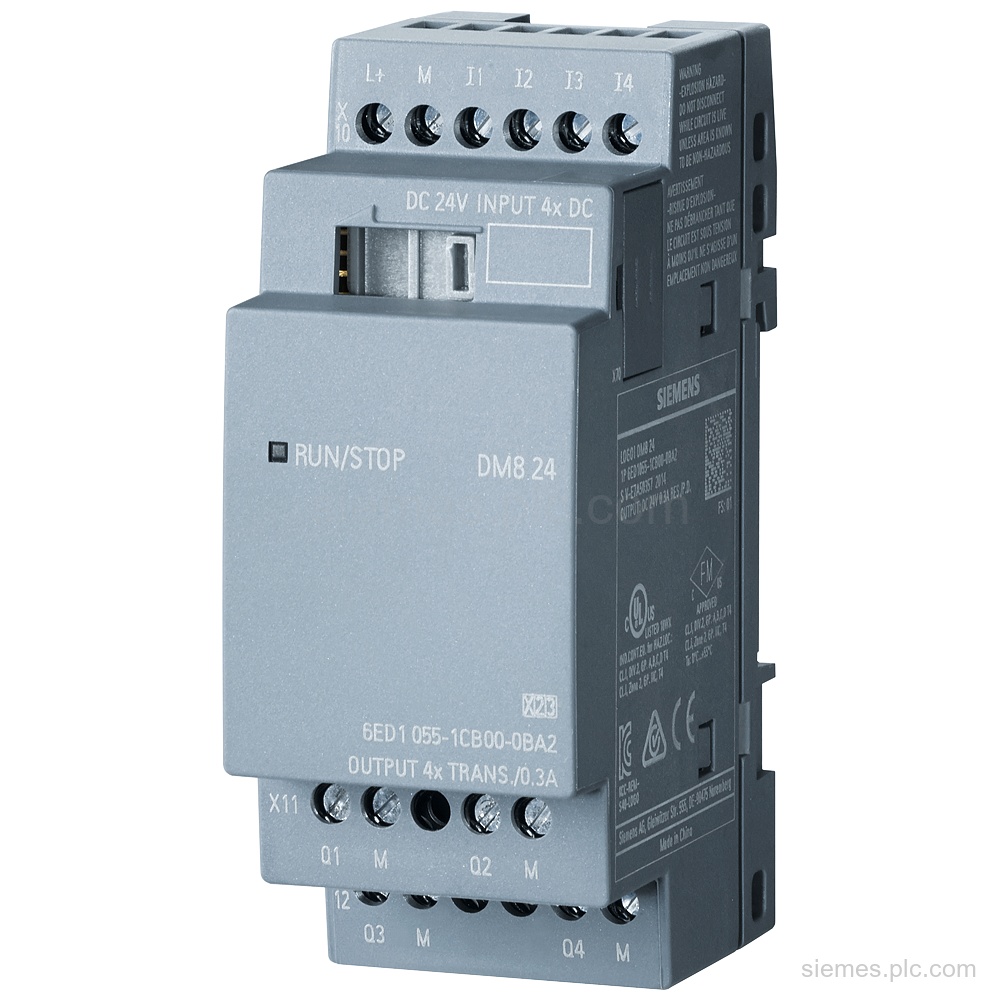
6ED1055-1CB00-0BA2 identifies a Siemens LOGO! DM8 24 expansion module with 4 digital inputs, 4 digital outputs, and 24 V DC…
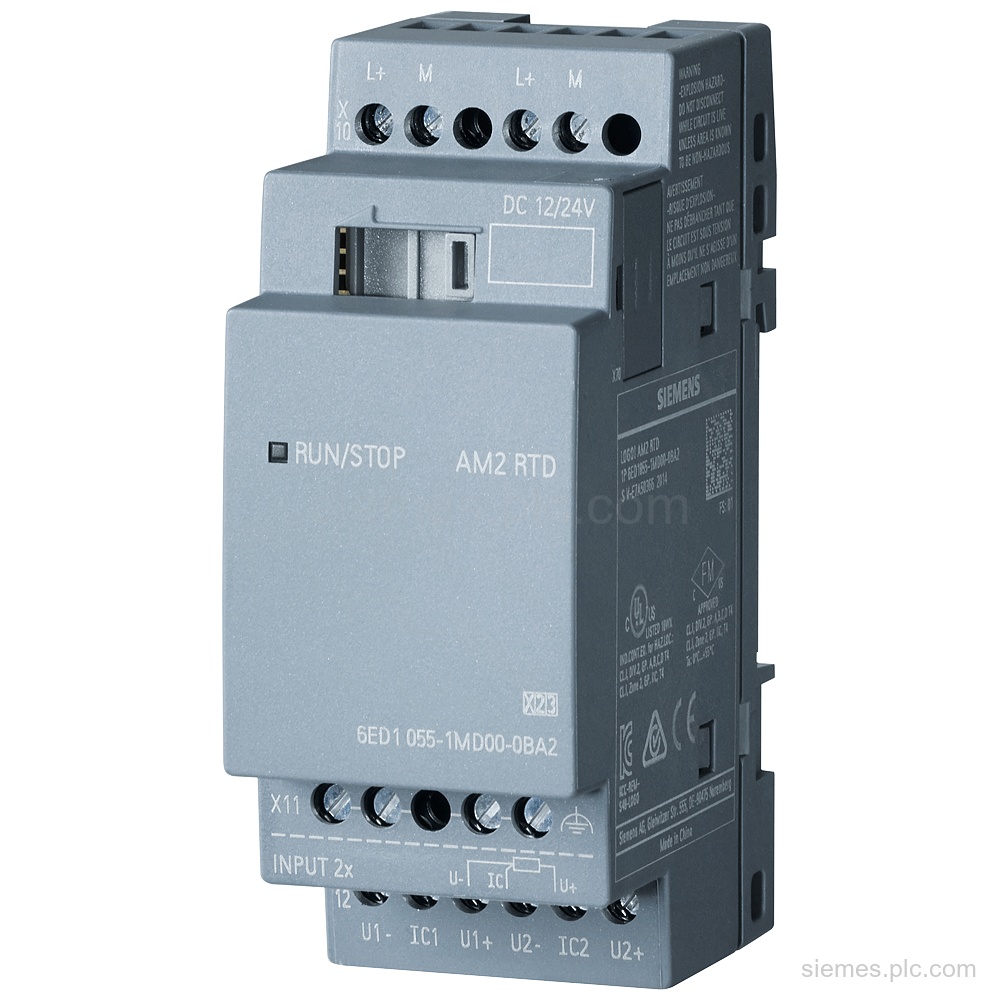
6ED1055-1MD00-0BA2 identifies a Siemens LOGO! AM2 RTD expansion module with 2 analog inputs, 12/24 V DC supply, and Pt100/Pt1000 support.…
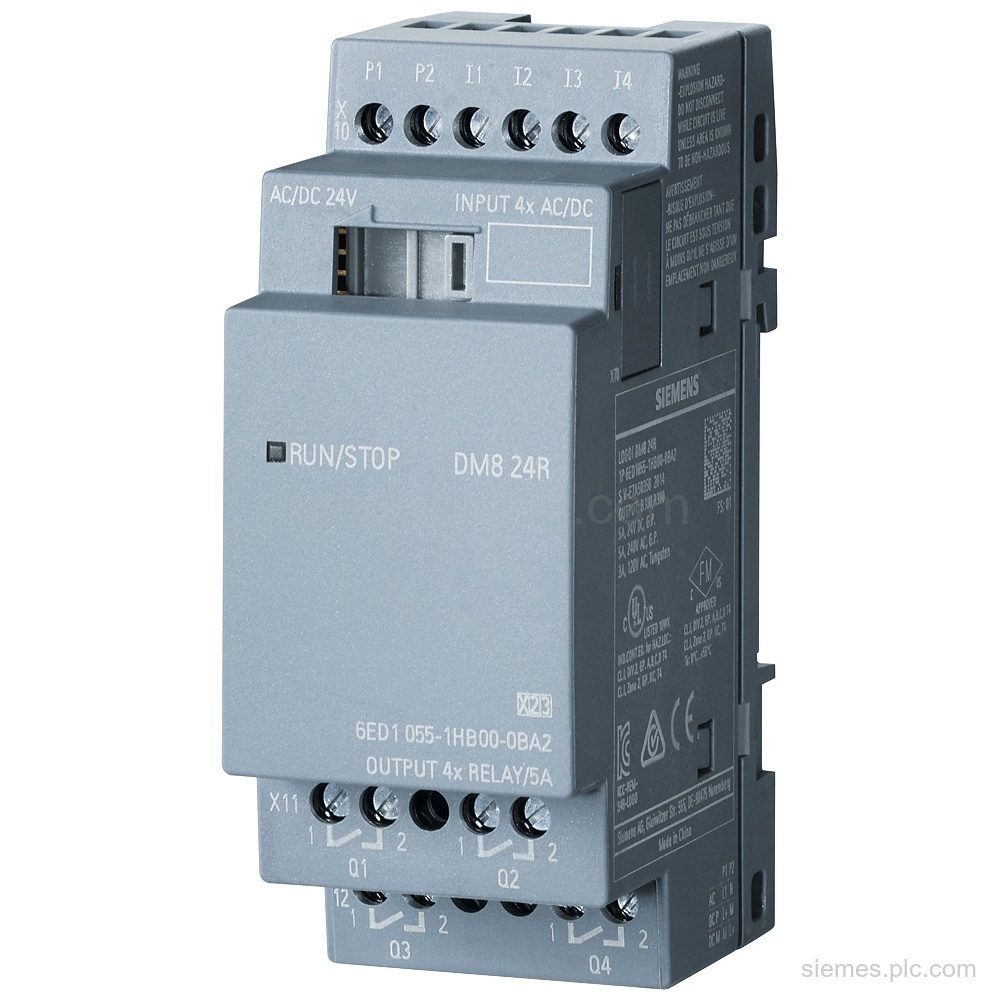
6ED1055-1HB00-0BA2 identifies a Siemens LOGO! DM8 24R expansion module with 4 digital inputs, 4 relay outputs, and 24 V AC/DC…
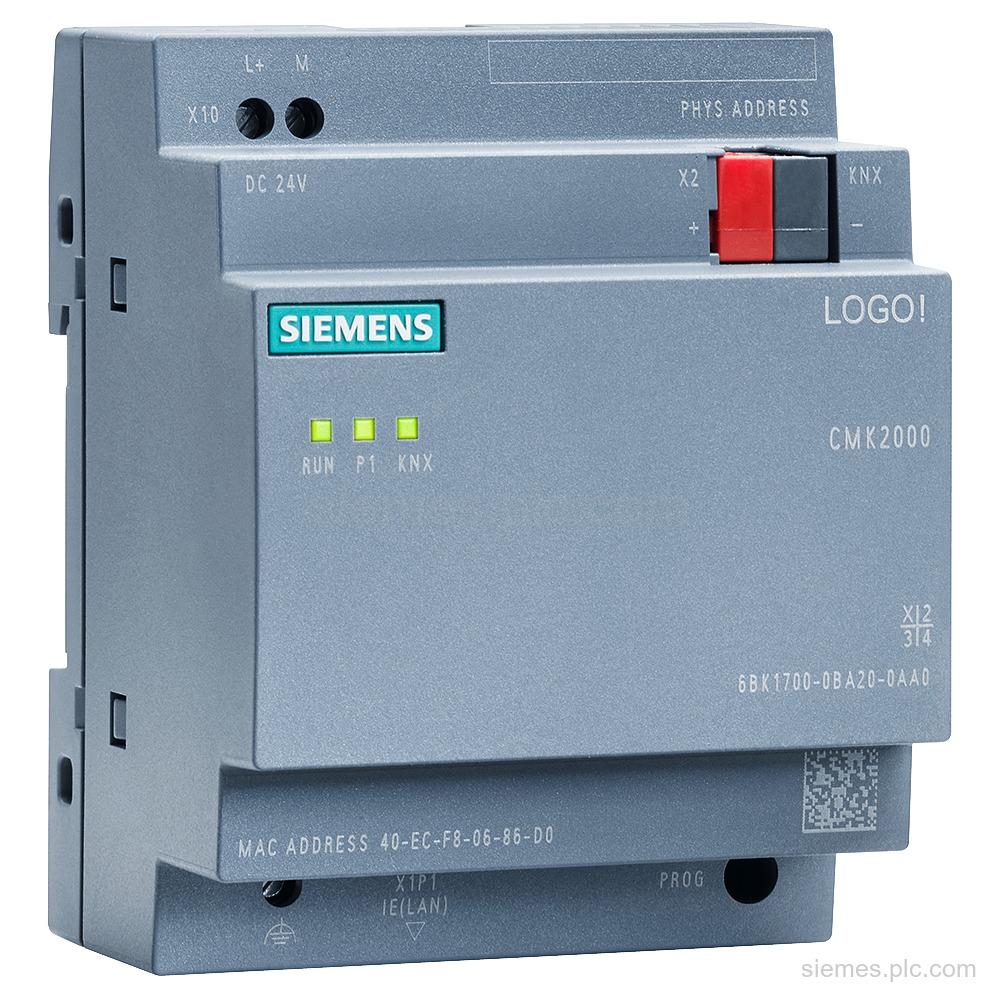
6BK1700-0BA20-0AA0 identifies the Siemens LOGO! CMK2000 communication module: 24 V DC supply, Ethernet with RJ45, and EIB/KNX interface. Verify the…
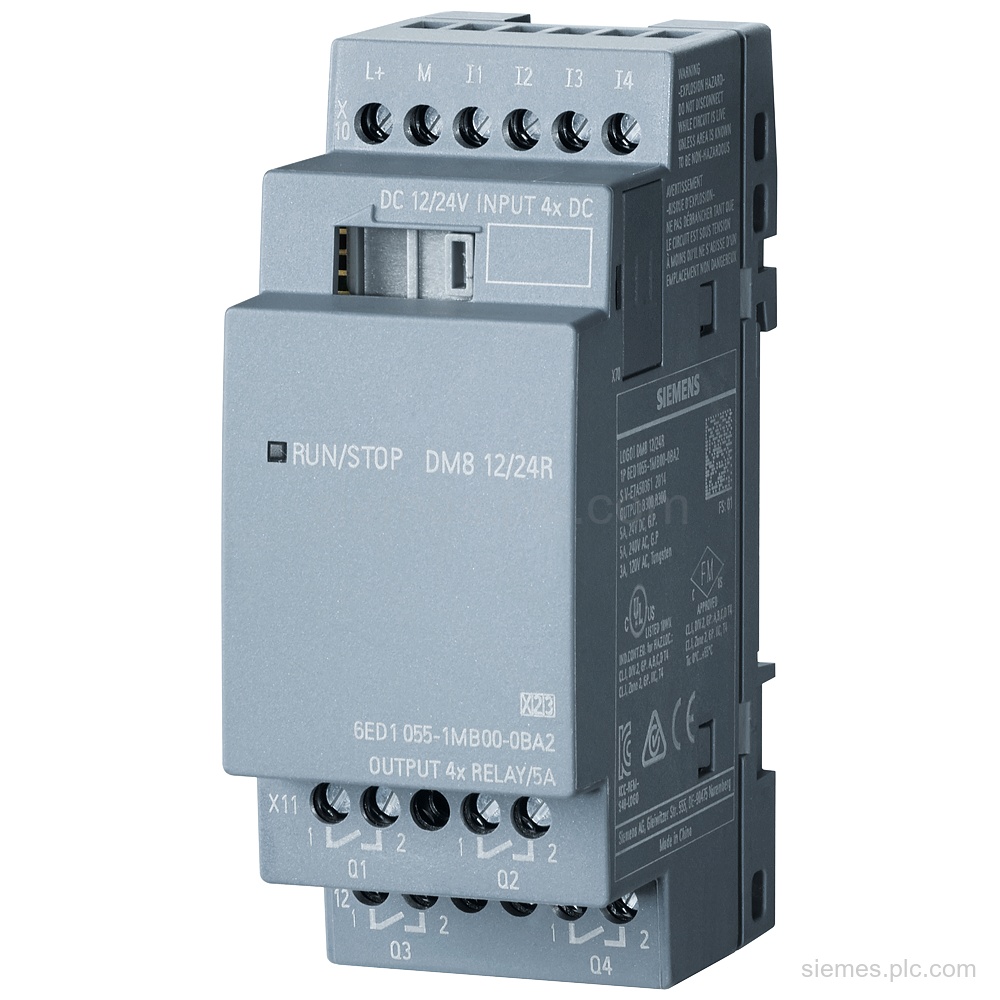
6ED1055-1MB00-0BA2 identifies a Siemens LOGO! DM8 12/24R expansion module with 4 DI, 4 relay DO, and 12/24 V DC supply.…
Product identification
LOGO! Logic Modules products can differ by function, interface, hardware version and configuration. Use the complete identifier and installed equipment details to avoid ordering a different variant.
Copy the complete MLFB, part number or product code, including every suffix shown on the label.
Include the current controller, panel, drive, motor or network details when compatibility must be assessed.
State the quantity, required condition and delivery destination for each requested item.
Multiple products
Send multiple Siemens MLFBs or product codes in one request. Add the quantity, required condition and destination for each item, plus any compatibility or replacement question that needs assessment.