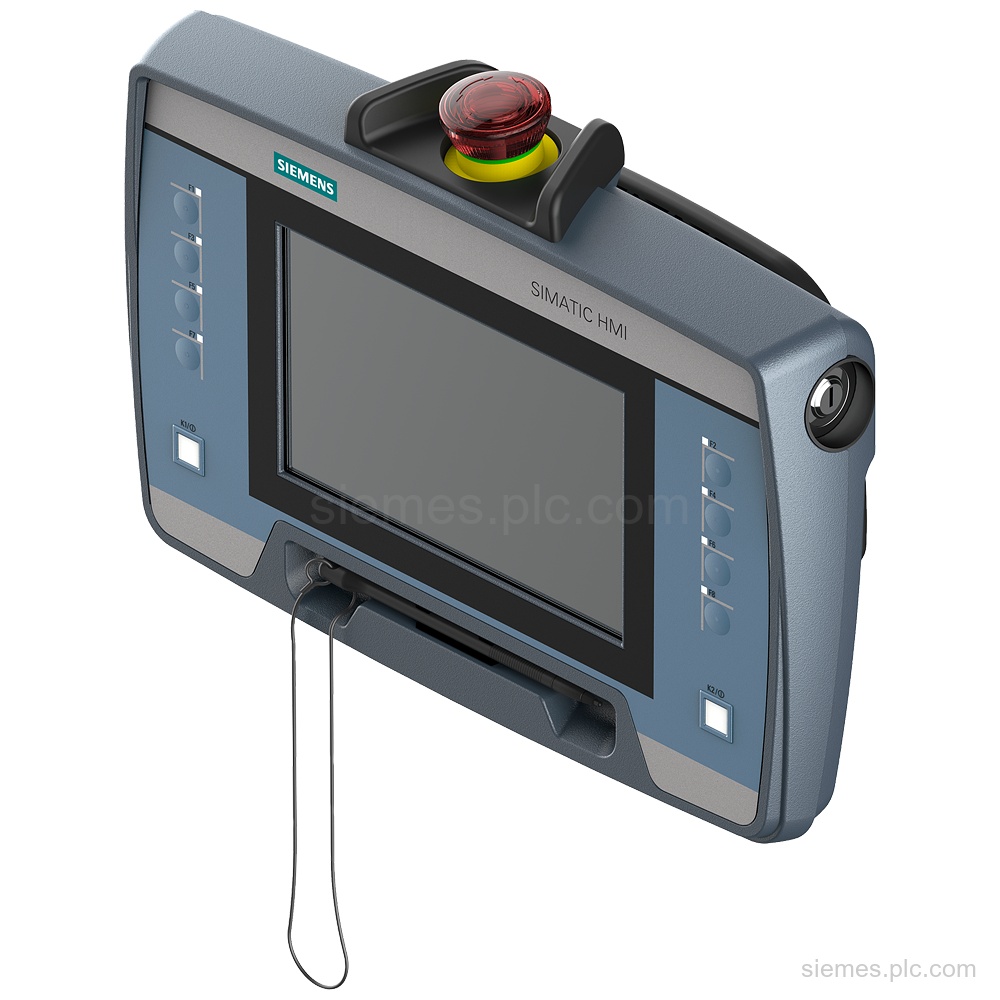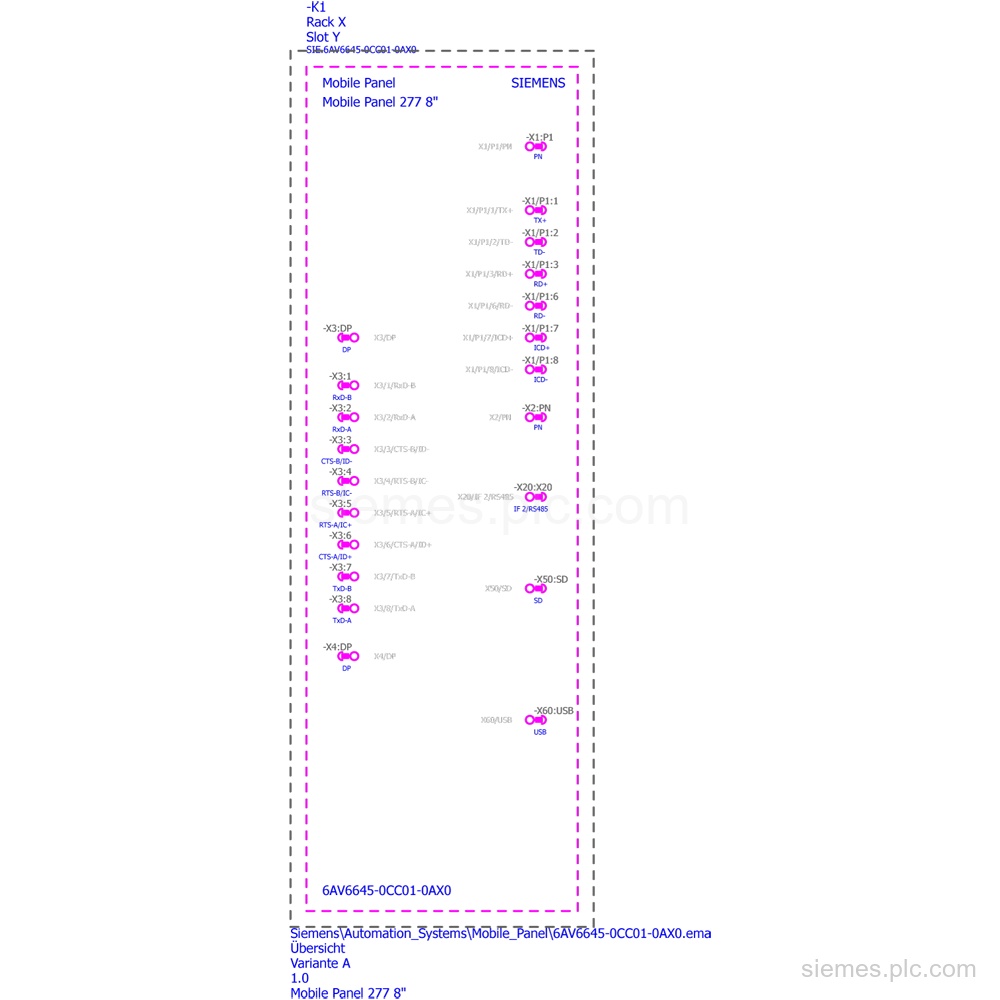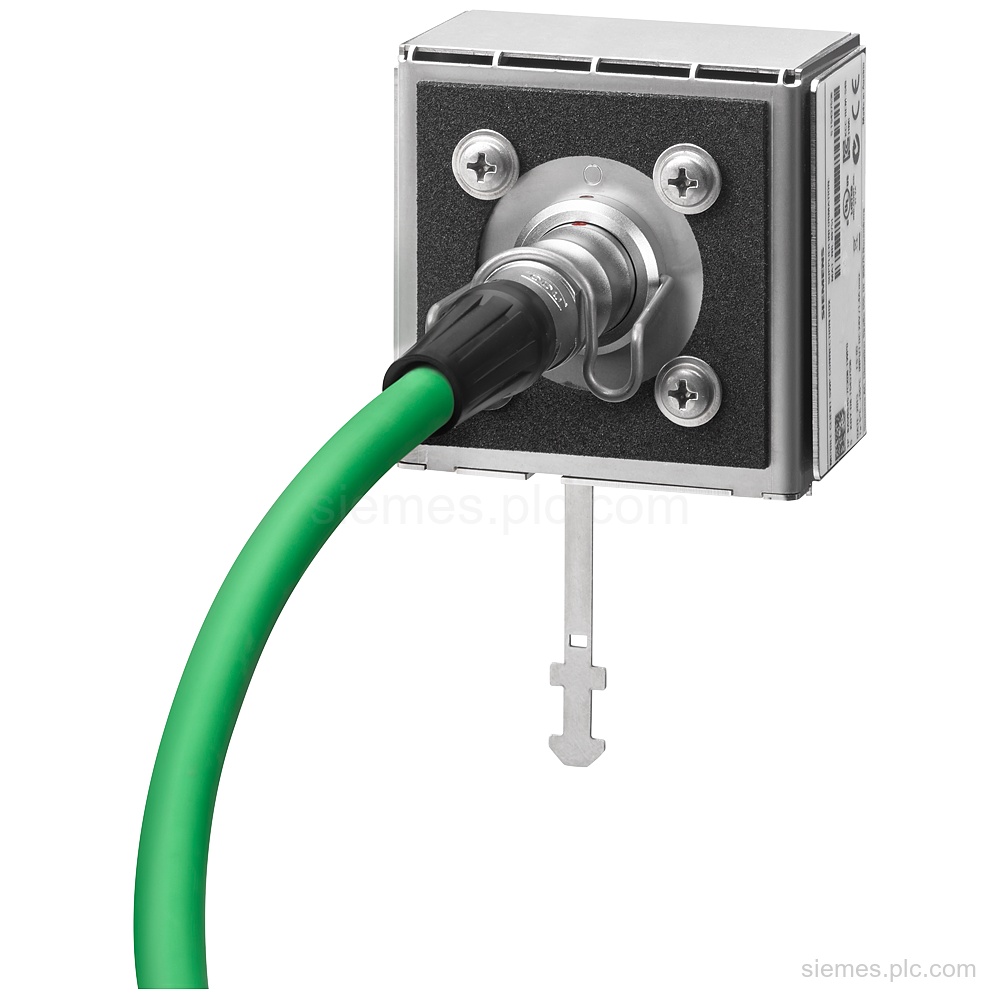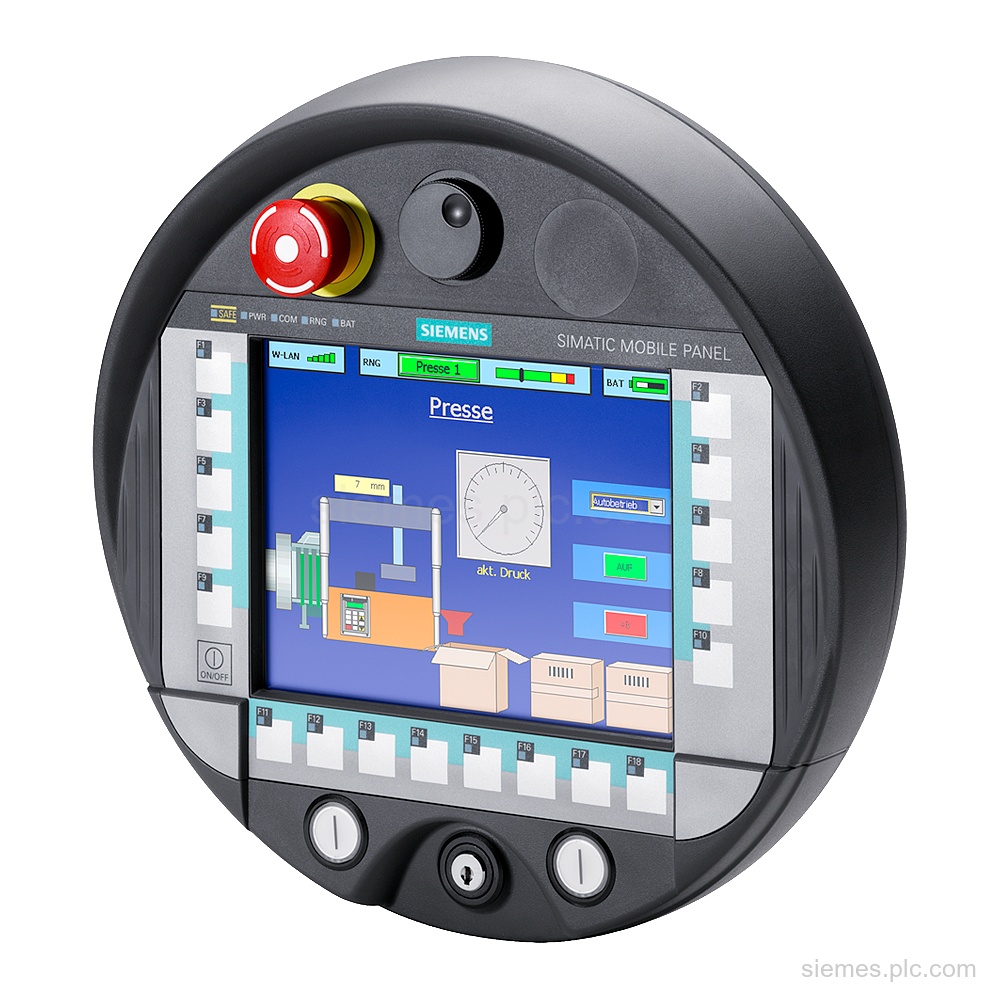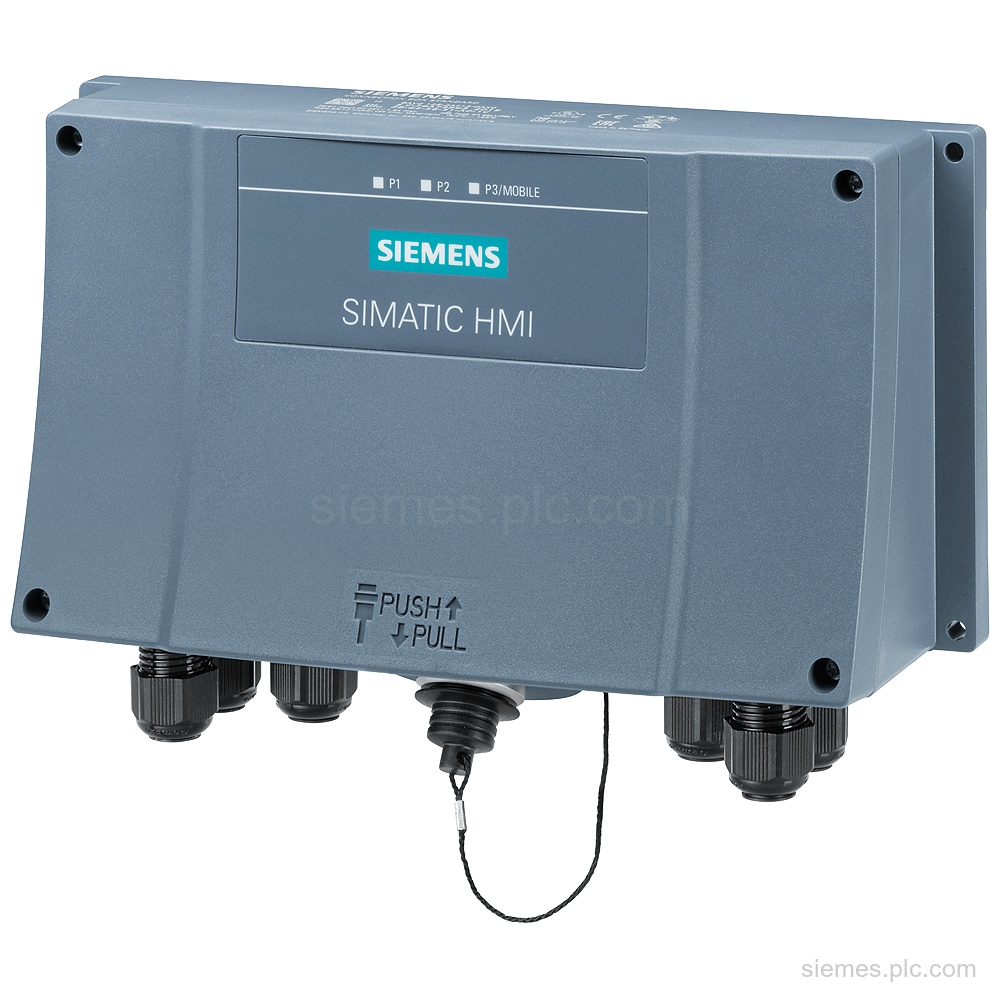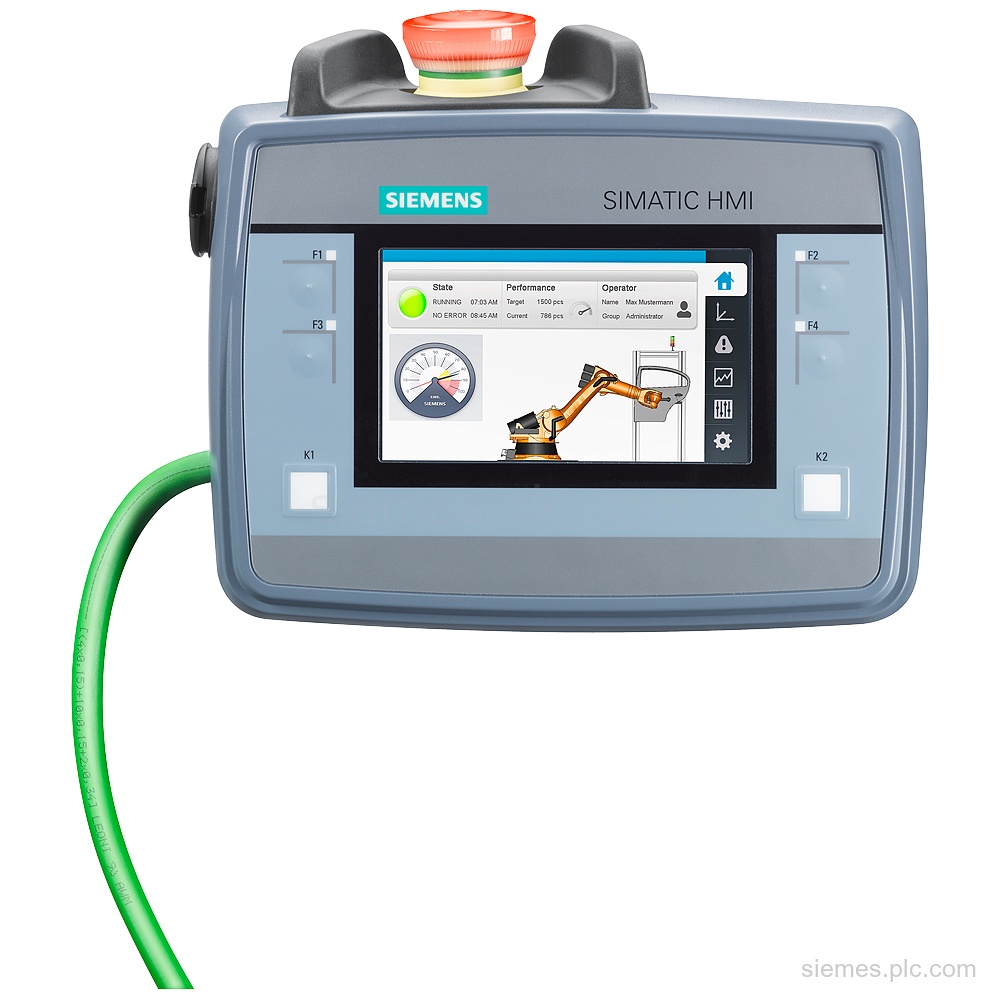
6AV2125-2DB23-0AX0
6AV2125-2DB23-0AX0 identifies Siemens KTP400F Mobile with a 4.3 in TFT display, PROFINET, and 24 V DC supply. Verify the code…

Siemens Product Category
Siemens SIMATIC HMI Mobile Panels provide portable operator control and visualization for machines and distributed systems.
Products
Search HMI Mobile Panels products by Siemens MLFB, part number or product code, or select a product group from the category menu.
6AV2125-2DB23-0AX0 identifies Siemens KTP400F Mobile with a 4.3 in TFT display, PROFINET, and 24 V DC supply. Verify the code…
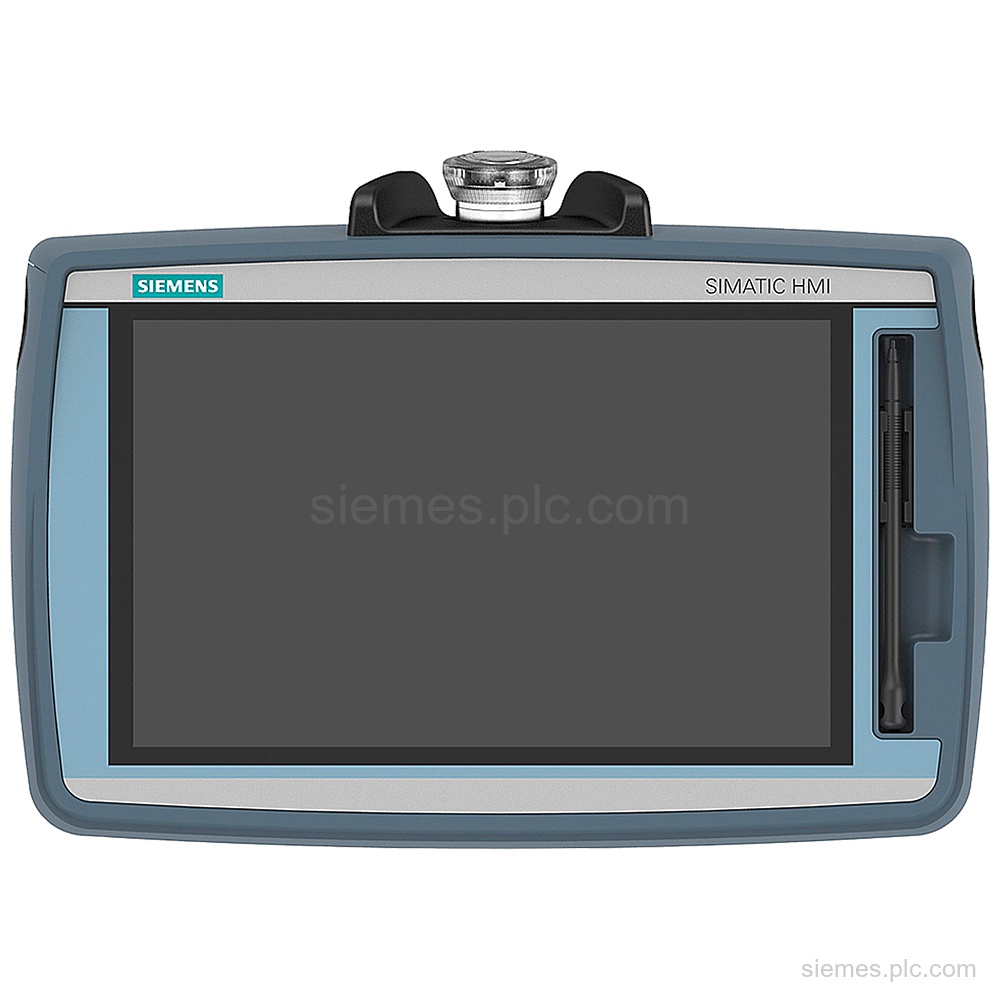
6AV2145-6GB06-0AA0 identifies the SIMATIC HMI KTP700F Mobile Arctic with 7 in TFT display, 800 x 480 pixel resolution, PROFINET and…
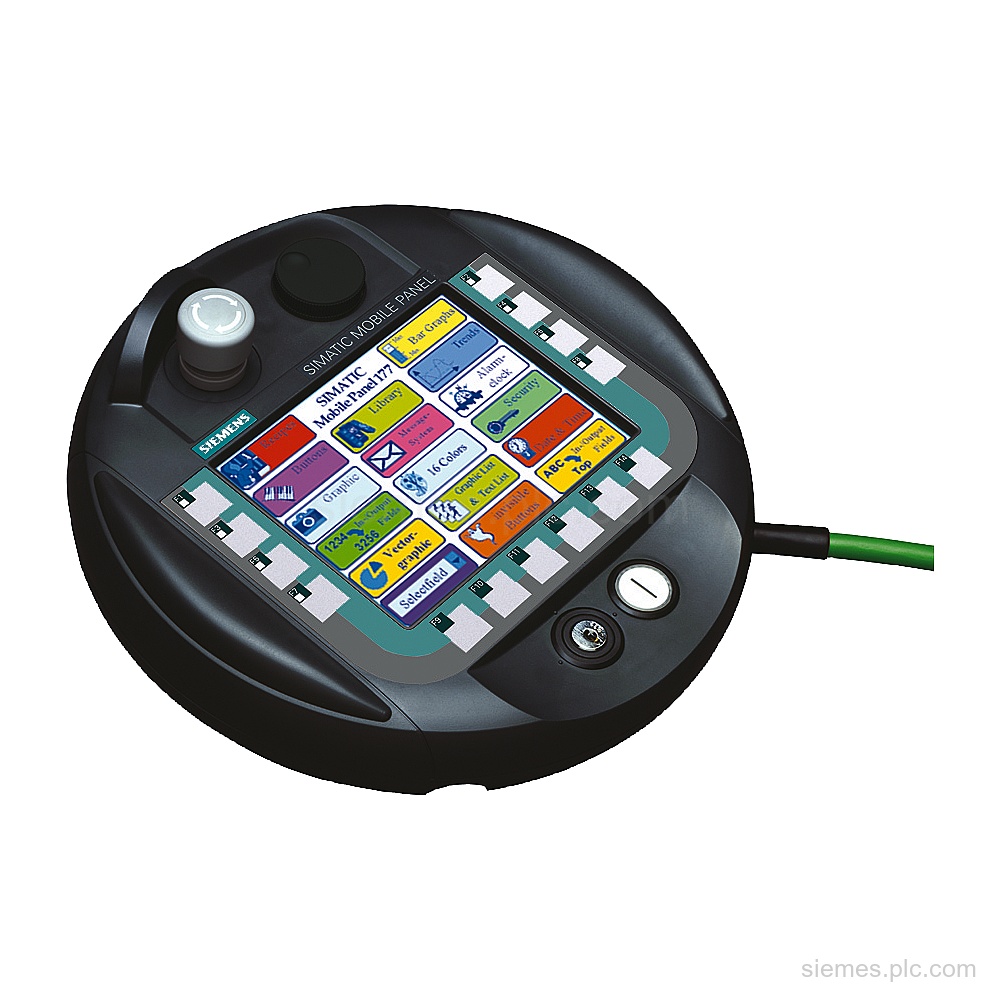
6AV6645-0AC01-0AX0 identifies a Siemens SIMATIC Mobile Panel 177 DP with a 5.7 in color display, 14 function keys, PROFIBUS and…
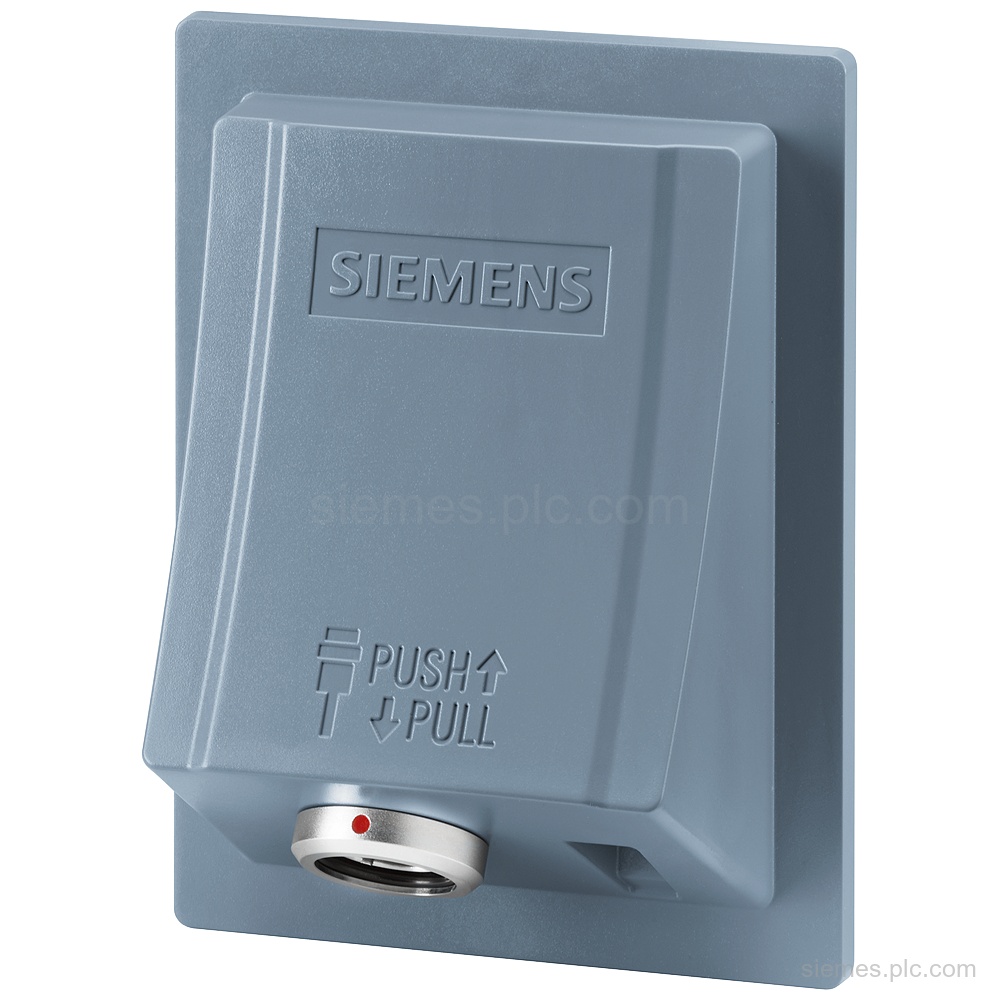
6AV2125-2AE03-0AX0 identifies a SIMATIC HMI connection box for Mobile Panels with PROFINET, PROFIsafe, 24 V DC supply, and IP65 front…
6AV2145-6KB10-0AS0 identifies a Siemens SIMATIC HMI TP1000F Mobile RO with 1280 x 800 pixels, 24 V DC supply, PROFINET interface,…
6AV6645-0BB01-0AX0 identifies a SIMATIC Mobile Panel 177 PN with a 5.7 in color display, 1x Ethernet and 1x RS 485.…
6AV6645-0CC01-0AX0 identifies a SIMATIC Mobile Panel 277 with a 7.5 in TFT color display, 18 LED function keys, USB, RS…
6AV6645-0AA01-0AX0 identifies a Siemens SIMATIC Mobile Panel 177 DP with a 5.7 in STN color display, PROFIBUS and MODBUS. Verify…
6AV6675-5XG00-0AX0 is a PN Basic connection box for Mobile Panel/Client, customer-specific, with 24 V DC supply, 1 Ethernet RJ45 port,…
6AV6645-0EB01-0AX1 identifies a SIMATIC Mobile Panel 277F IWLAN V2 with 7.5 in color display, PROFINET IO and emergency stop. Verify…
Siemens 6AV2125-2AE13-0AX0 is a Standard connection box for Mobile Panels with wall mounting, PROFINET, PROFIsafe, terminal detection, and IP65. Verify…
6AV6645-0EC01-0AX1 identifies a Siemens Mobile Panel 277F IWLAN V2 with 7.5 in TFT display, emergency stop and acknowledgment button. Verify…
Product identification
HMI Mobile Panels products can differ by function, interface, hardware version and configuration. Use the complete identifier and installed equipment details to avoid ordering a different variant.
Copy the complete MLFB, part number or product code, including every suffix shown on the label.
Include the current controller, panel, drive, motor or network details when compatibility must be assessed.
State the quantity, required condition and delivery destination for each requested item.
Multiple products
Send multiple Siemens MLFBs or product codes in one request. Add the quantity, required condition and destination for each item, plus any compatibility or replacement question that needs assessment.