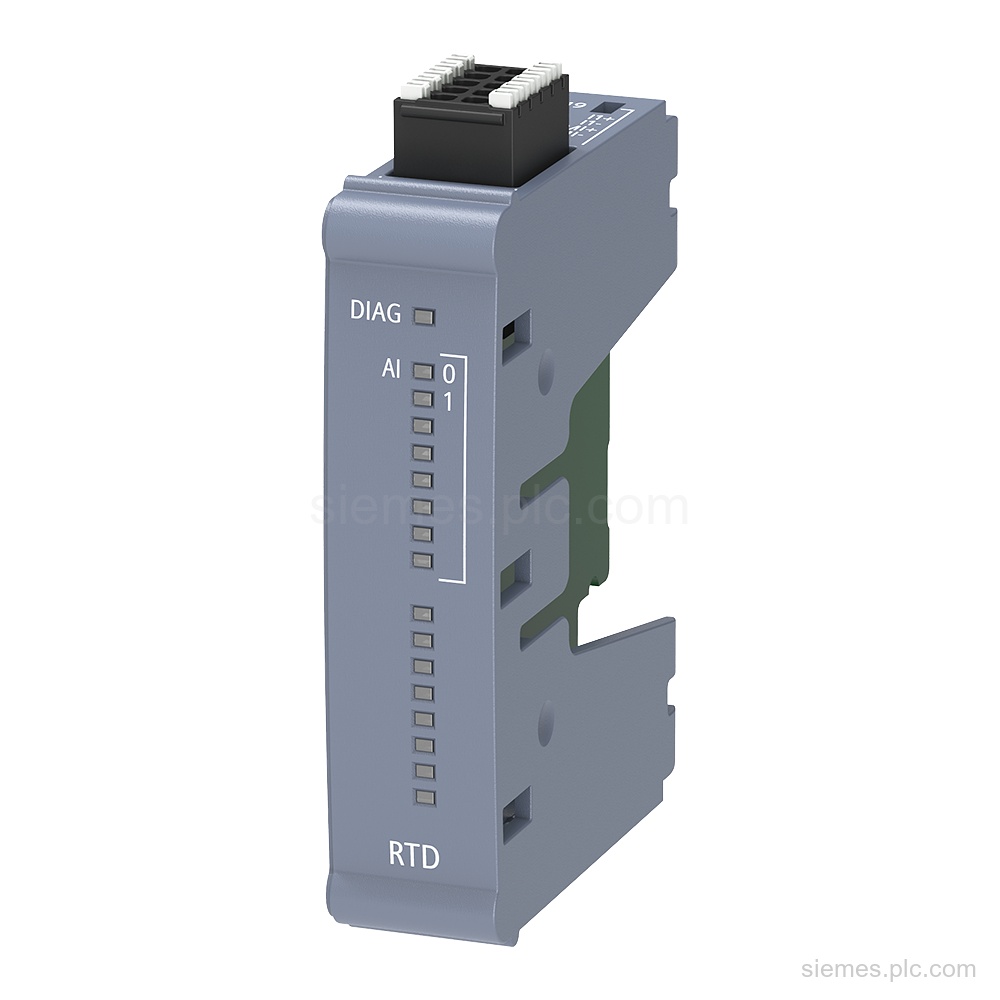
6ES7231-5PB50-0XB0
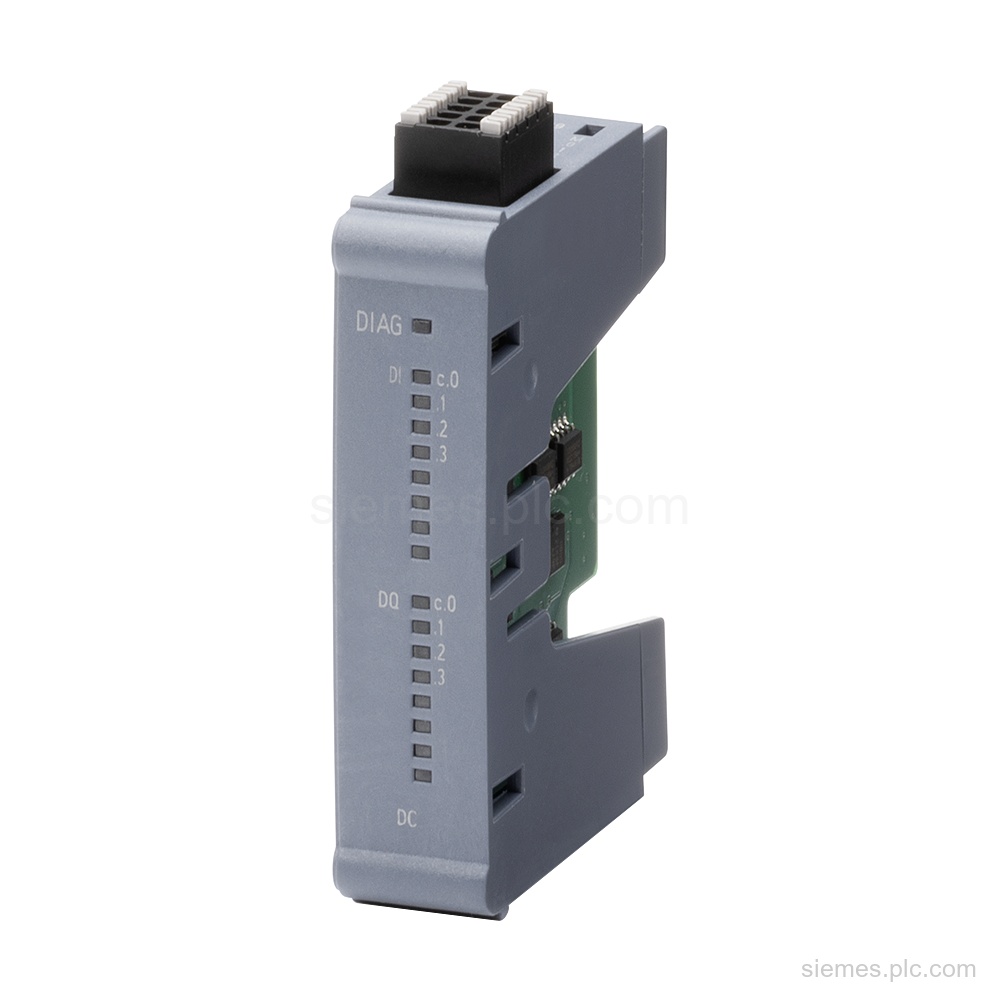
6ES7231-5PB50-0XB0 identifies a Siemens SIMATIC S7-1200 G2 SB 1231 RTD signal board with 2 analog RTD inputs and 16-bit resolution.…

Siemens Product Category
SIMATIC S7-1200 G2 products provide compact PLC control with updated processing, communication and motion functions.
Products
Search SIMATIC S7-1200 G2 products by Siemens MLFB, part number or product code, or select a product group from the category menu.
6ES7231-5PB50-0XB0 identifies a Siemens SIMATIC S7-1200 G2 SB 1231 RTD signal board with 2 analog RTD inputs and 16-bit resolution.…
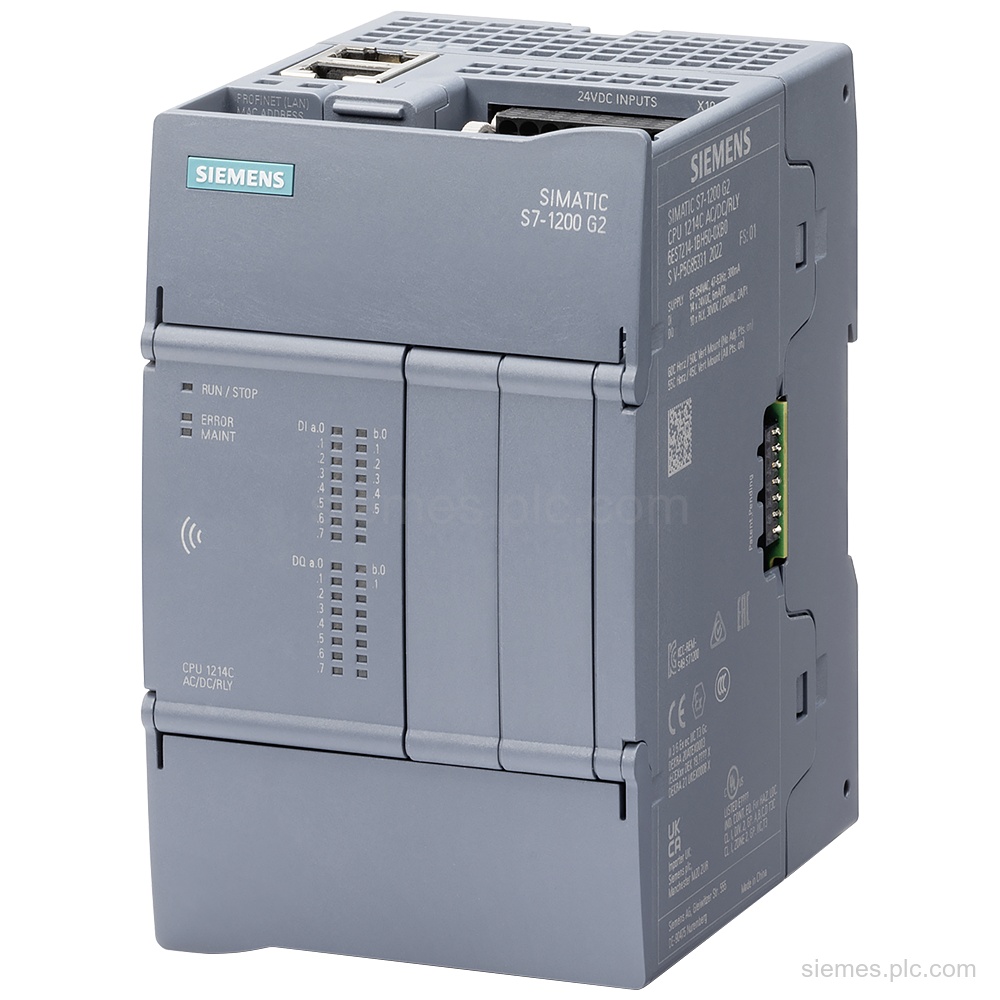
6ES7214-1AH50-0XB0 identifies a SIMATIC S7-1200 G2 CPU 1214C with 14 digital inputs, 10 digital outputs, and one PROFINET interface. Verify…
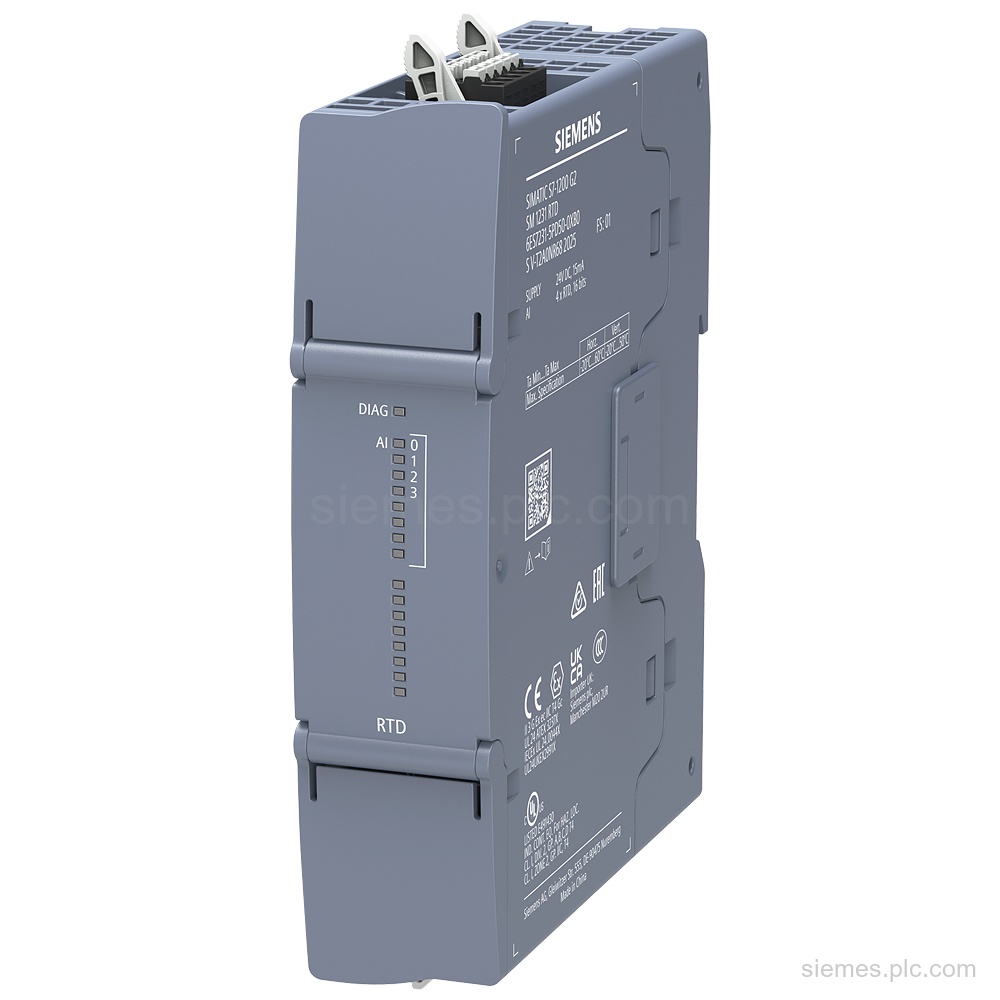
6ES7231-5PD50-0XB0 identifies a SIMATIC S7-1200 G2 SM 1231 RTD module with 4 RTD inputs, 24 V supply, and Pt100/Pt1000 support.…
6ES7292-4AK50-0XA0 identifies a SIMATIC S7-1200 G2 spare I/O terminal block: tin-coated, push-in, gray, with 4 units of 10 pins. Verify…
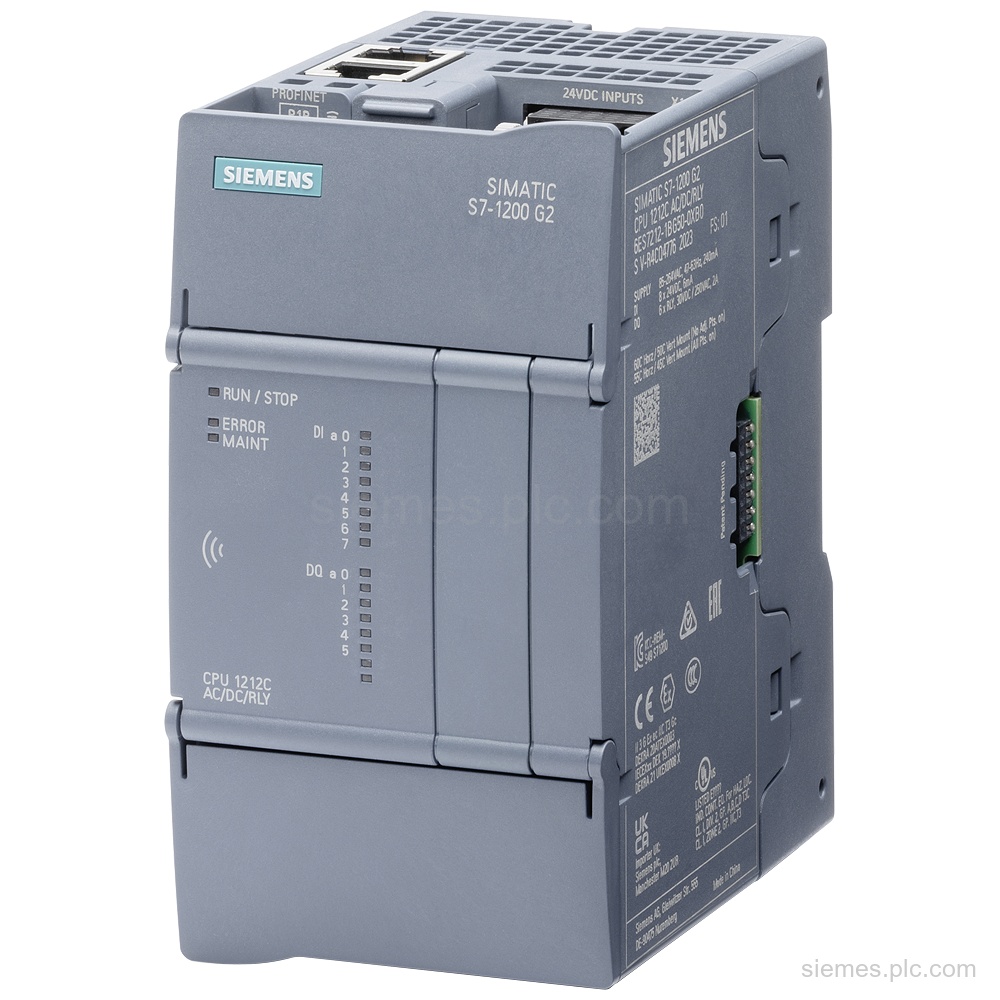
6ES7212-1BG50-0XB0 identifies a SIMATIC S7-1200 G2 CPU 1212C AC/DC/relay with 8 DI, 6 relay DO, and 1 PROFINET interface. Verify…
6ES7221-3BF50-0XB0 identifies the Siemens SIMATIC S7-1200 G2 SB 1221 digital input with 8 DI, 24 V DC, and 100 kHz.…
Siemens 6ES7292-2AF50-0XA3 identifies a SIMATIC S7-1200 G2 spare push-in terminal block for CPU AC PS. It is tin-coated, orange, and…
6ES7291-1AB50-0XA0 identifies SIMATIC S7-1200 G2 CPU 1214 spare-part front flaps, supplied as 2 units each for the top and bottom…
6ES7292-2AM50-0XA3 identifies a SIMATIC S7-1200 G2 spare I/O terminal block in push-in design, orange and tin-coated, for CPU 1214C relay…
Siemens 6ES7214-1AF50-0XB0 identifies a SIMATIC S7-1200 G2 failsafe CPU 1214FC with 14 DI, 10 DO, 24 V DC supply, and…
6ES7292-2AF50-0XA0 identifies a SIMATIC S7-1200 G2 spare push-in terminal block for CPU DC PS. It is gray, tin-coated, and supplied…
6ES7292-2AM50-0XA0 identifies a SIMATIC S7-1200 G2 spare I/O terminal block in gray, tin-coated push-in design, for CPU 1214C output side.…
Product identification
SIMATIC S7-1200 G2 products can differ by function, interface, hardware version and configuration. Use the complete identifier and installed equipment details to avoid ordering a different variant.
Copy the complete MLFB, part number or product code, including every suffix shown on the label.
Include the current controller, panel, drive, motor or network details when compatibility must be assessed.
State the quantity, required condition and delivery destination for each requested item.
Multiple products
Send multiple Siemens MLFBs or product codes in one request. Add the quantity, required condition and destination for each item, plus any compatibility or replacement question that needs assessment.