6DL5210-1FX08-2YE0
6DL5210-1FX08-2YE0 identifies a BRAUMAT,SISTAR SQL Adapter IOS upgrade from V7.5 to V8.1, single license, USB flash drive, 2 languages. Verify…

Siemens Product Category
We supply Siemens products for process control, motion, CNC, power supplies and industrial controls.
Products
Search More Siemens Products products by Siemens MLFB, part number or product code, or select a product group from the category menu.
6DL5210-1FX08-2YE0 identifies a BRAUMAT,SISTAR SQL Adapter IOS upgrade from V7.5 to V8.1, single license, USB flash drive, 2 languages. Verify…
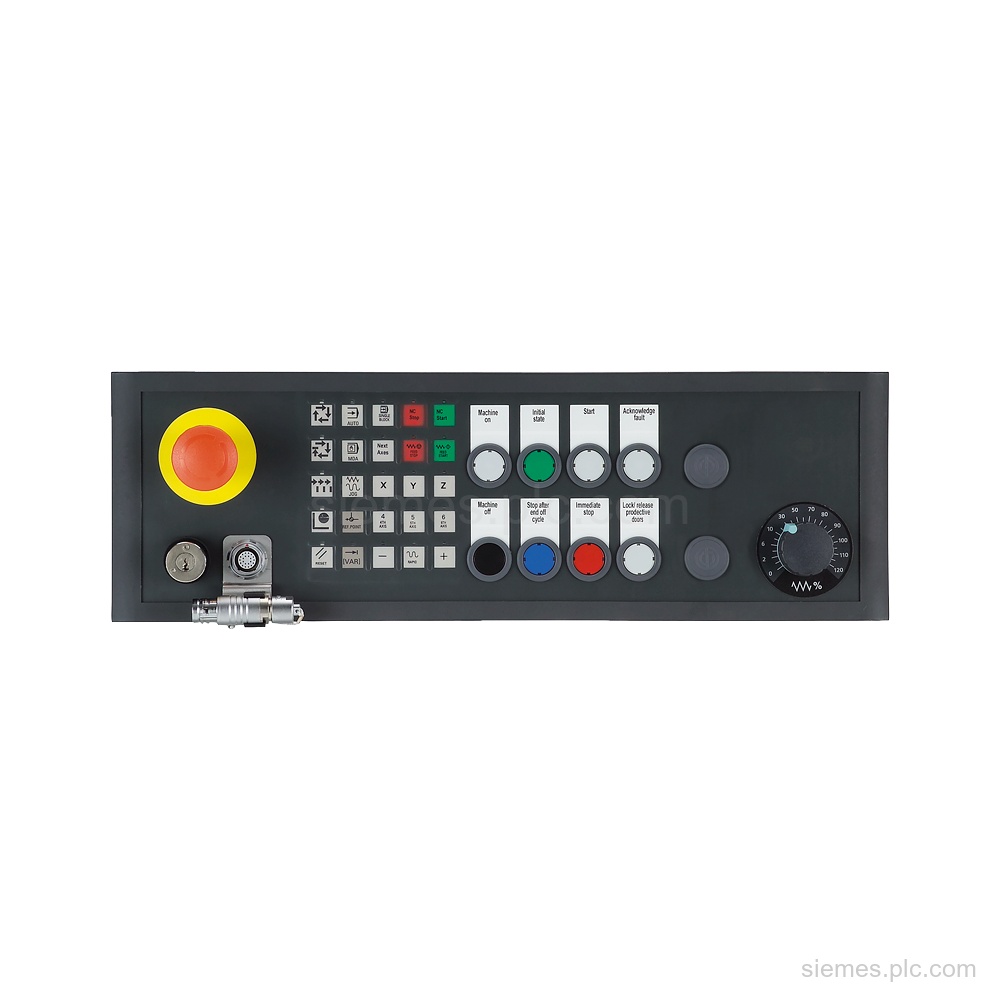
6FC5303-1AF02-8AW0 identifies a SINUMERIK MPP 483 HTC-S21 pushbutton panel with MPI/PROFIBUS DP and HT 8 connection, blanking cover, and EKS…
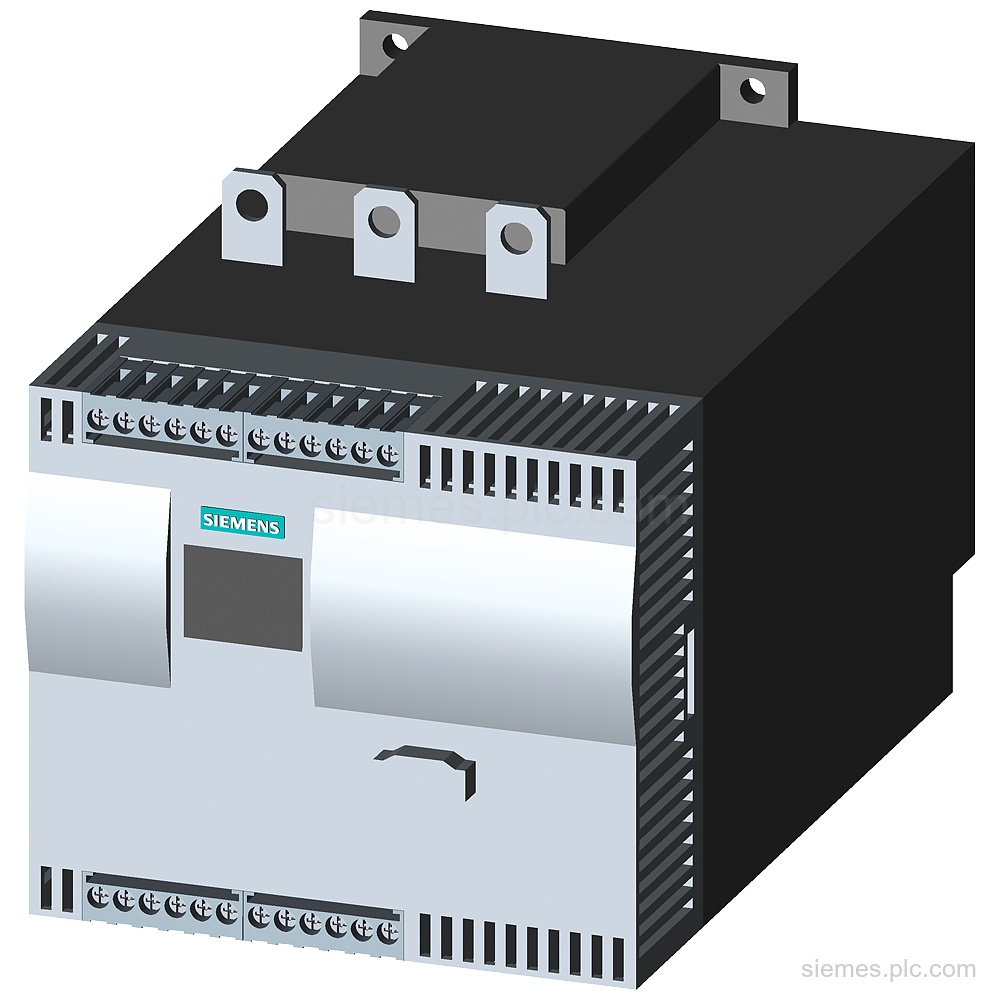
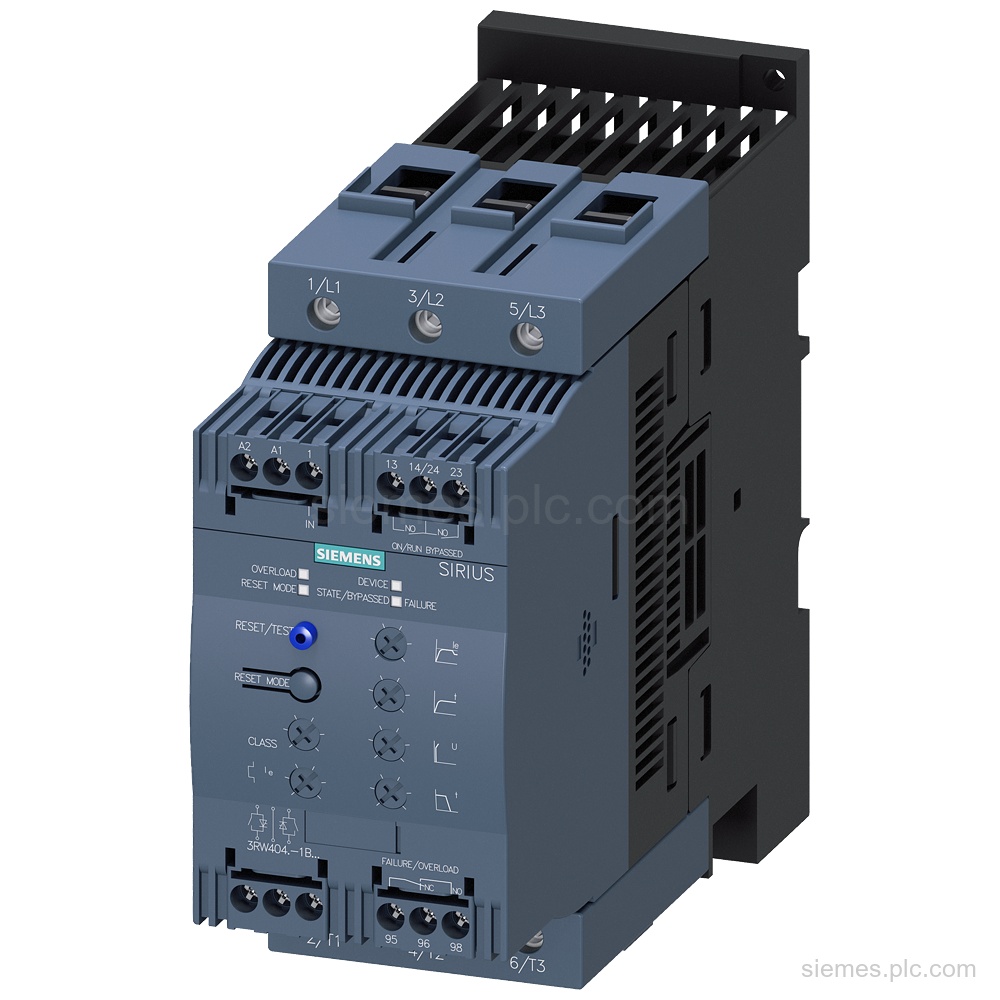
3RW4436-6BC44 is a Siemens SIRIUS soft starter rated at 162 A and 90 kW at 400 V, 40 °C in…
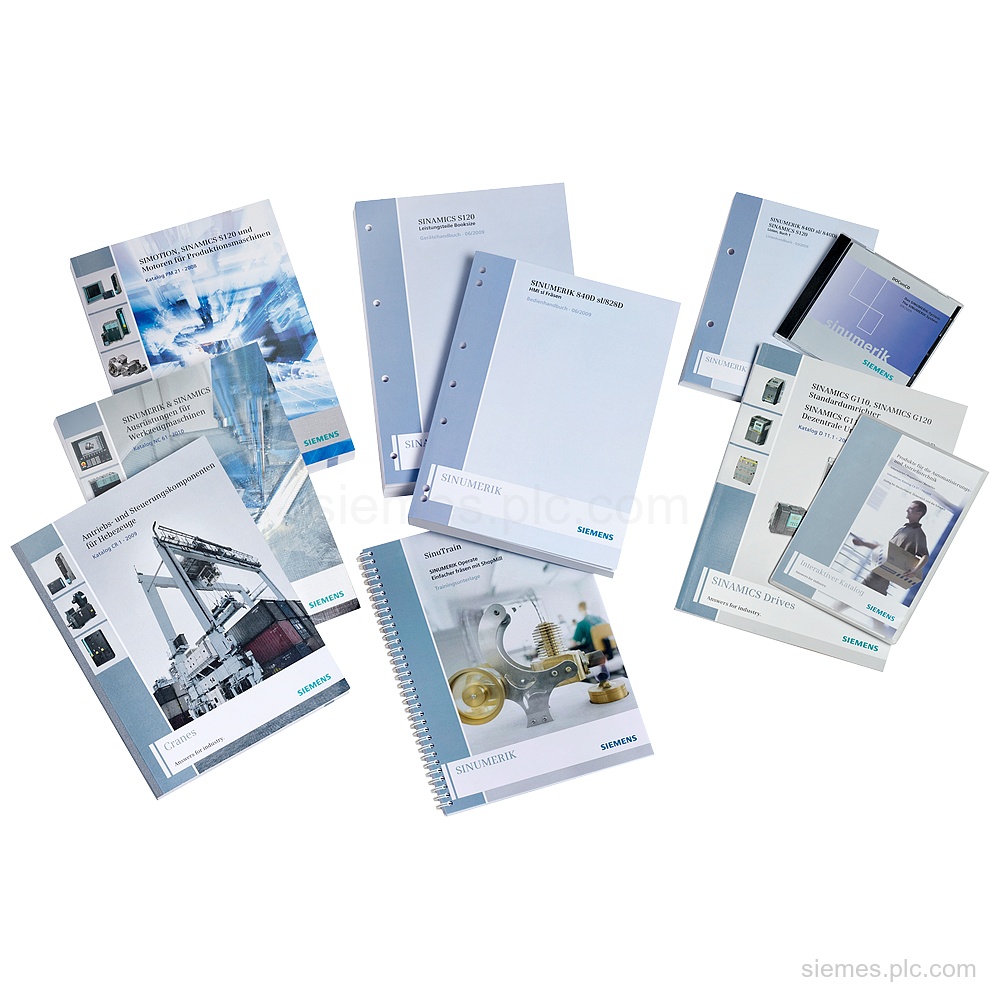
6FC5850-3XP00-0YL8 is SINUMERIK 840D sl CNC software, version 6-3/31-5, with SINUMERIK Operate and 6 languages. Verify this exact code and…
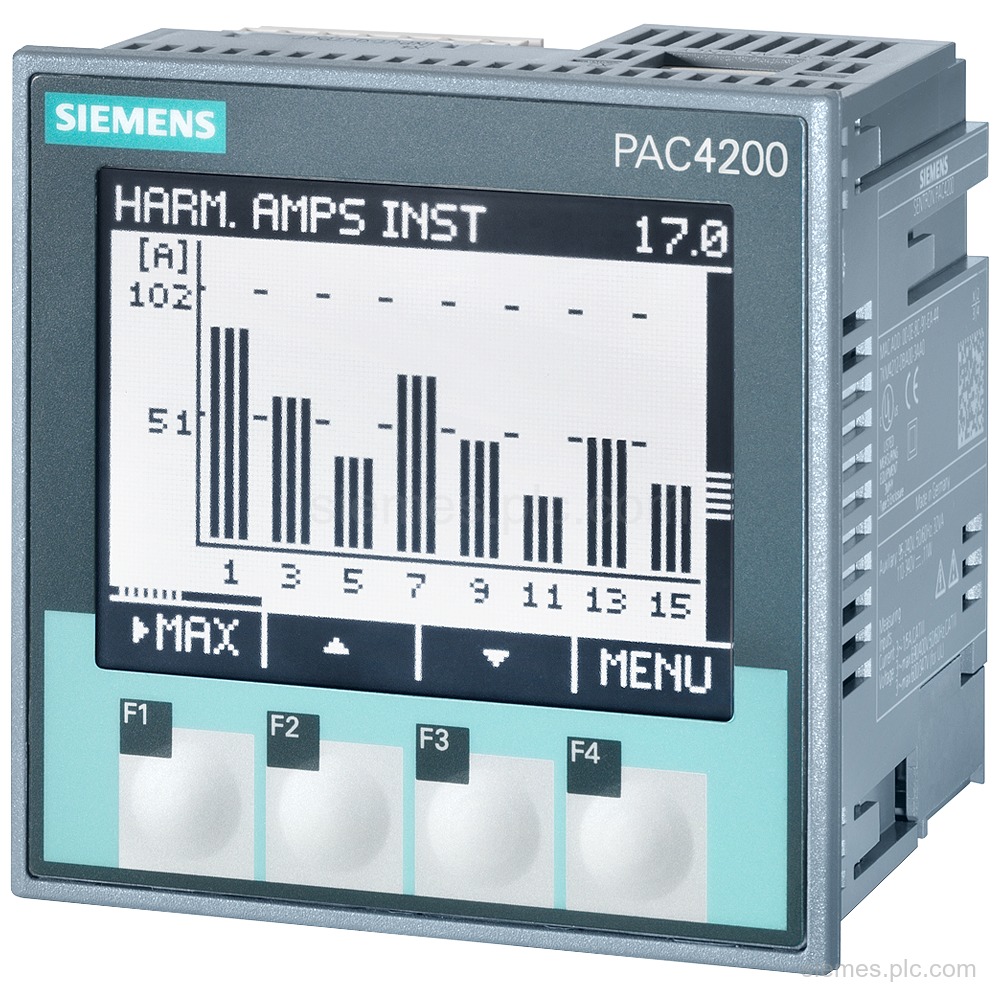
7KM4212-0BA00-3AA0 is a SENTRON 7KM PAC4200 measuring device with LCD, 690 V L-L, 400 V L-N, 5 A, 3-phase measurement…
Siemens 3RW4047-1BB05 SIRIUS soft starter with 106 A rated current at 40 °C, 75 kW at 500 V, 400 ...…
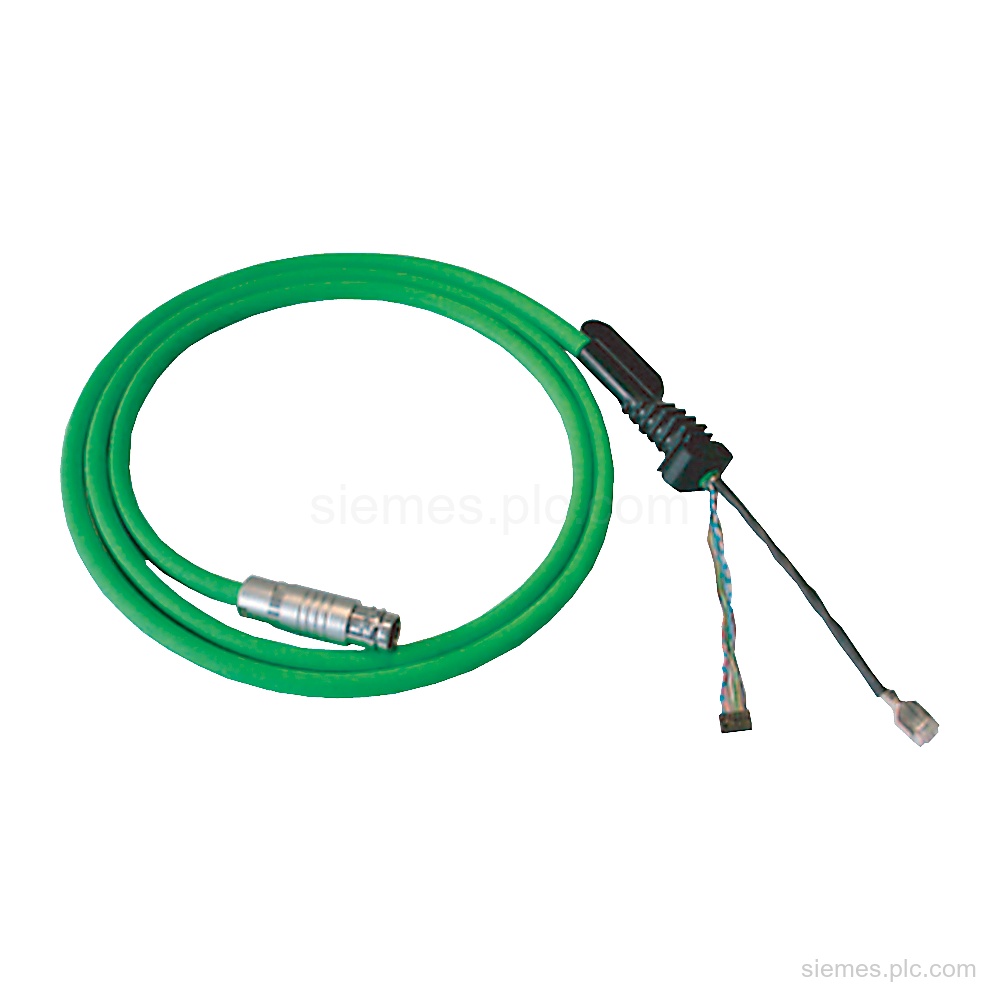
6XV1440-4BH20 Siemens PN connecting cable for PROFINET Mobile Panels: 2 m, 24 V DC, IP65 front and rear. Verify the…
6DL5210-1BX08-0DE0 identifies a BRAUMAT,SISTAR IOS Server upgrade from V7.5 to V8.1 SP1, with a single license and 2 languages (de,…
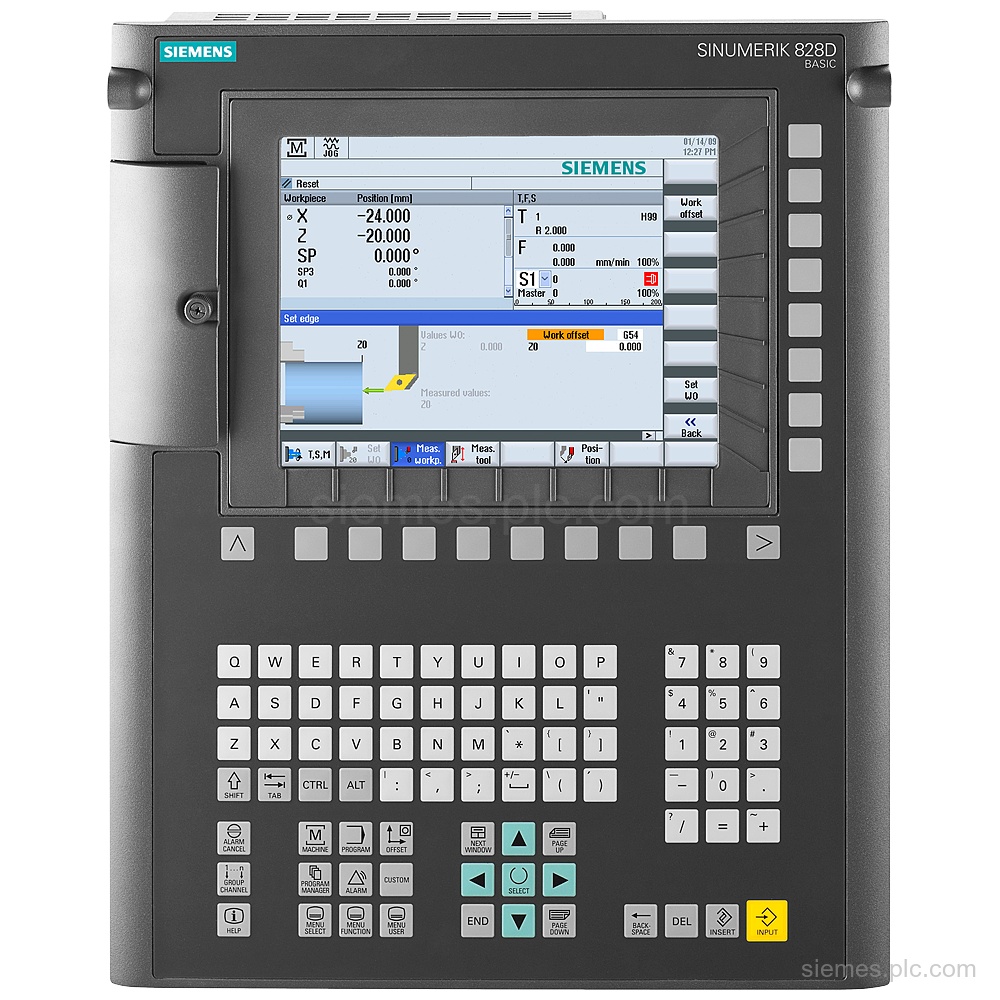
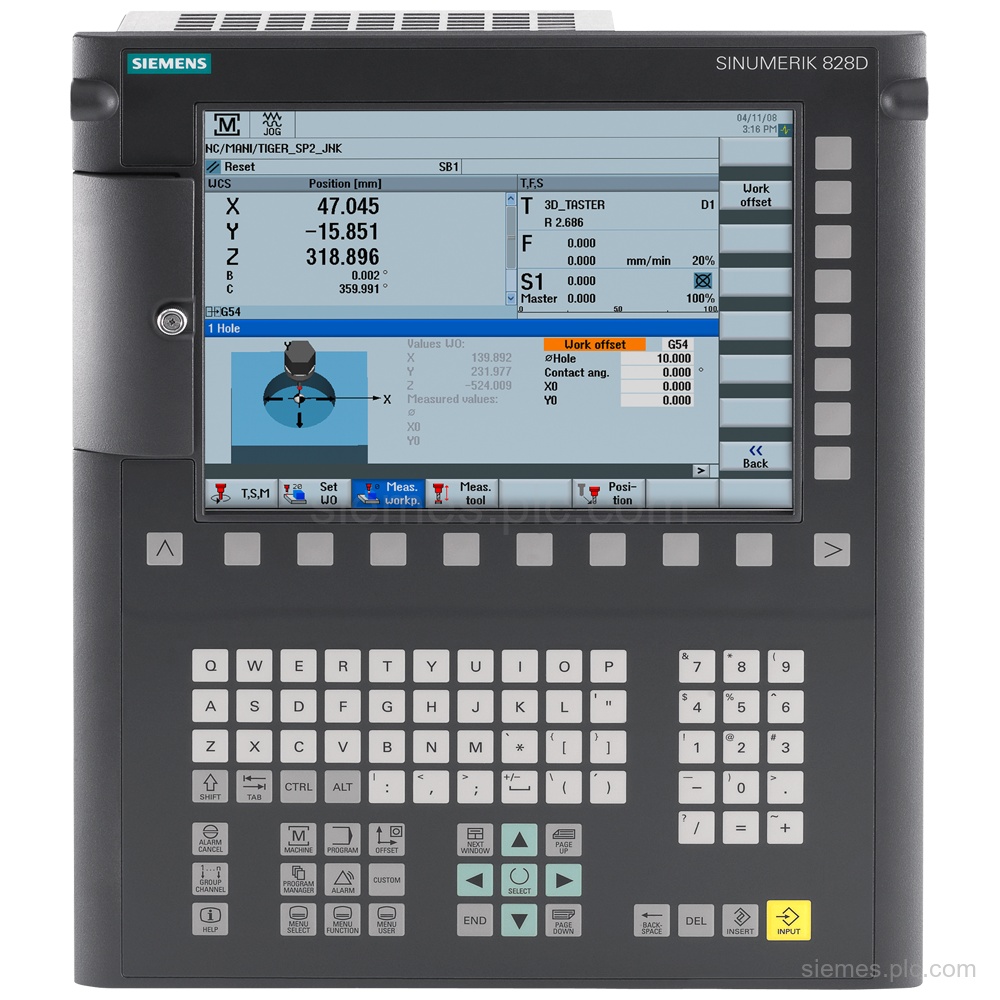
6FC5370-4AA30-0AA0 identifies a Siemens SINUMERIK 828D Basic CNC hardware PPU 240.3 vertical spare part. Verify the complete code and request…
6AV6676-6MA30-1AX0 identifies a SIMATIC MODBUS/TCP 100 single license for connecting 100 SENTRON PAC devices, supplied on CD-ROM. Verify the complete…
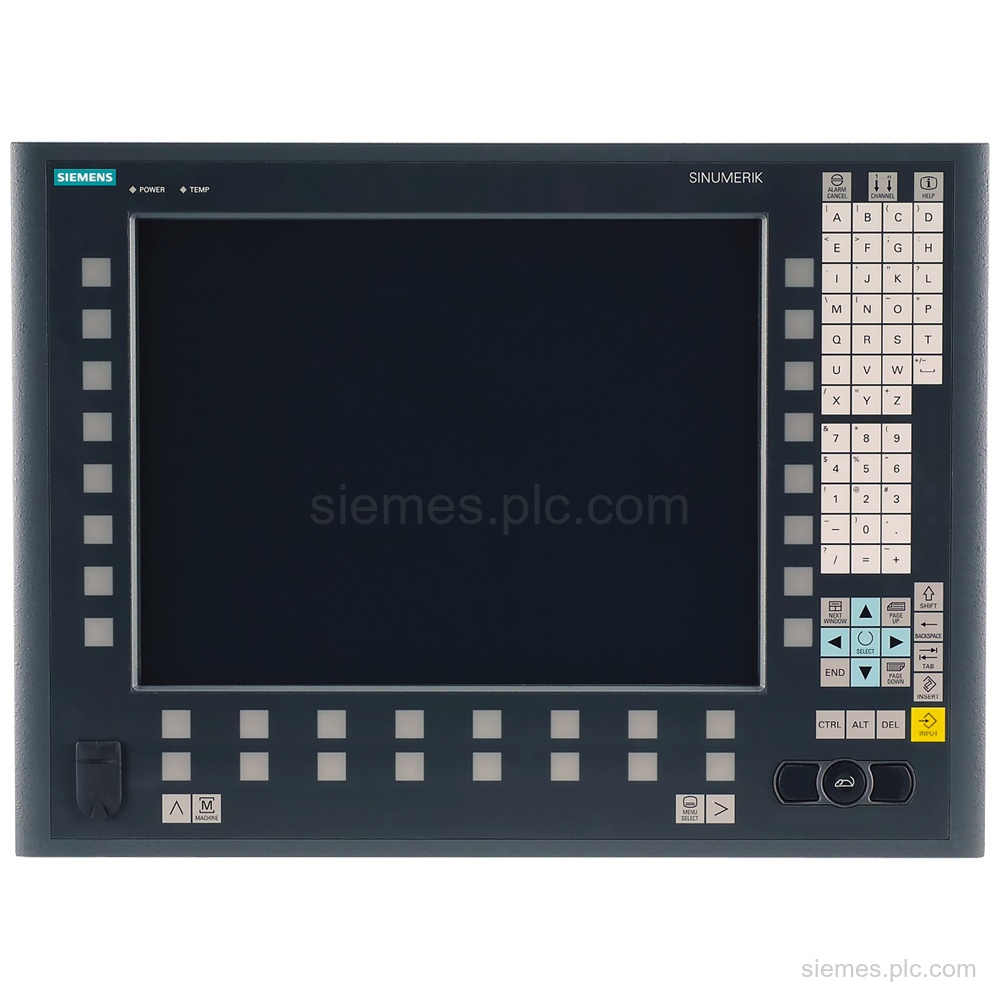
6FC5203-0AF53-1AB3 identifies a SINUMERIK operator panel front with TP 015AT, 15" TFT display, membrane keys, touch, and integrated TCU 20.2.…
Siemens 6FC5370-8AA00-0AA0 identifies a SINUMERIK 828D CNC PPU 280.1 vertical spare part, 4.500 kg. Verify the code and request a…
Product identification
More Siemens Products products can differ by function, interface, hardware version and configuration. Use the complete identifier and installed equipment details to avoid ordering a different variant.
Copy the complete MLFB, part number or product code, including every suffix shown on the label.
Include the current controller, panel, drive, motor or network details when compatibility must be assessed.
State the quantity, required condition and delivery destination for each requested item.
Multiple products
Send multiple Siemens MLFBs or product codes in one request. Add the quantity, required condition and destination for each item, plus any compatibility or replacement question that needs assessment.