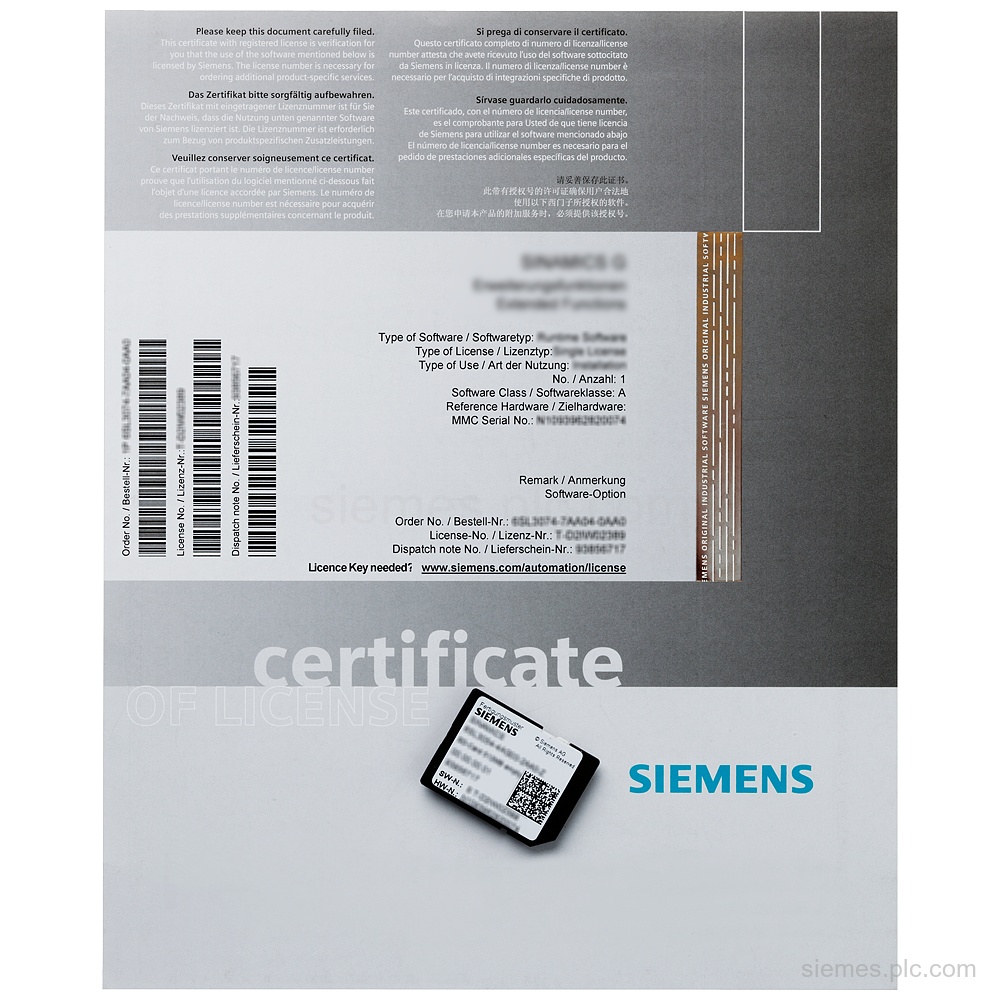
6DL5210-1KX08-2YE0
6DL5210-1KX08-2YE0 identifies a BRAUMAT,SISTAR software upgrade package from V7.5 to V8.1 with a single runtime license and 2 languages, de…

Siemens Product Category
We supply Siemens products for process control, motion, CNC, power supplies and industrial controls.
Products
Search More Siemens Products products by Siemens MLFB, part number or product code, or select a product group from the category menu.
6DL5210-1KX08-2YE0 identifies a BRAUMAT,SISTAR software upgrade package from V7.5 to V8.1 with a single runtime license and 2 languages, de…
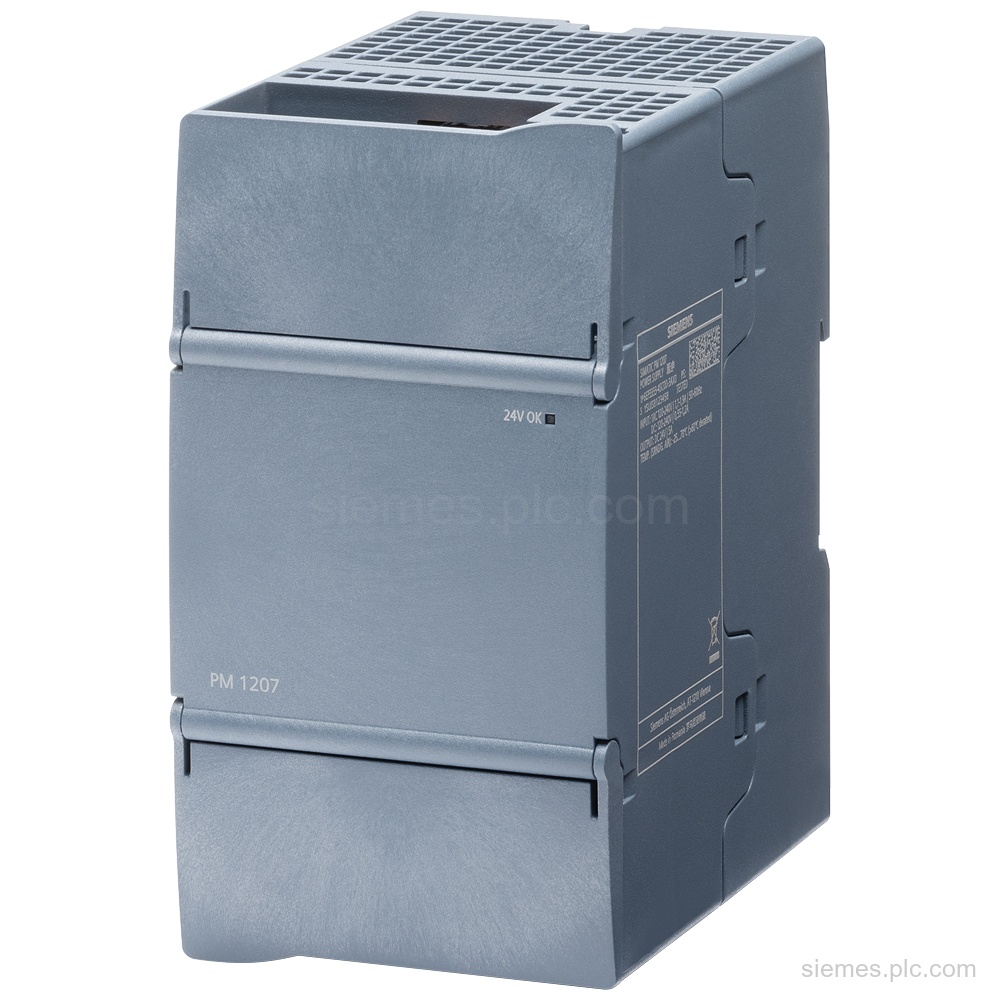
6EP3333-4SB00-3AX0 is a SIMATIC S7-1200 PM 1207 power module with 24 V DC/5 A output, diagnostic interface, and 120–240 V…
6ES7648-1AA22-0YP0 identifies a SIMATIC IPC vertical mounting kit for Microbox IPC BX-39A. Net weight: 0.300 kg. Verify the code and…
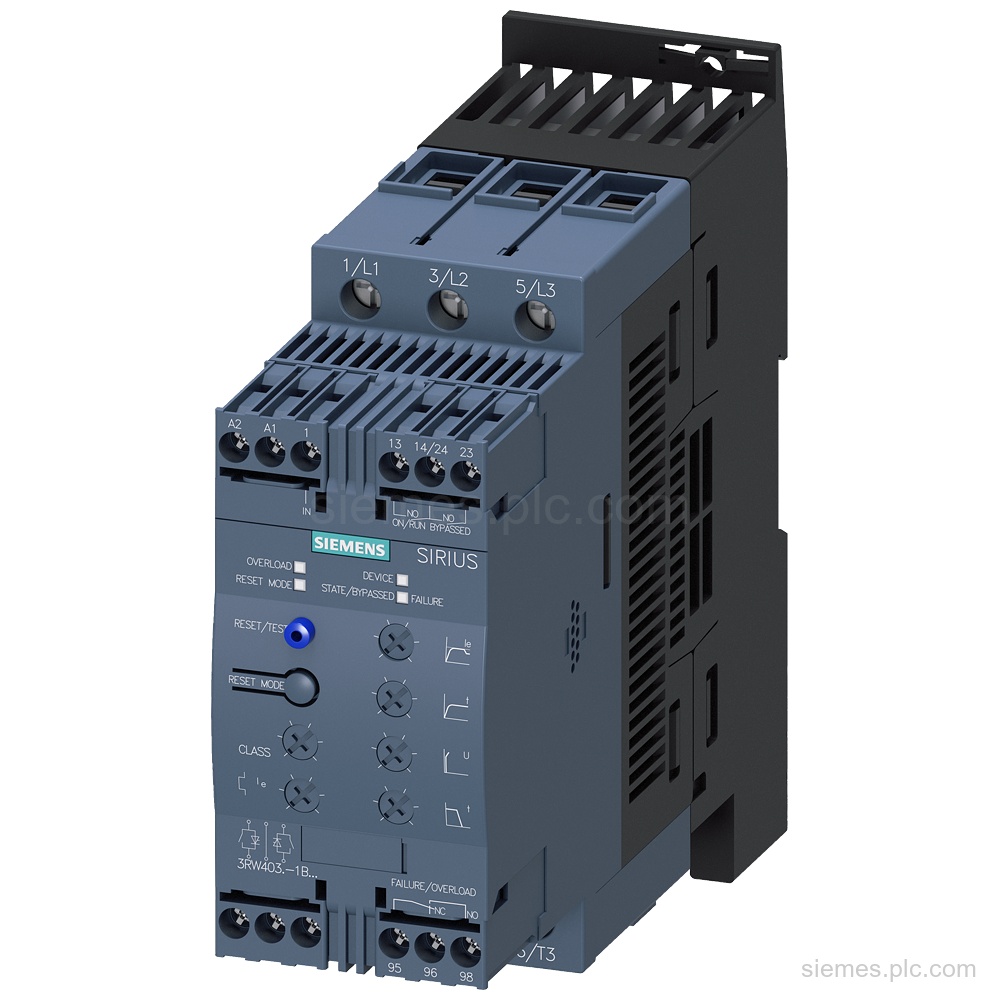
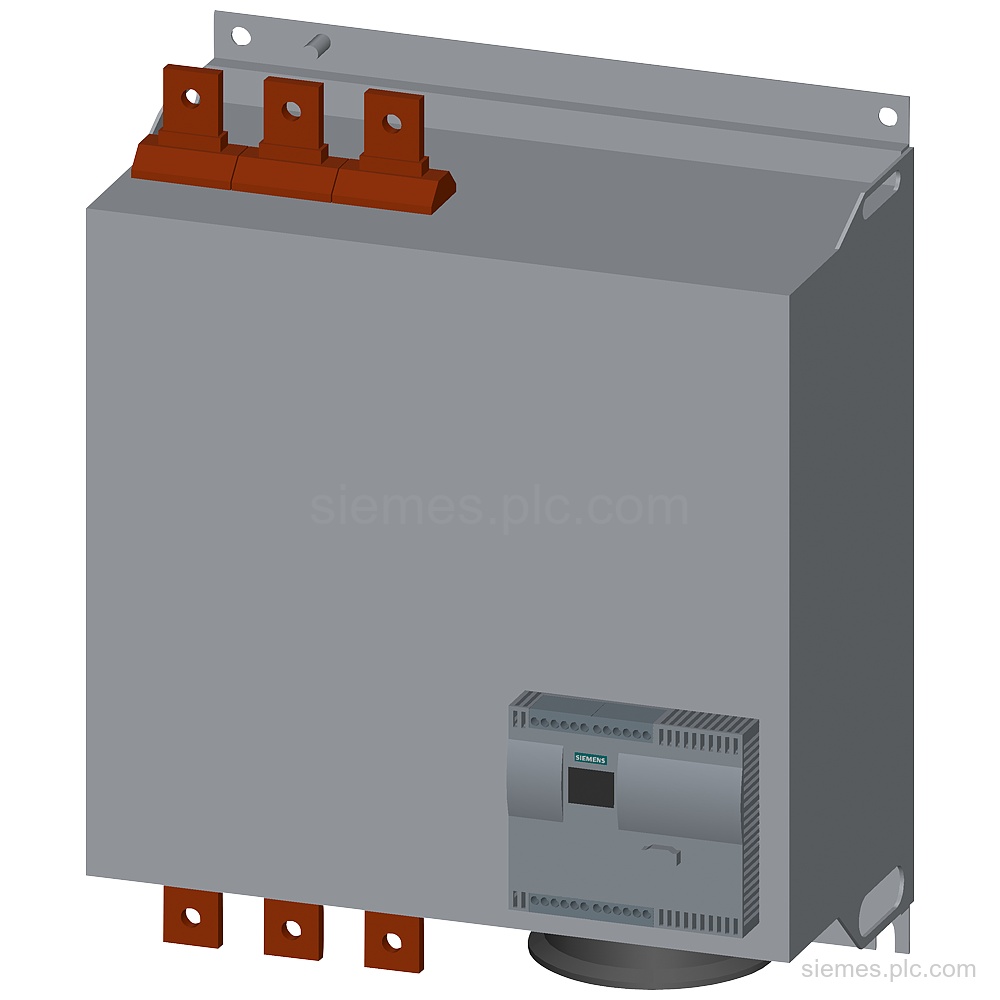
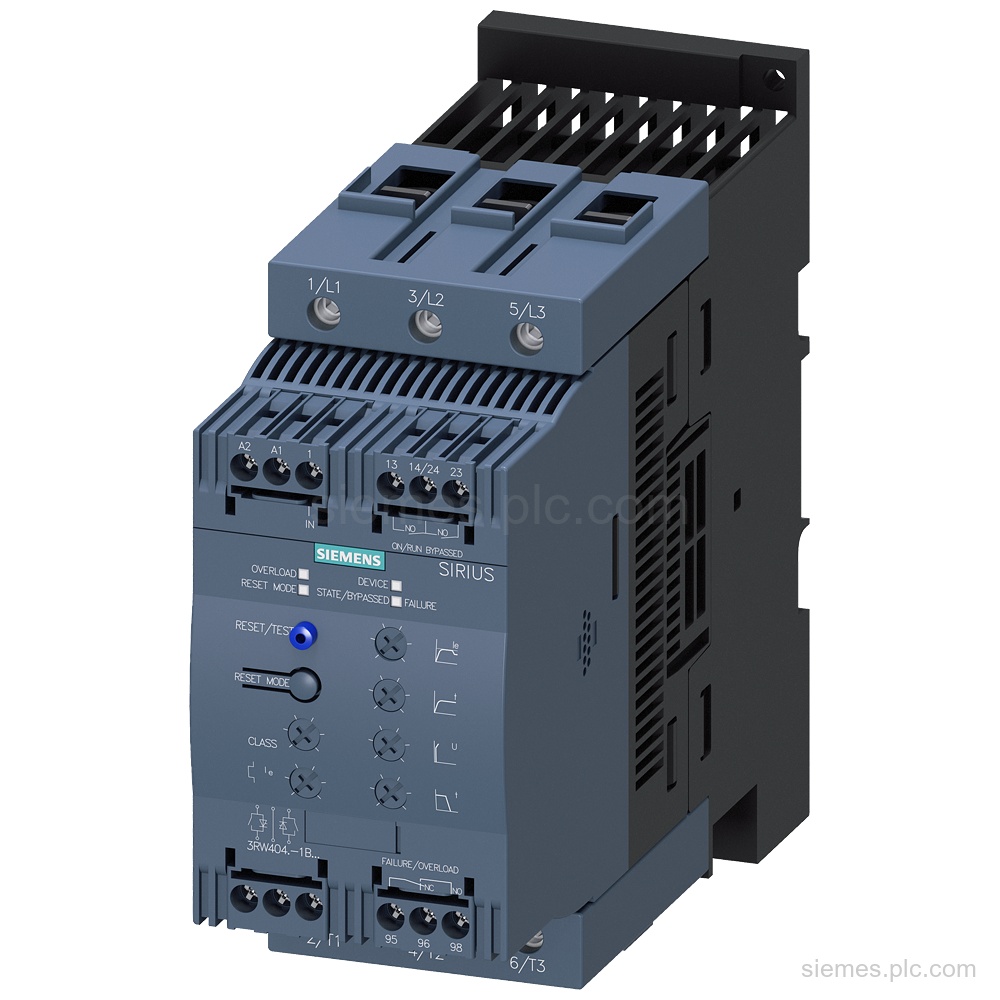
3RW4037-1BB15 identifies a Siemens SIRIUS soft starter with 63 A rated current, 37 kW at 500 V, 400 to 600…
6DL5210-1GX08-2DE0 identifies a BRAUMAT,SISTAR SQL Adapter Server V8.1 software upgrade from V7.5, with a single runtime license download. Verify the…
6FC5800-0AM50-0YB0 identifies a Siemens SINUMERIK 840D sl tool management software option delivered as a license. Verify the code and request…
3RW4456-6BC44 identifies a Siemens SIRIUS soft starter with 780 A at 400 V in standard circuit, 450 kW, 230 V…
6AV6676-6MA30-2AX0 identifies a SIMATIC MODBUS/TCP single license for connection of 512 SENTRON PAC devices, with STEP 7 V5.5 or higher…
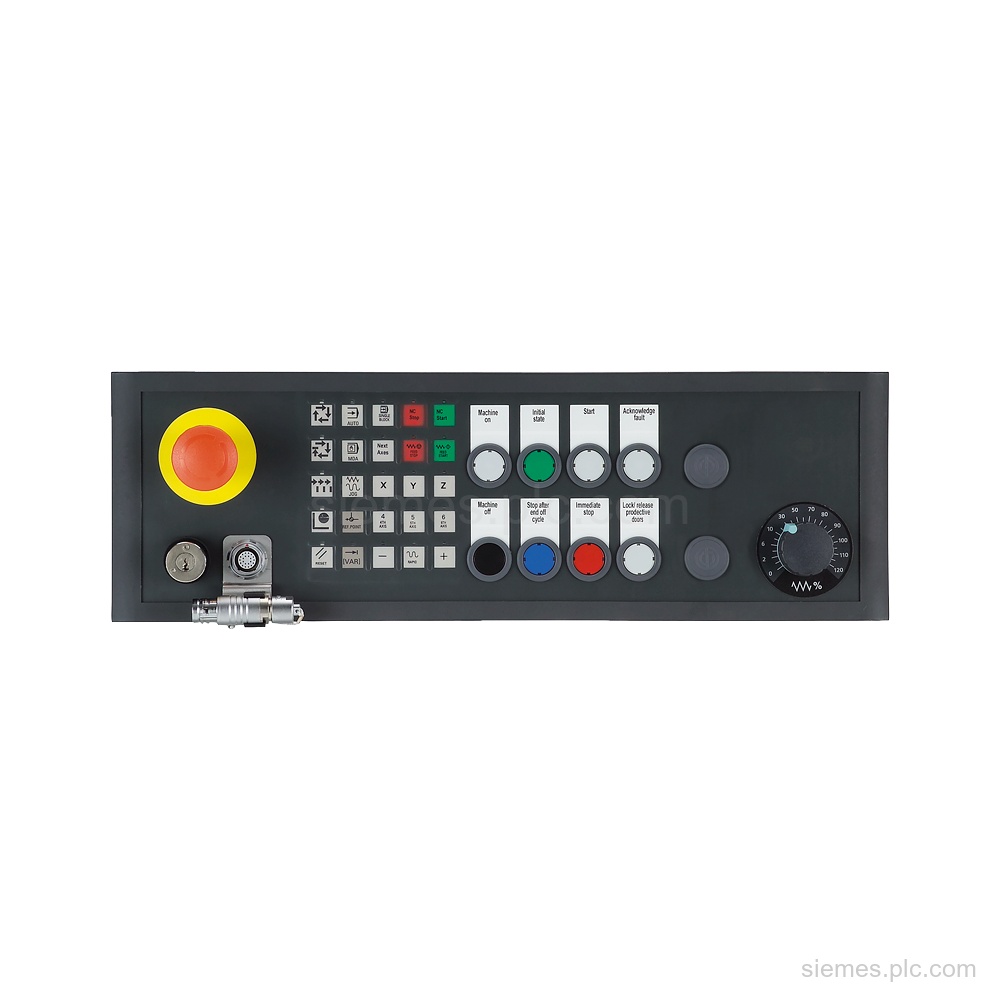
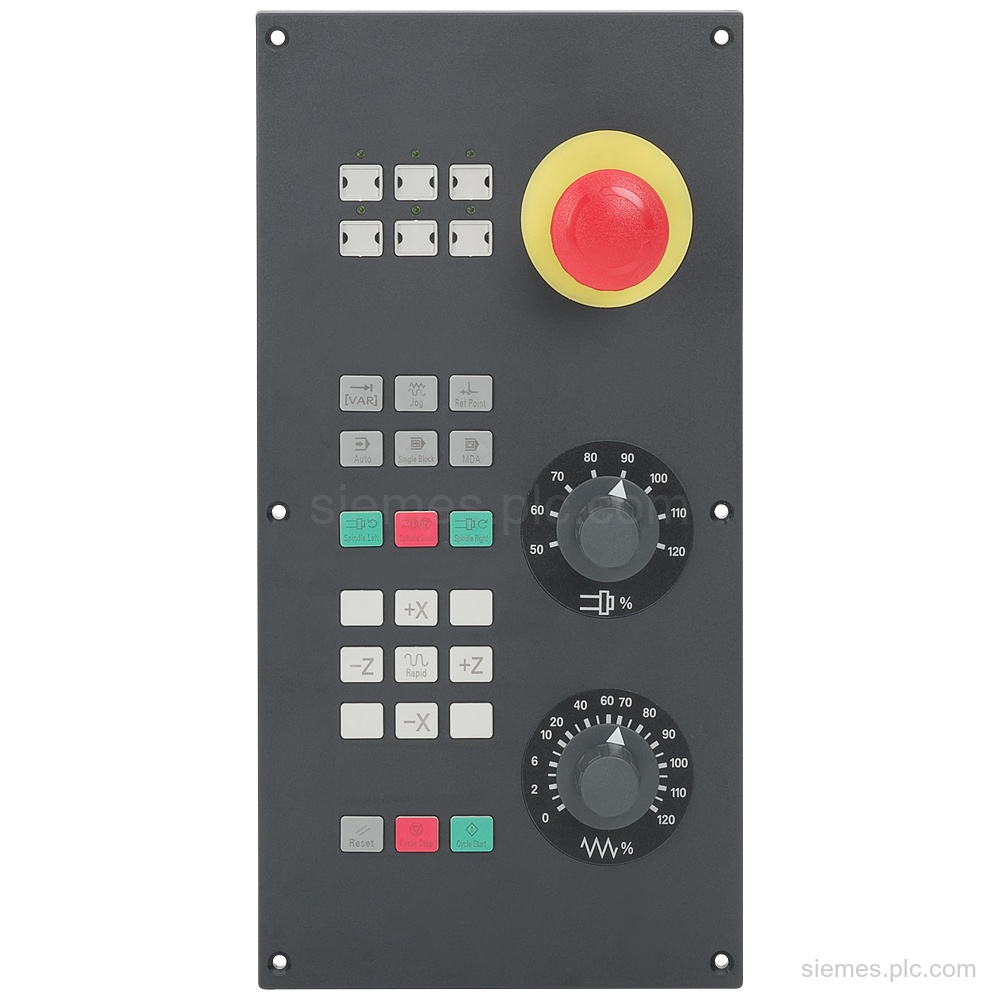
Siemens 6FC5303-1AF02-8AX0 identifies an MPP 483 HTC-S22 pushbutton panel with MPI/PROFIBUS DP and HT 8 connection. Verify the complete code…
3RW4046-1BB05 Siemens SIRIUS soft starter with 80 A rated current at 40 °C, 55 kW at 500 V, 24 V…
6FC5651-0AA01-0AA0 is a SINUMERIK 802D software option for tool service life and quantity monitoring, delivered as a CoL license. Verify…
6FC5303-0AF30-1AA0 is a SINUMERIK 802D sl machine control panel spare part for portrait mounting, with flat ribbon cable connection only…
Product identification
More Siemens Products products can differ by function, interface, hardware version and configuration. Use the complete identifier and installed equipment details to avoid ordering a different variant.
Copy the complete MLFB, part number or product code, including every suffix shown on the label.
Include the current controller, panel, drive, motor or network details when compatibility must be assessed.
State the quantity, required condition and delivery destination for each requested item.
Multiple products
Send multiple Siemens MLFBs or product codes in one request. Add the quantity, required condition and destination for each item, plus any compatibility or replacement question that needs assessment.