6AV6381-1AB06-2AX3
6AV6381-1AB06-2AX3 identifies SIMATIC WinCC RC Upgrade V6.2 from V6.X to V6.2 SP2, with integrated driver server, redundancy, User Archive and…
Find Siemens industrial automation products by category or search by complete MLFB, part number or product code. Send the identifier and quantity to request a quote.
Choose a Siemens product category by automation function, then open the relevant category or model record. If you already have the complete MLFB, part number or product code, use the search above.
Open a product page for the available model information. Send us the complete identifier and quantity when you are ready to request a quote.
6AV6381-1AB06-2AX3 identifies SIMATIC WinCC RC Upgrade V6.2 from V6.X to V6.2 SP2, with integrated driver server, redundancy, User Archive and…
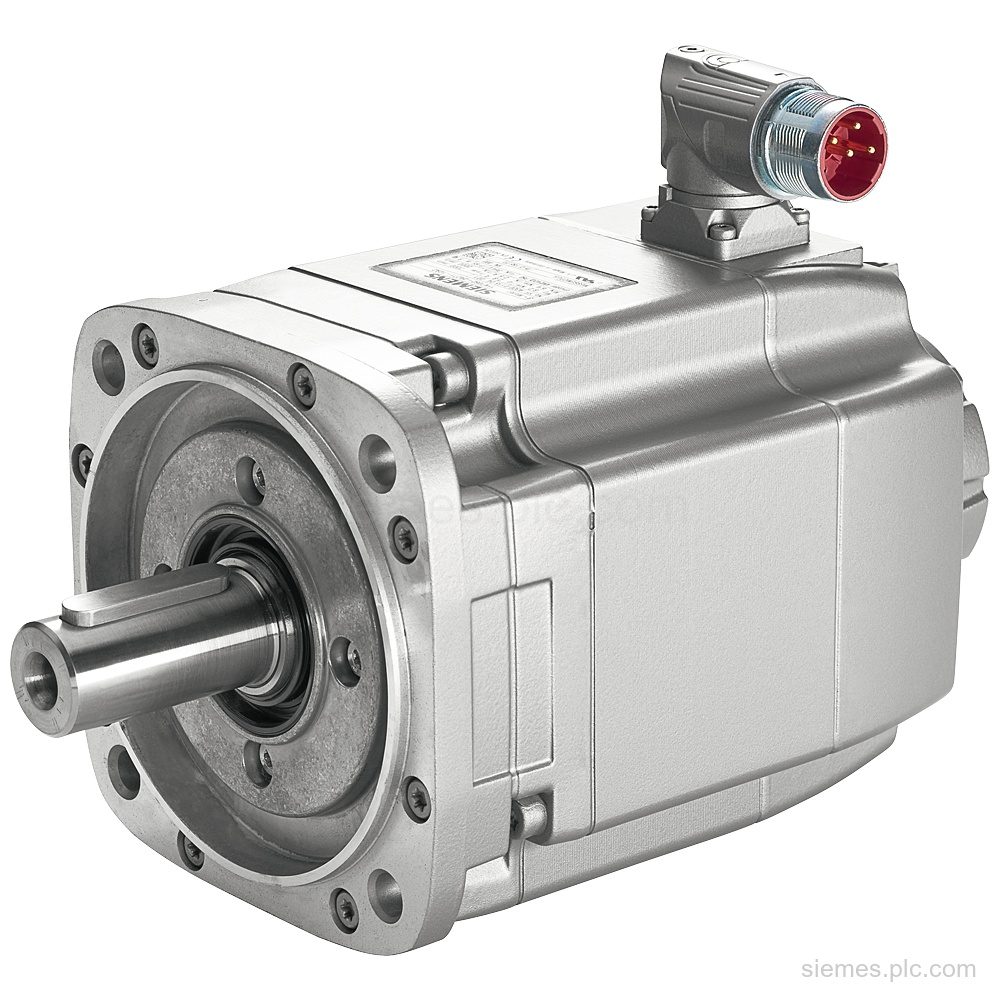
1FK7033-4CF21-1QA1 identifies a Siemens SIMOTICS S synchronous motor with 0.38 kW PN, 300 V UDC, 3,000 rpm rated speed, and…
Siemens 6AV6362-4AD00-0BB0 identifies WinCC/IndustrialDataBridge runtime software for 300 tags, with database and OPC server data exchange. Verify the code and…
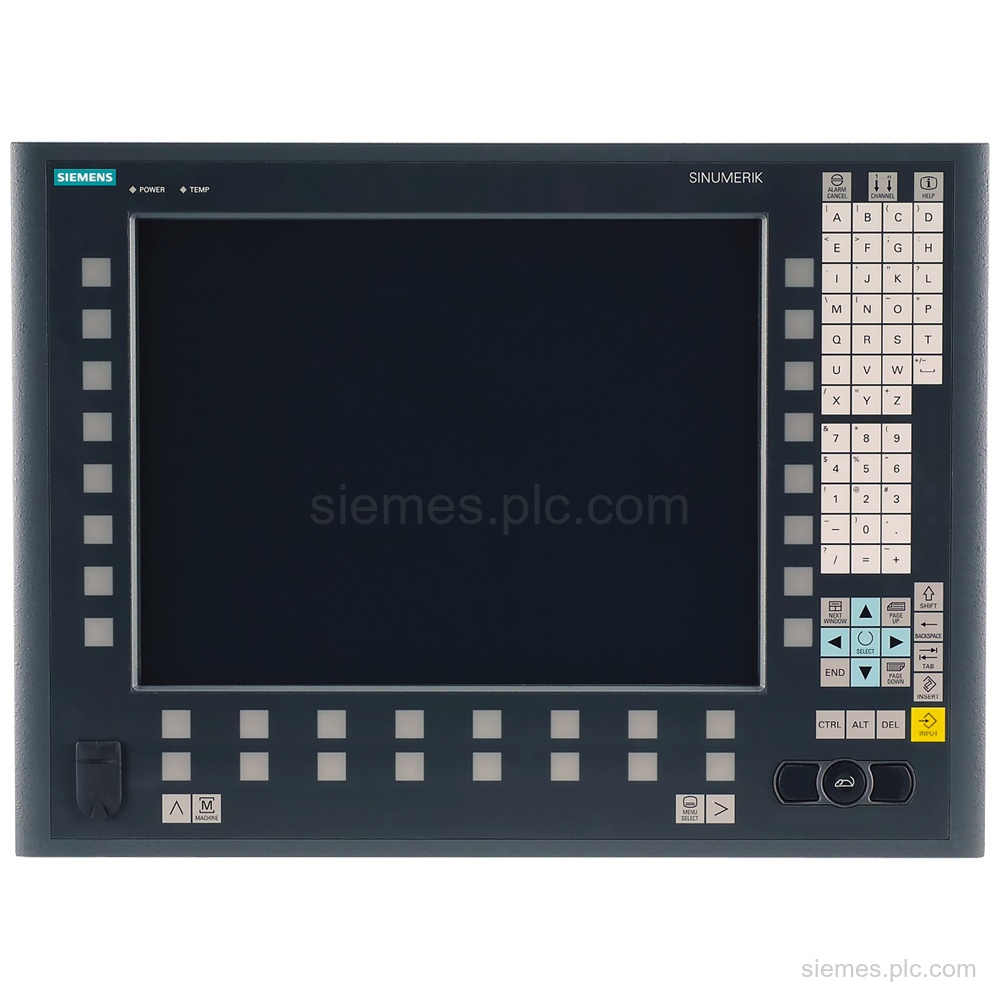
6FC5203-0AF50-0AA0 identifies a SINUMERIK operator panel front with 15" TFT, 416 mm width, and mechanical buttons. Verify the complete code…
6ES7810-5CC16-0YA5 identifies SIMATIC STEP 7 Professional V19/2021 SR2 Combo with TIA Portal, 1-user floating license, and DVD/USB delivery. Verify the…
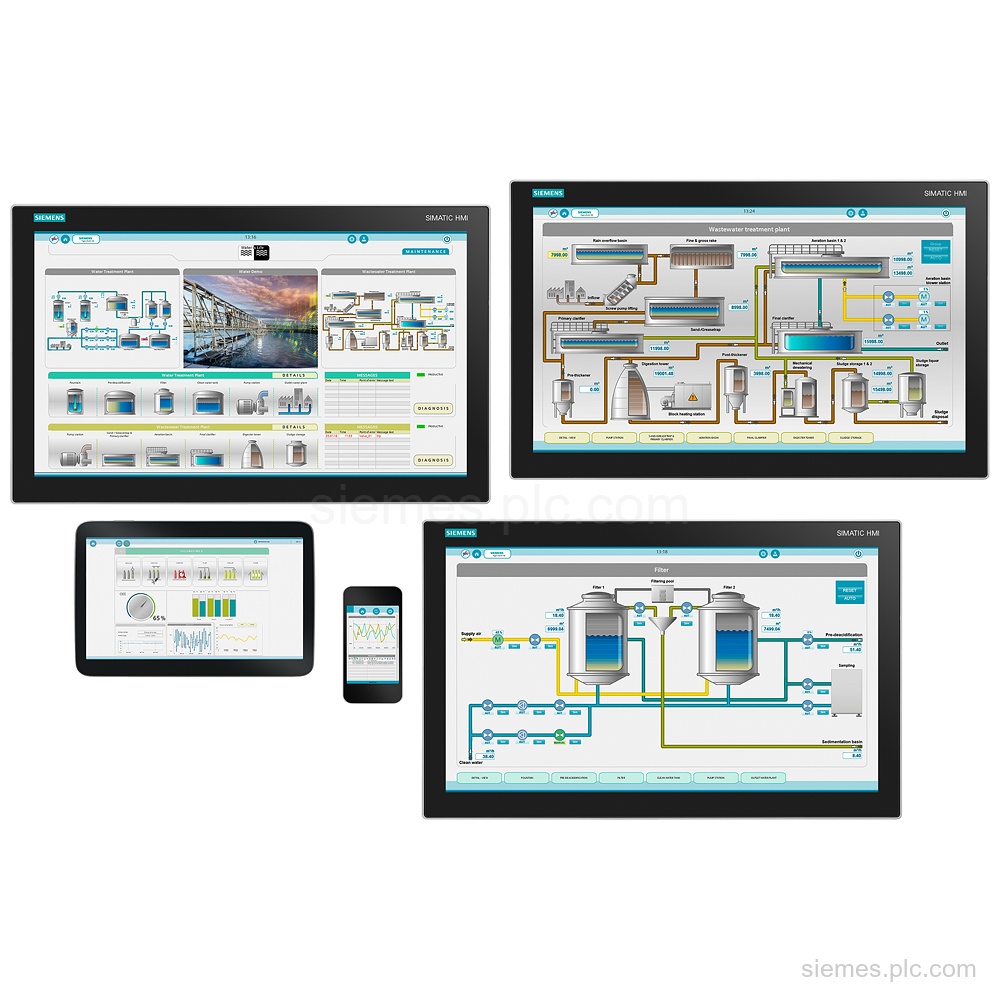
6AV6381-2BU07-5AX0 identifies WinCC system software V7.5 SP2 with 153600 PowerTags, floating licensing, and a USB flash drive license key. Verify…
6ES7195-3AA00-0YA1 is a Siemens PROFINET driver development package with source code and an example implementation for PROFINET controller and device.…
6AV2157-2CM00-0AB0 identifies a SIMATIC WinCC Unified Client for 10 monitor clients, an option for WinCC Unified PC with runtime software…
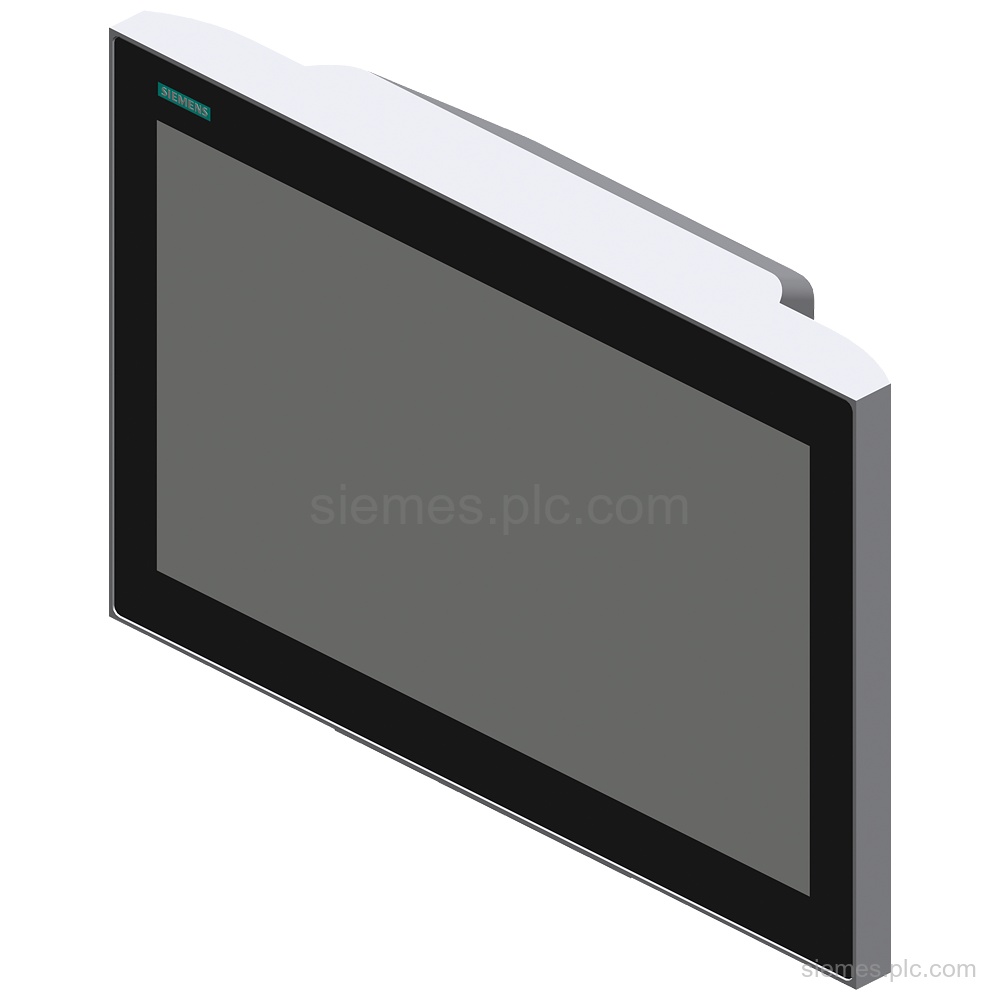
6AV6646-1BB15-0AA0 identifies a SIMATIC ITC1500 V3 Pro industrial thin client with a 15.6 in TFT widescreen display, capacitive multi-touch, 24…
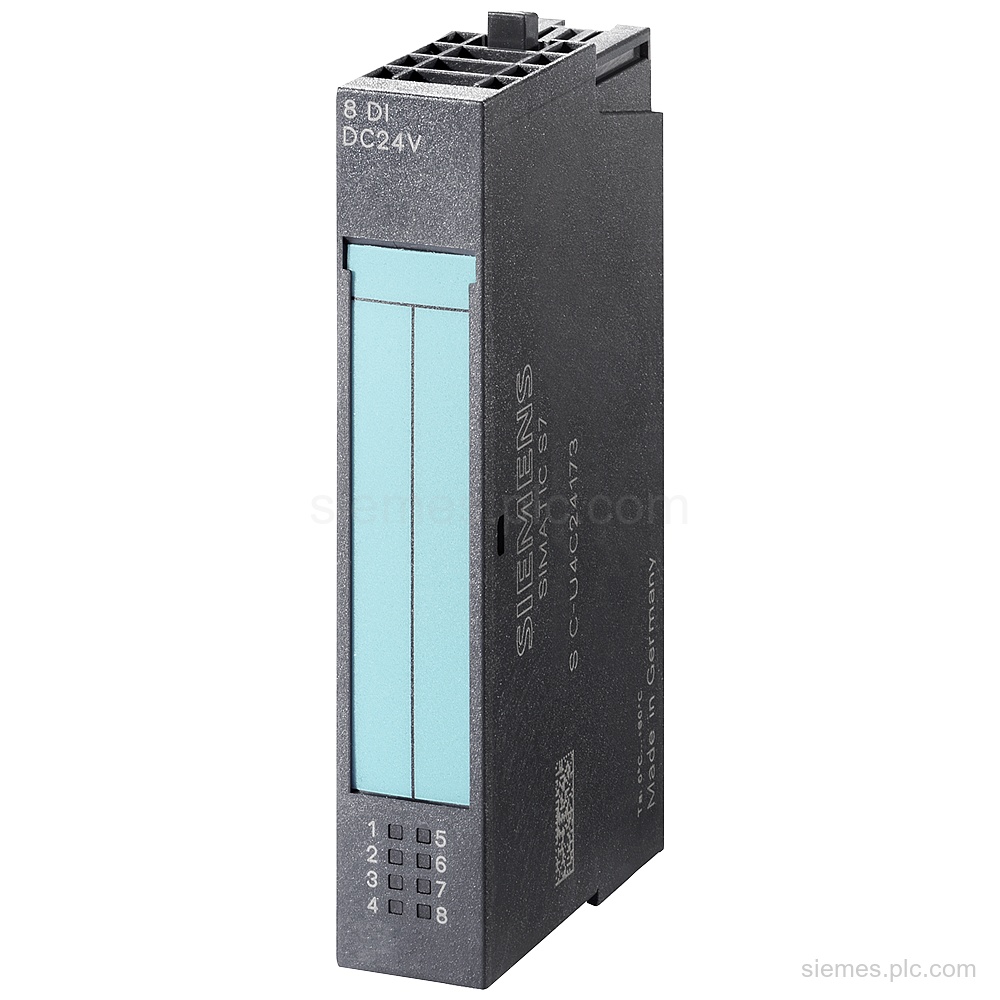
6AG1131-4BF00-7AA0 identifies a Siemens SIPLUS ET 200S EM 8 DI module with 8 digital inputs, 24 V DC rated input,…
1FK7064-4CH71-1PB2 identifies a Siemens SIMOTICS S synchronous motor with PN=2.4kW, UDC=600V, resolver feedback, holding brake, and IP65/IP67 protection. Verify the…
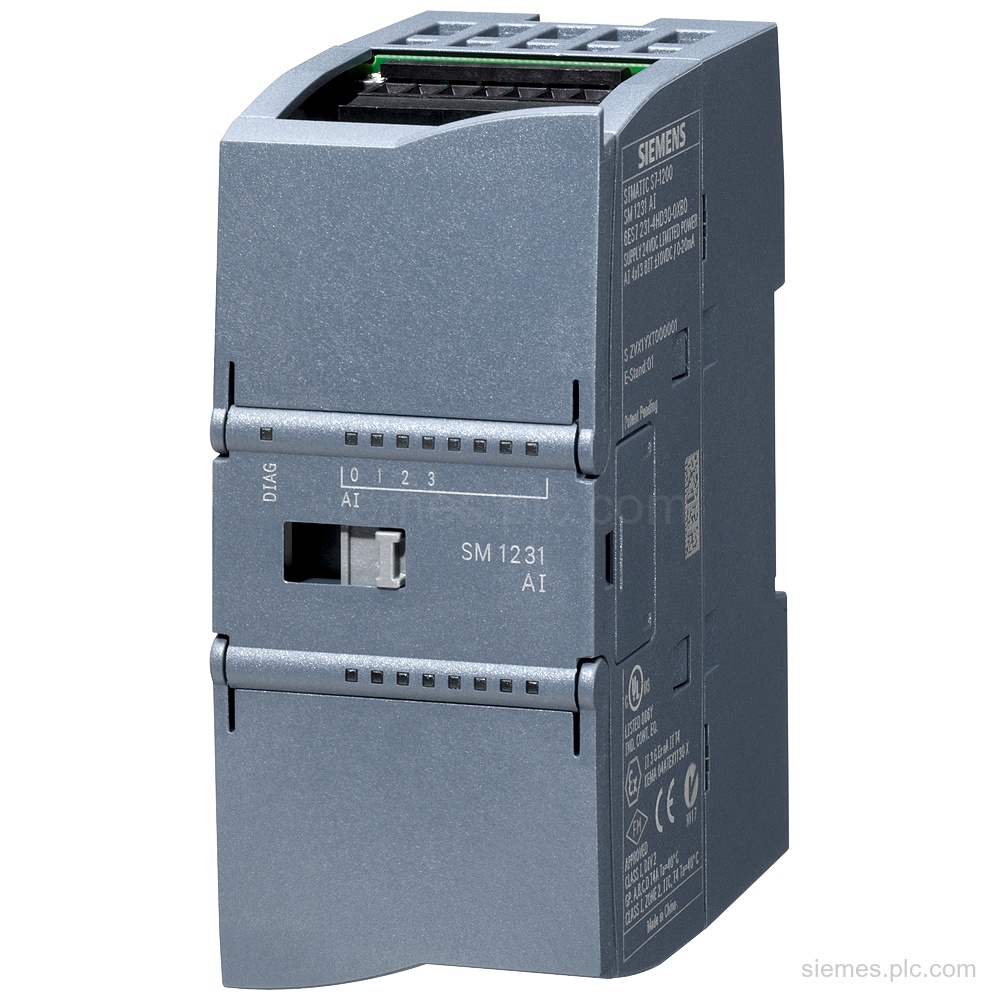
6AG1231-4HF32-4XB0 identifies a Siemens SIPLUS SM 1231 analog input module with 8 AI, 24 V DC supply, and ±10 V,…
Use these automation functions to identify the product area used in your equipment. If the exact product is unclear, send us the complete MLFB or a clear nameplate photo.
SIMATIC PLCs and distributed I/O read field signals, execute control logic and operate machine or process equipment.
SIMATIC HMI panels and industrial PCs provide local visualization, operator control and machine or process status.
Communication processors, network modules, gateways and Industrial Ethernet products connect PLCs, distributed I/O and supervisory systems.
SINAMICS drives and SIMOTICS motors control speed, torque and positioning in industrial motion systems.
Siemens engineering, HMI and simulation software is used to configure, program, visualize and test automation systems.
Include the details below so we can identify each requested Siemens product and prepare an accurate quotation.
Send the complete Siemens MLFB, part number or product code, including every suffix shown on the nameplate.
Tell us the quantity, required condition and delivery destination for each item.
If you need us to assess an alternative, include the installed product’s complete MLFB and any relevant PLC, rack, communication interface, hardware or software version.
Answers to common questions about Siemens product identification and quotation requests.
Yes. Send the complete MLFB and required quantity. Include the destination and any condition requirement if known.
Send us a clear photo of the nameplate and include every visible number, suffix and hardware version. We will use those details to identify the correct product record.
No. The product list does not indicate current stock or lead time. We confirm the available commercial information for the requested model and quantity in the quotation.
Send the installed product’s complete MLFB and details of the PLC, rack, communication interface and relevant hardware or software version. Any alternative must be checked against the current system requirements before purchase.
Yes. Enter one complete MLFB, order number or product code per line, followed by the quantity. You can send the list through our quote form.
Send each complete Siemens MLFB, part number or product code with the quantity, required condition and delivery destination. We will identify the requested products and prepare the quotation with the available commercial information.