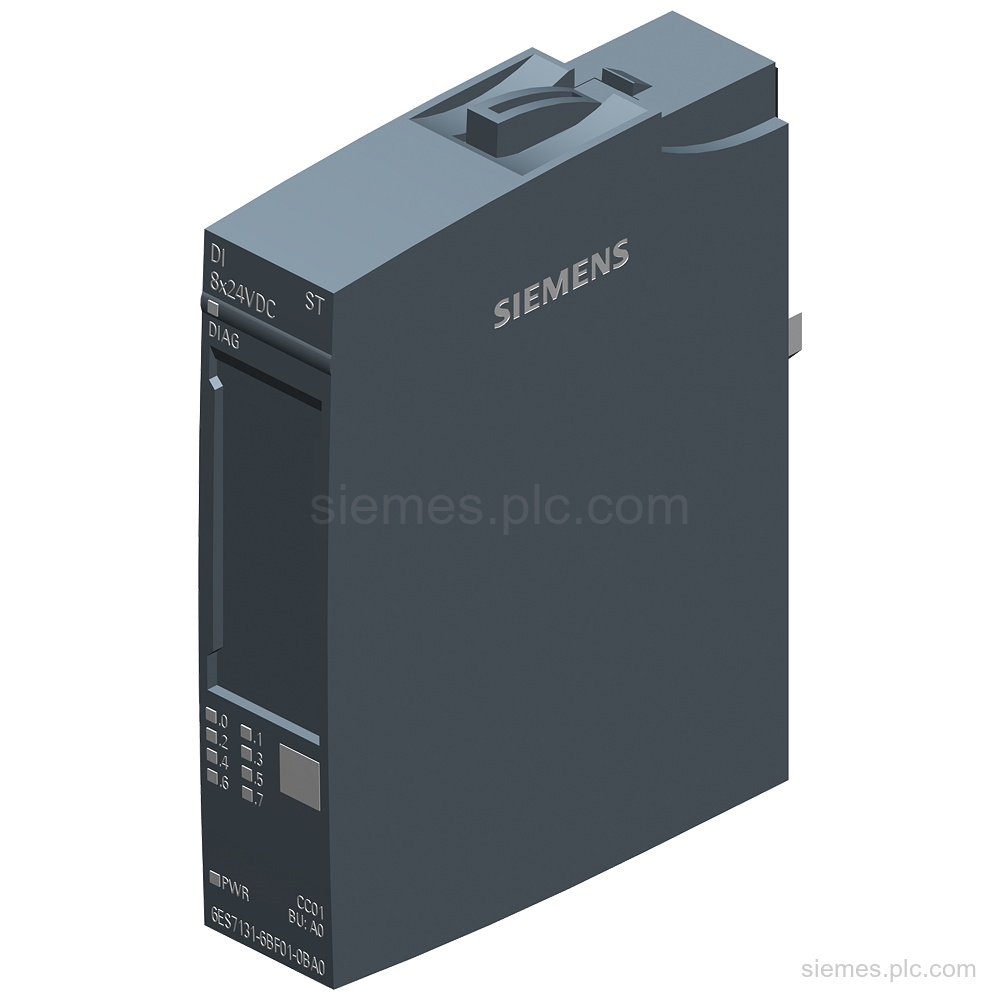
6ES7131-6BF01-0BA0
6ES7131-6BF01-0BA0 identifies a SIMATIC ET 200SP digital input module with 8 x 24 V DC inputs, P-reading, and diagnostics. Verify…
Find Siemens industrial automation products by category or search by complete MLFB, part number or product code. Send the identifier and quantity to request a quote.
Choose a Siemens product category by automation function, then open the relevant category or model record. If you already have the complete MLFB, part number or product code, use the search above.
Open a product page for the available model information. Send us the complete identifier and quantity when you are ready to request a quote.
6ES7131-6BF01-0BA0 identifies a SIMATIC ET 200SP digital input module with 8 x 24 V DC inputs, P-reading, and diagnostics. Verify…
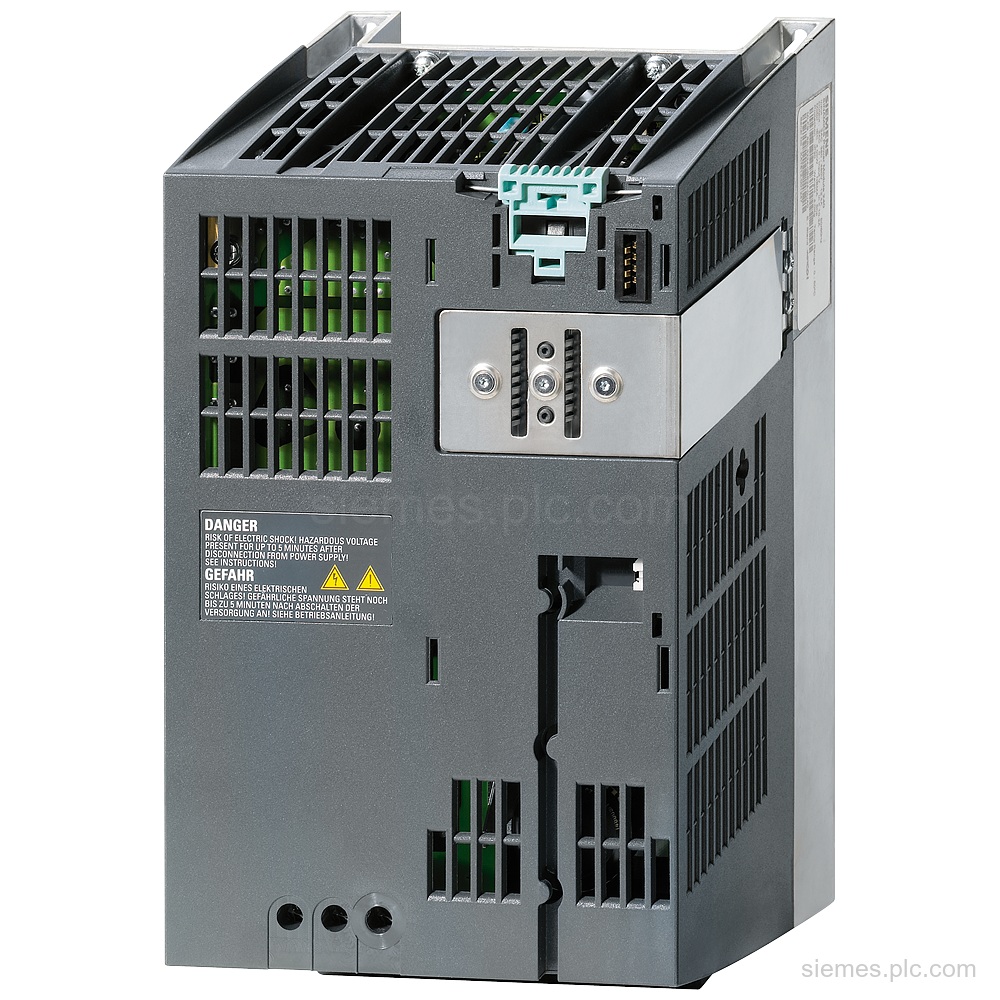
6SL3210-1SE17-7AA0 identifies a Siemens SINAMICS S120 Power Module PM340 with 380-480 V 3AC input and 3.0 kW output. Verify this…
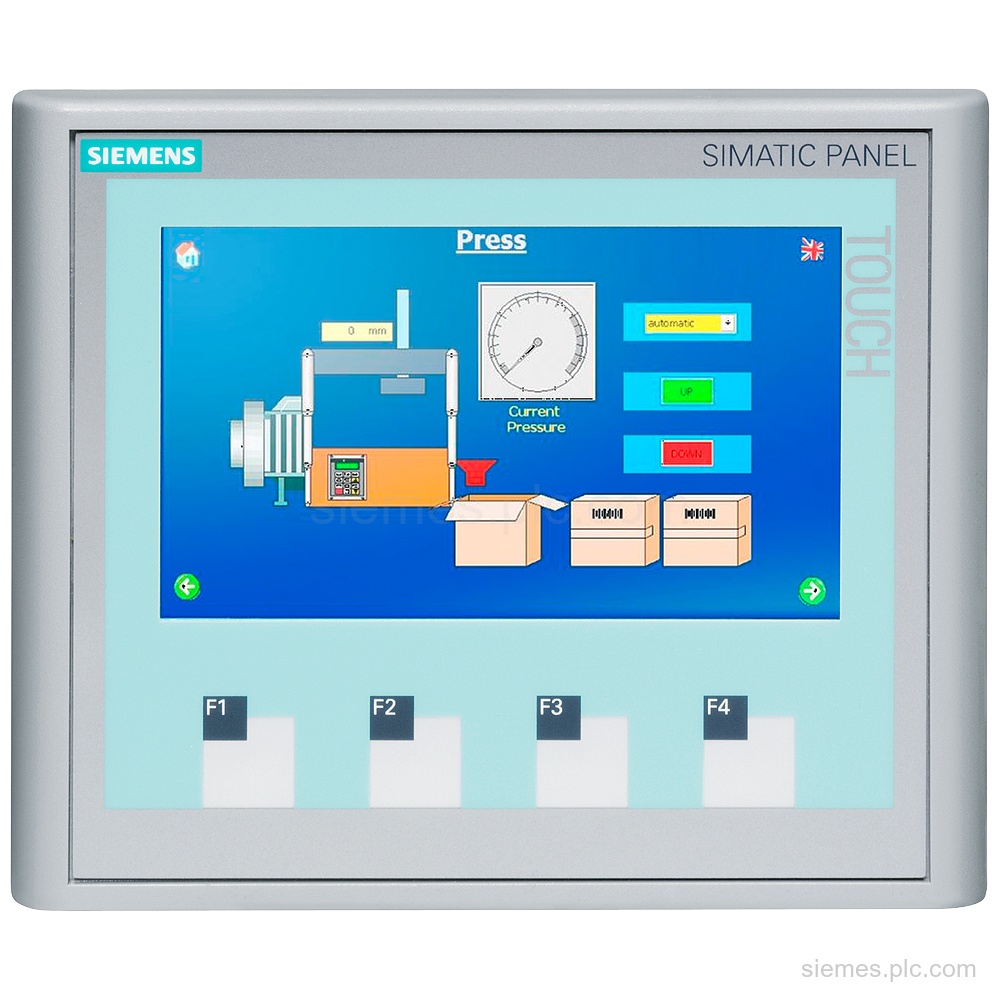
6AV6647-0AK11-3AX0 identifies a SIMATIC HMI KTP400 Basic Color PN with a 4.3 in TFT display, 256 colors, PROFINET, 24 V…
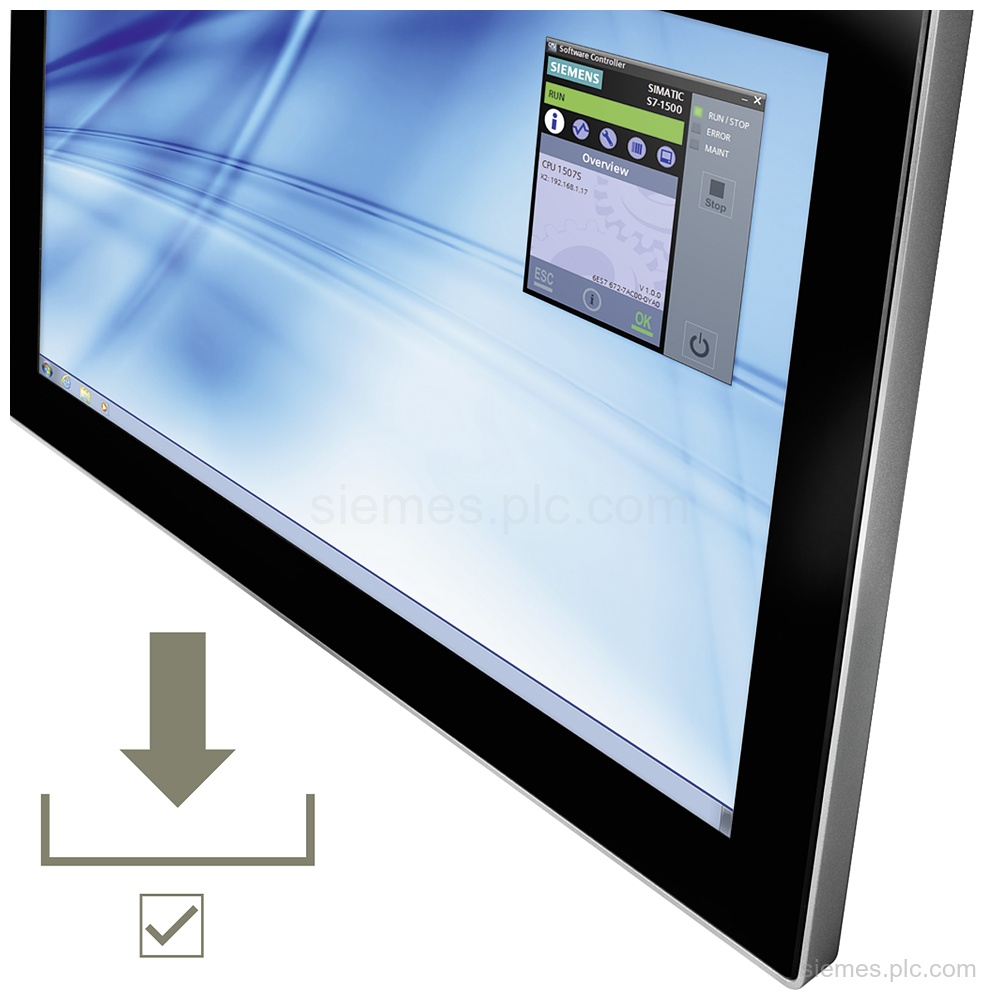
6ES7672-8AC02-0YG0 identifies the SIMATIC S7-1500 Software Controller CPU 1508S: one installation license, runtime software class A, 6 languages, and Windows…
6DL5210-1BX08-0DA0 identifies BRAUMAT,SISTAR IOS Server V8.1 SP1 runtime software with a single license and 2 languages. Verify the code and…
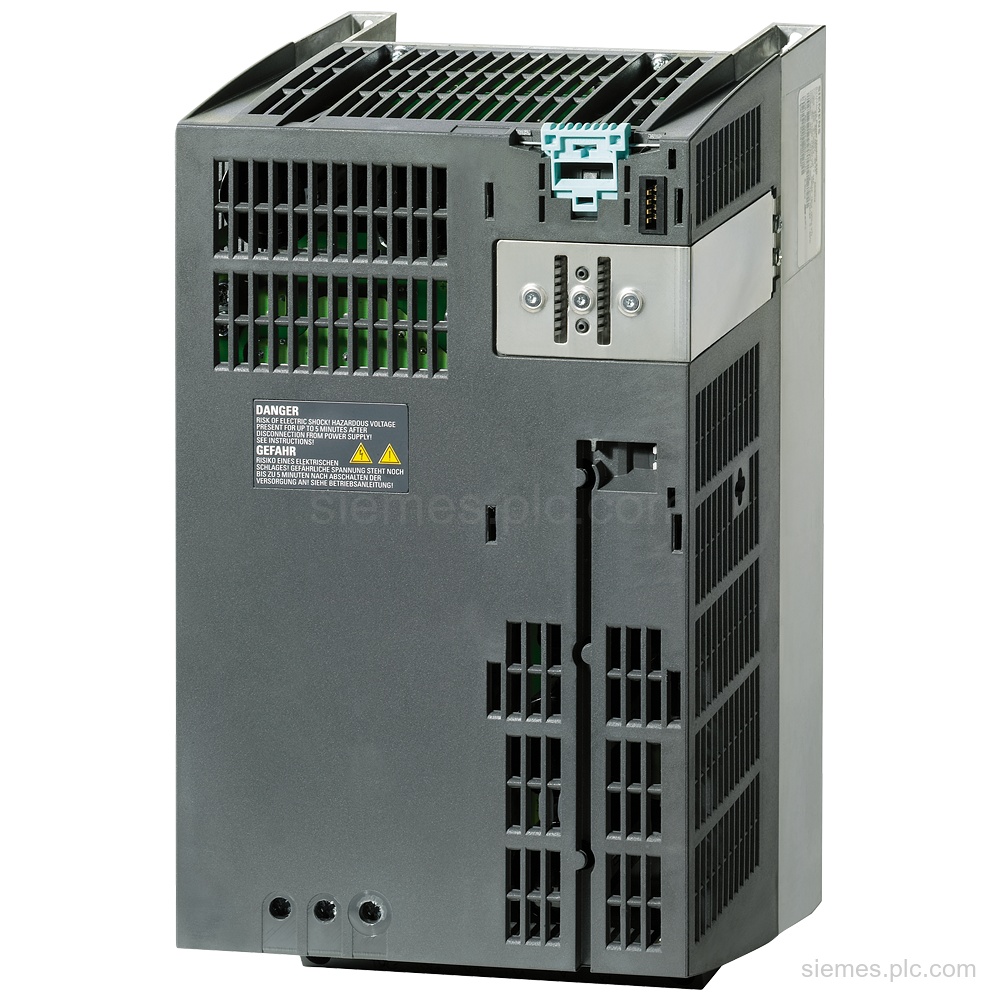
6SL3210-1SE22-5UA0 identifies a SINAMICS S120 Power Module PM340 with 380-480 V 3AC input, 25 A output, and 11 kW rating.…
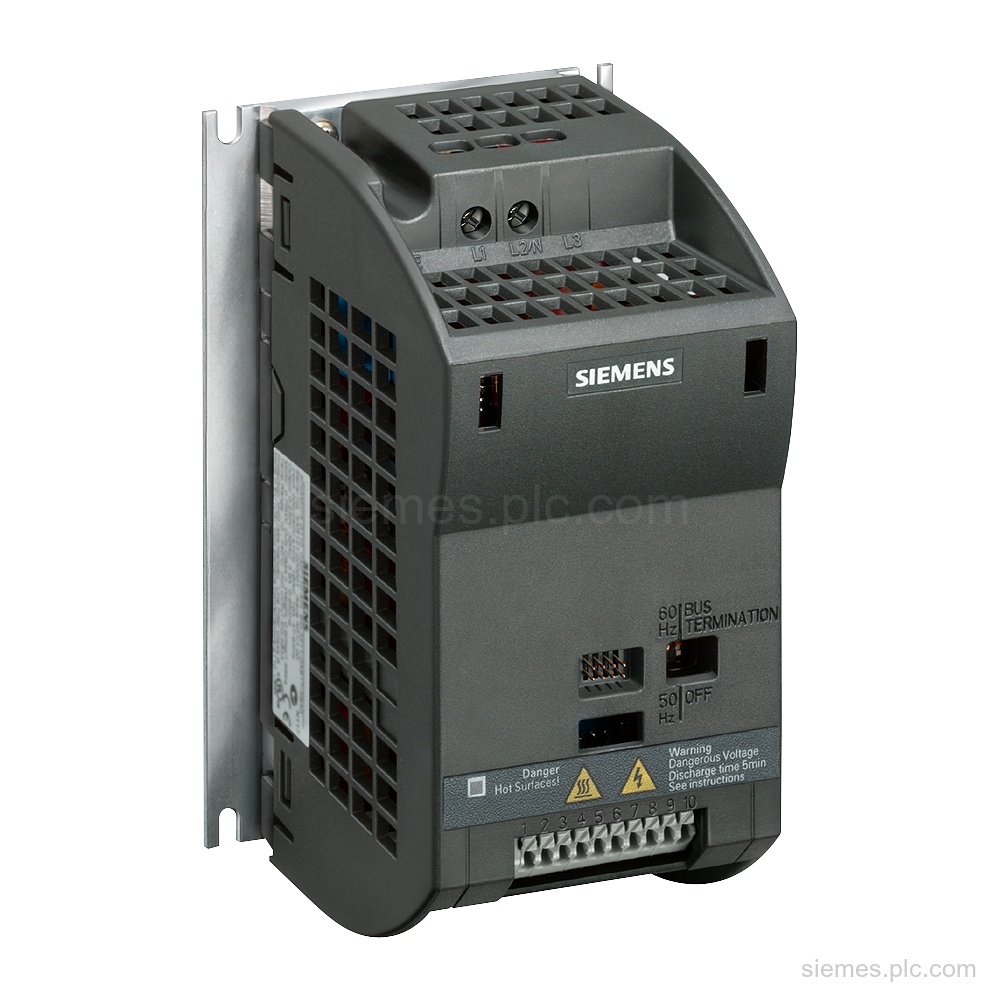
6SL3211-0KB11-2BB1 identifies a SINAMICS G110-CPM110 AC drive with integrated filter B, 200-240 V 1 AC supply, RS-485 USS interface, and…
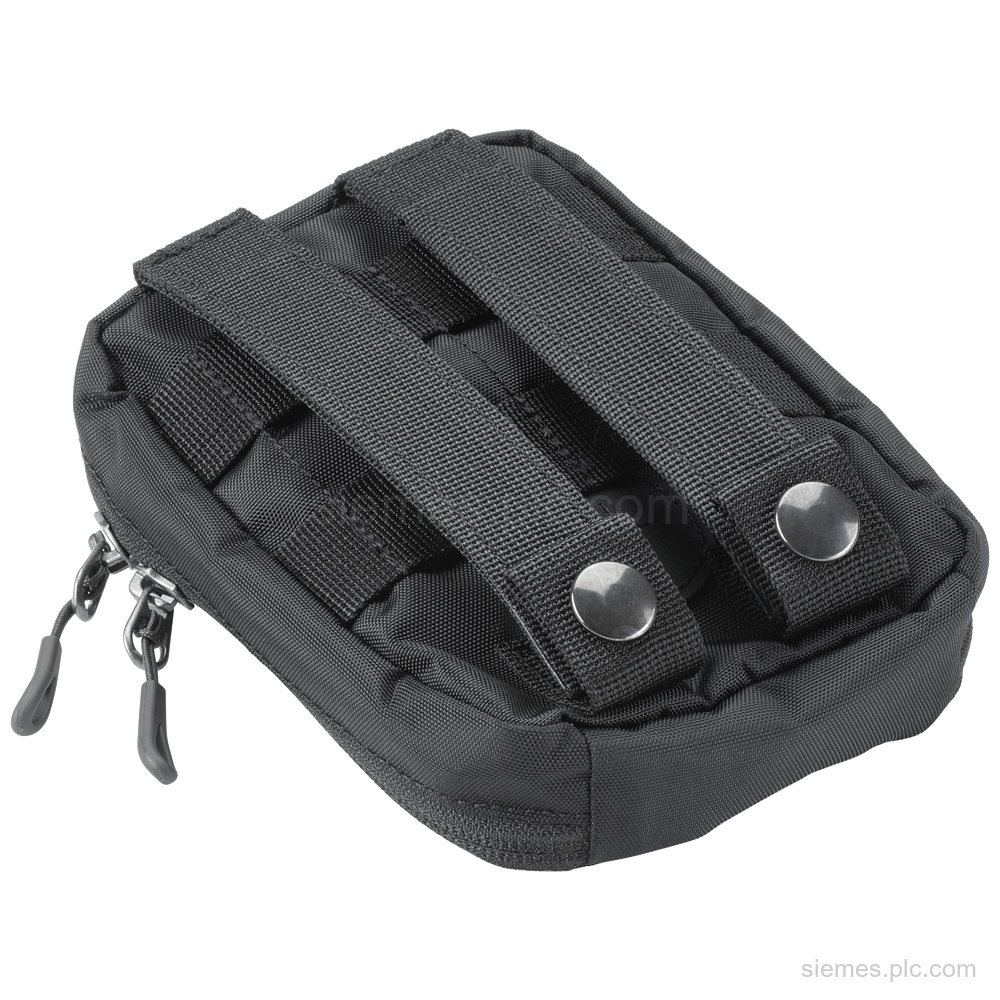
6AV6881-0AW12-3AA0 identifies a Siemens transport pouch small with 420 HD nylon, 18 x 12 x 5 cm dimensions, and 1-piece…
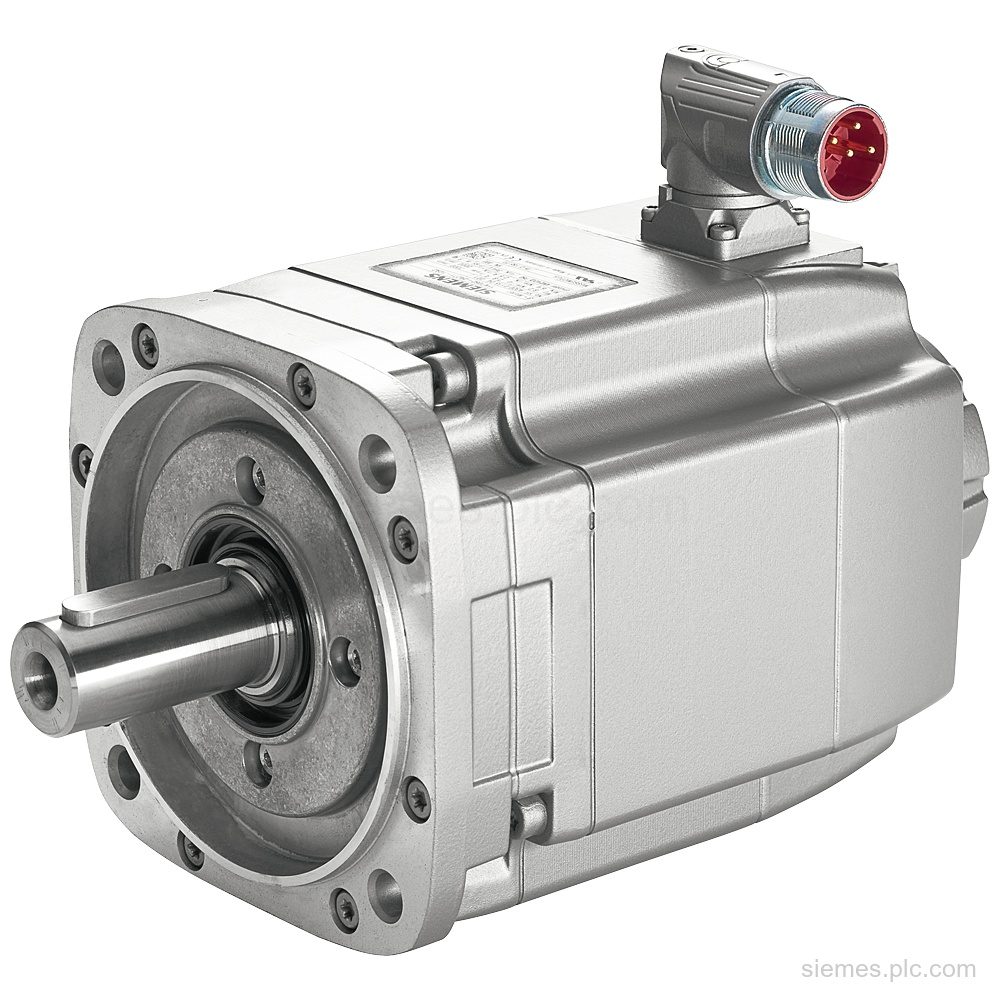
1FK7064-4CF71-1UA0 identifies a SIMOTICS S synchronous motor with 2.5 kW optimum power, Resolver R15DQ feedback, IM B5 mounting, IP64 protection,…
6SL3210-1KE11-8AF2 identifies a SINAMICS G120C drive with 0.55 kW LO output, PROFINET, integrated Class A filter, and IP20 protection. Verify…
6AV6612-0AA00-0AL0 identifies SIMATIC WinCC Comfort Software Update Service. The contract provides up-to-date software versions for 1 year; verify this code…
6FC5250-7DY30-4AH0 identifies SINUMERIK 840DE CNC software 2-2 on a PC card, with export software version 7.4 and a single license.…
Use these automation functions to identify the product area used in your equipment. If the exact product is unclear, send us the complete MLFB or a clear nameplate photo.
SIMATIC PLCs and distributed I/O read field signals, execute control logic and operate machine or process equipment.
SIMATIC HMI panels and industrial PCs provide local visualization, operator control and machine or process status.
Communication processors, network modules, gateways and Industrial Ethernet products connect PLCs, distributed I/O and supervisory systems.
SINAMICS drives and SIMOTICS motors control speed, torque and positioning in industrial motion systems.
Siemens engineering, HMI and simulation software is used to configure, program, visualize and test automation systems.
Include the details below so we can identify each requested Siemens product and prepare an accurate quotation.
Send the complete Siemens MLFB, part number or product code, including every suffix shown on the nameplate.
Tell us the quantity, required condition and delivery destination for each item.
If you need us to assess an alternative, include the installed product’s complete MLFB and any relevant PLC, rack, communication interface, hardware or software version.
Answers to common questions about Siemens product identification and quotation requests.
Yes. Send the complete MLFB and required quantity. Include the destination and any condition requirement if known.
Send us a clear photo of the nameplate and include every visible number, suffix and hardware version. We will use those details to identify the correct product record.
No. The product list does not indicate current stock or lead time. We confirm the available commercial information for the requested model and quantity in the quotation.
Send the installed product’s complete MLFB and details of the PLC, rack, communication interface and relevant hardware or software version. Any alternative must be checked against the current system requirements before purchase.
Yes. Enter one complete MLFB, order number or product code per line, followed by the quantity. You can send the list through our quote form.
Send each complete Siemens MLFB, part number or product code with the quantity, required condition and delivery destination. We will identify the requested products and prepare the quotation with the available commercial information.