6ES7840-0CA01-0YX2
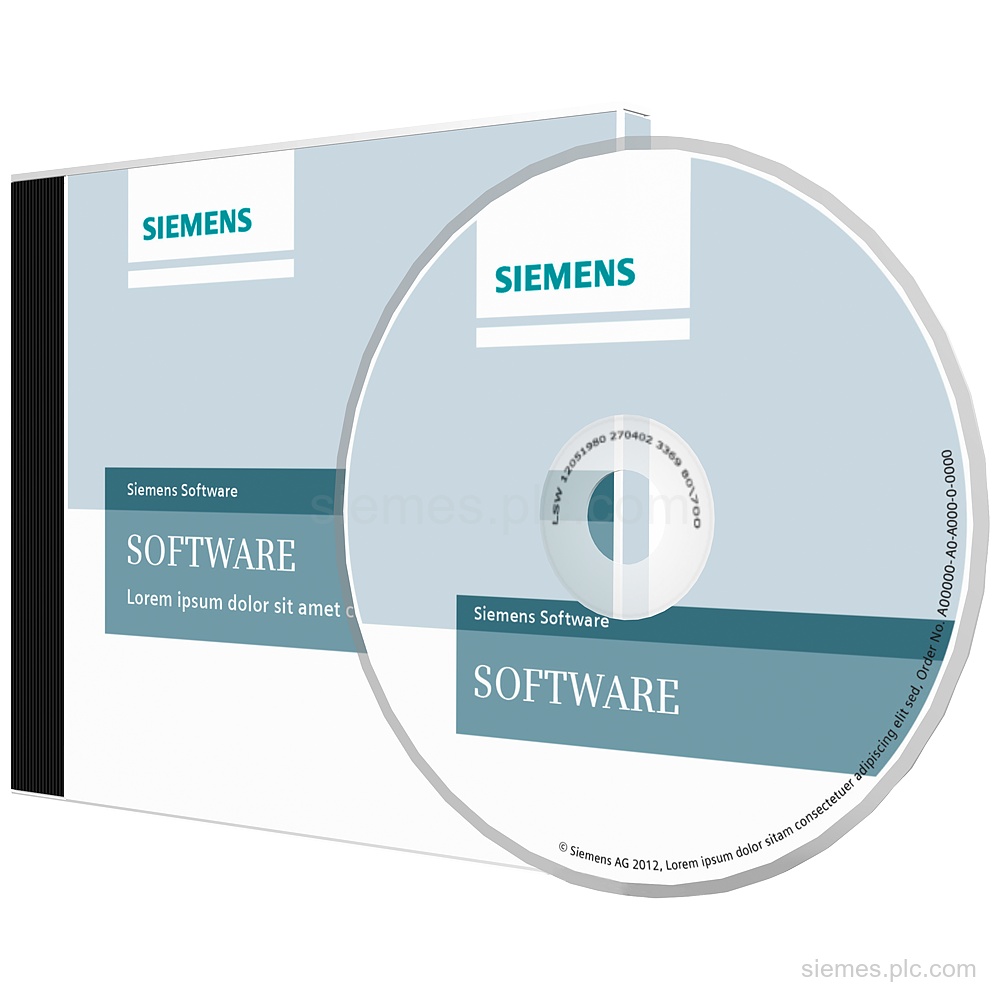
6ES7840-0CA01-0YX2 identifies SIMATIC S7-PDIAG Software Update Service for 1 year, with automatic annual extension unless canceled. Verify the code and…

Siemens Product Category
Siemens STEP 7 supports configuration, programming and diagnostics for compatible SIMATIC controllers.
Products
Search STEP 7 products by Siemens MLFB, part number or product code, or select a product group from the category menu.
6ES7840-0CA01-0YX2 identifies SIMATIC S7-PDIAG Software Update Service for 1 year, with automatic annual extension unless canceled. Verify the code and…
6ES7822-0AA23-0YE5 identifies SIMATIC STEP 7 Basic V19 upgrade software with a floating license, DVD software and documentation, plus a USB…
6ES7823-0BA00-1CA0 identifies a SIMATIC OPC UA S7-1500 Medium single runtime license for an OPC UA server and client, valid up…
6ES7833-1FA23-0YA5 identifies SIMATIC S7 STEP 7 Safety Advanced V19 engineering software with a floating 1-user license and USB flash drive.…
6ES7822-1AA08-0YE3 identifies SIMATIC STEP 7 Professional V18 Combo upgrade software with a floating license, USB license key, and DVD documentation.…
6ES7823-1BE15-0YA0 identifies a Target + ODK 1500S bundle with SIMATIC ODK 1500S V2.5, SIMATIC Target (TM) for Simulink (R) V6.0…
6ES7823-0BE00-2BA0 identifies SIMATIC OPC UA S7-1200 Basic with a single runtime license download, OPC UA server certificate, and S7-1200 validity…
6ES7822-1AA08-0XC5 identifies SIMATIC STEP 7 Professional V18 Powerpack and Upgrade with a combo floating license. Verify the complete code and…
6AV2102-0AA02-3AA7 identifies SIMATIC STEP 7 and WinCC V19 trial engineering software in TIA Portal, with 9 languages and 2x DVD…
6ES7822-1AA08-0XC3 identifies SIMATIC STEP 7 Professional V18 with a combo floating license, 9-language class A content, and a USB license…
6ES7860-4AA01-0YX0 identifies SIMATIC S7 PID self tuner V5.1 single-license software for 1 installation, supplied on CD with documentation. Verify the…
6ES7833-1FB23-0YE5 identifies SIMATIC S7 STEP 7 Safety Basic V19 upgrade software for 1 user, supplied on a USB flash drive.…
Product identification
STEP 7 products can differ by function, interface, hardware version and configuration. Use the complete identifier and installed equipment details to avoid ordering a different variant.
Copy the complete MLFB, part number or product code, including every suffix shown on the label.
Include the current controller, panel, drive, motor or network details when compatibility must be assessed.
State the quantity, required condition and delivery destination for each requested item.
Multiple products
Send multiple Siemens MLFBs or product codes in one request. Add the quantity, required condition and destination for each item, plus any compatibility or replacement question that needs assessment.