6AV6671-3DC00-0AX0
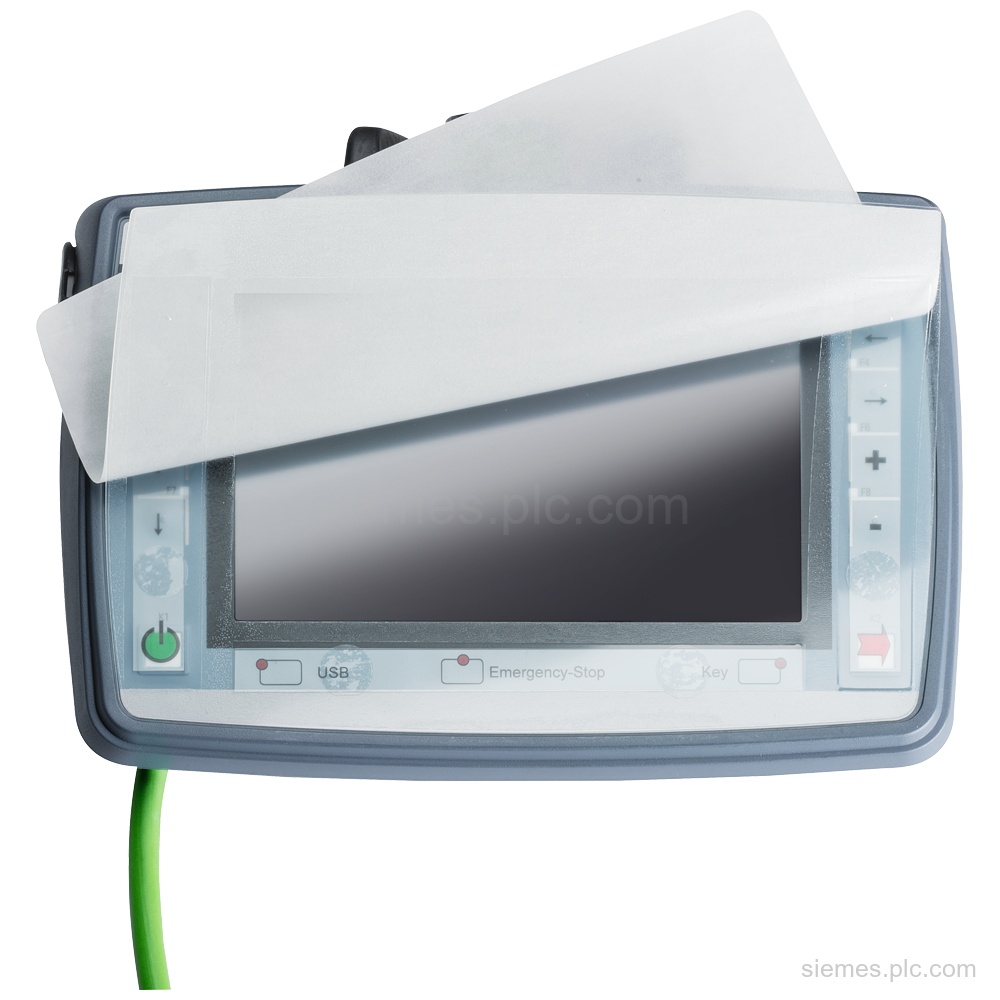
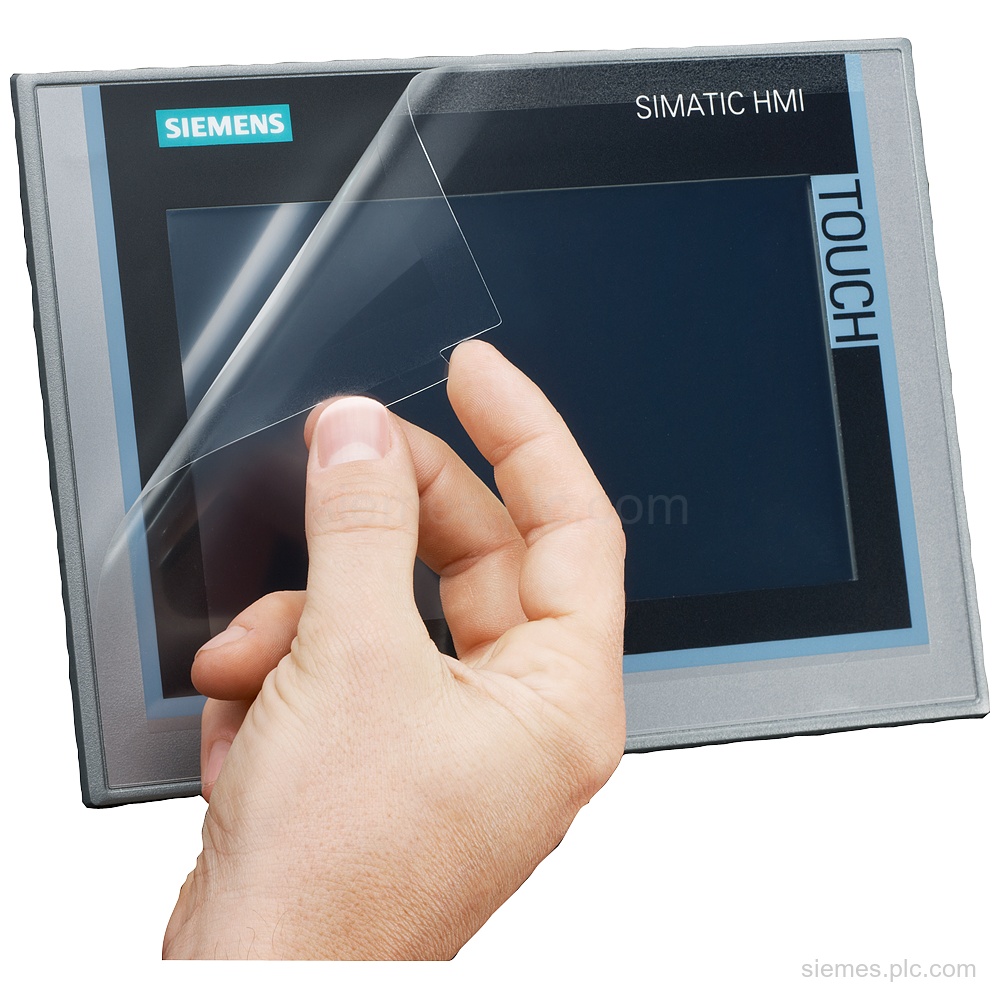
6AV6671-3DC00-0AX0 is a Siemens Protective film 10" for thin client 10" and MP 277 10" Touch up to product version…

Siemens Product Category
Siemens HMI accessories include mounting, connection, memory and protective components for supported operator panels.
Products
Search HMI Accessories products by Siemens MLFB, part number or product code, or select a product group from the category menu.
6AV6671-3DC00-0AX0 is a Siemens Protective film 10" for thin client 10" and MP 277 10" Touch up to product version…
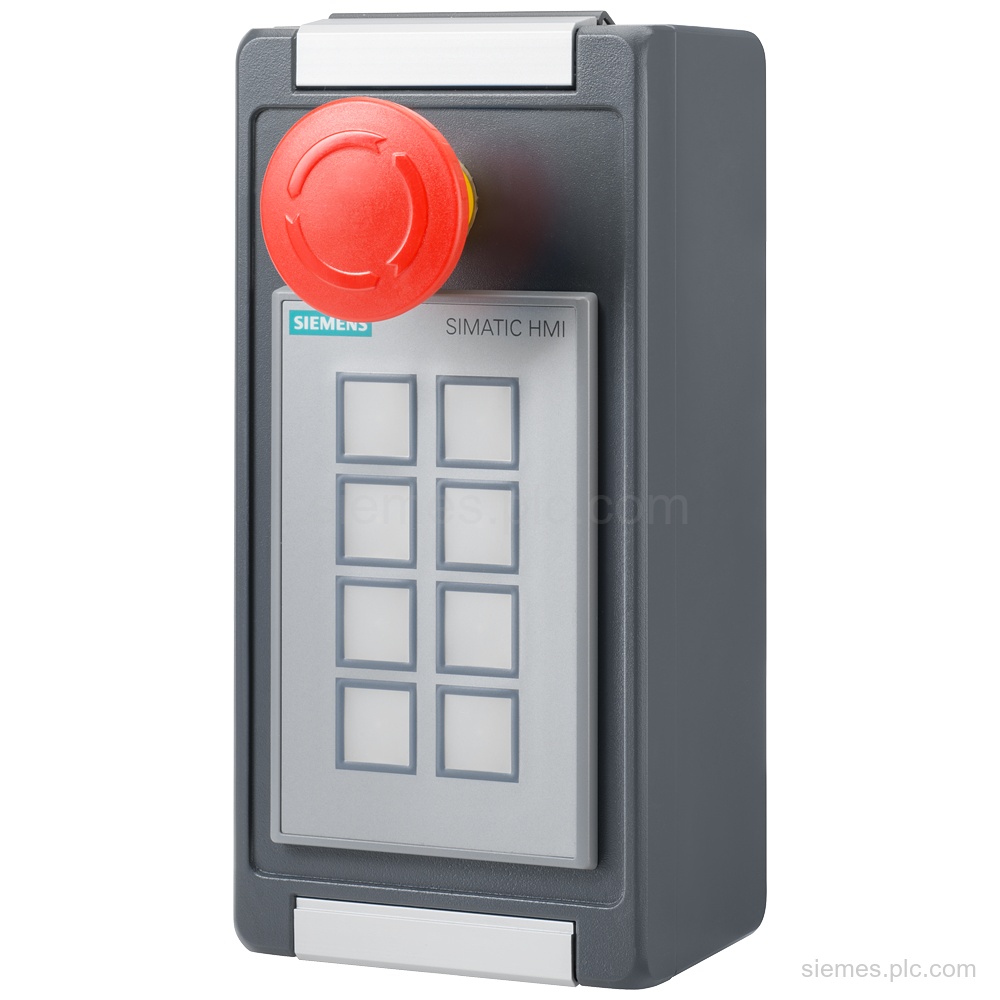
6AV6881-2AM12-1AA0 identifies a Siemens KP8F switch enclosure with IP65, an emergency stop and KP8 cutout. Verify the complete code for…
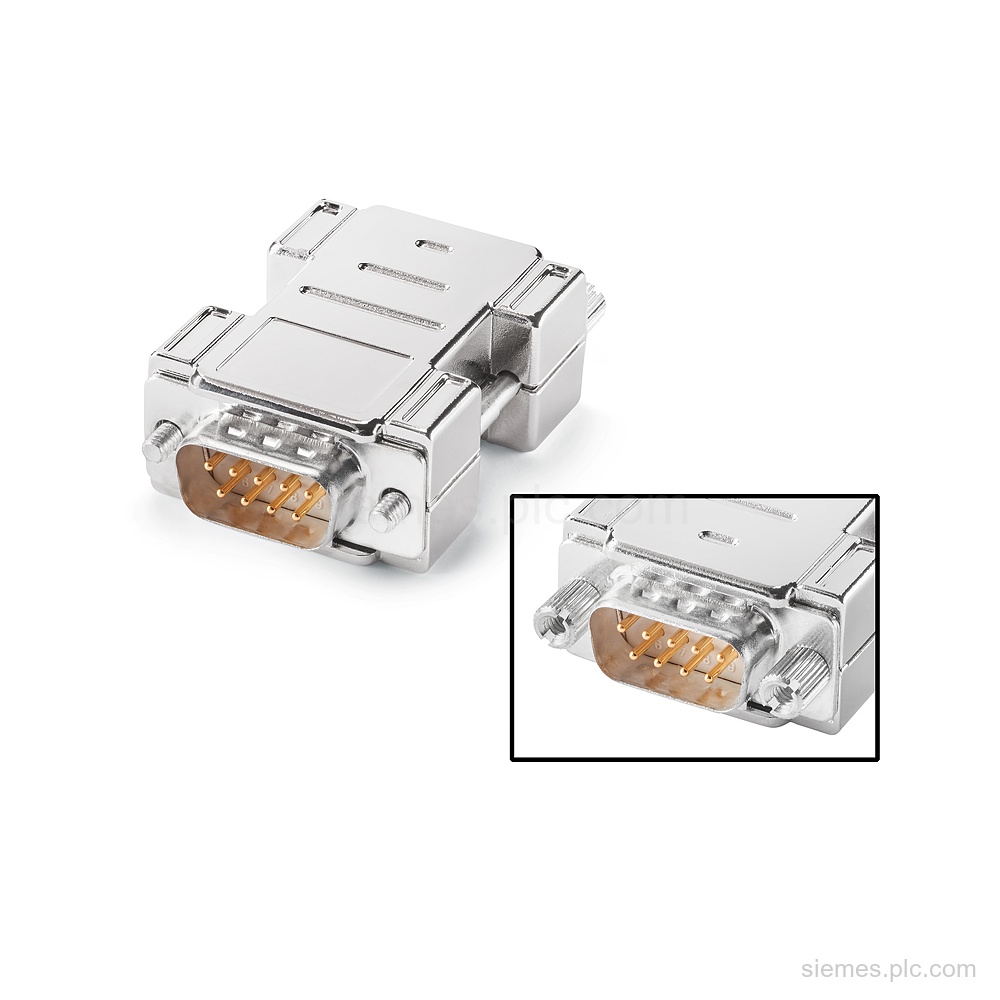
6AV6671-8XE00-0AX0 is a Siemens RS-422 to RS-232 converter with 9-pin interfaces, 180-degree cable outlet, and HMI screw mounting. Verify the…
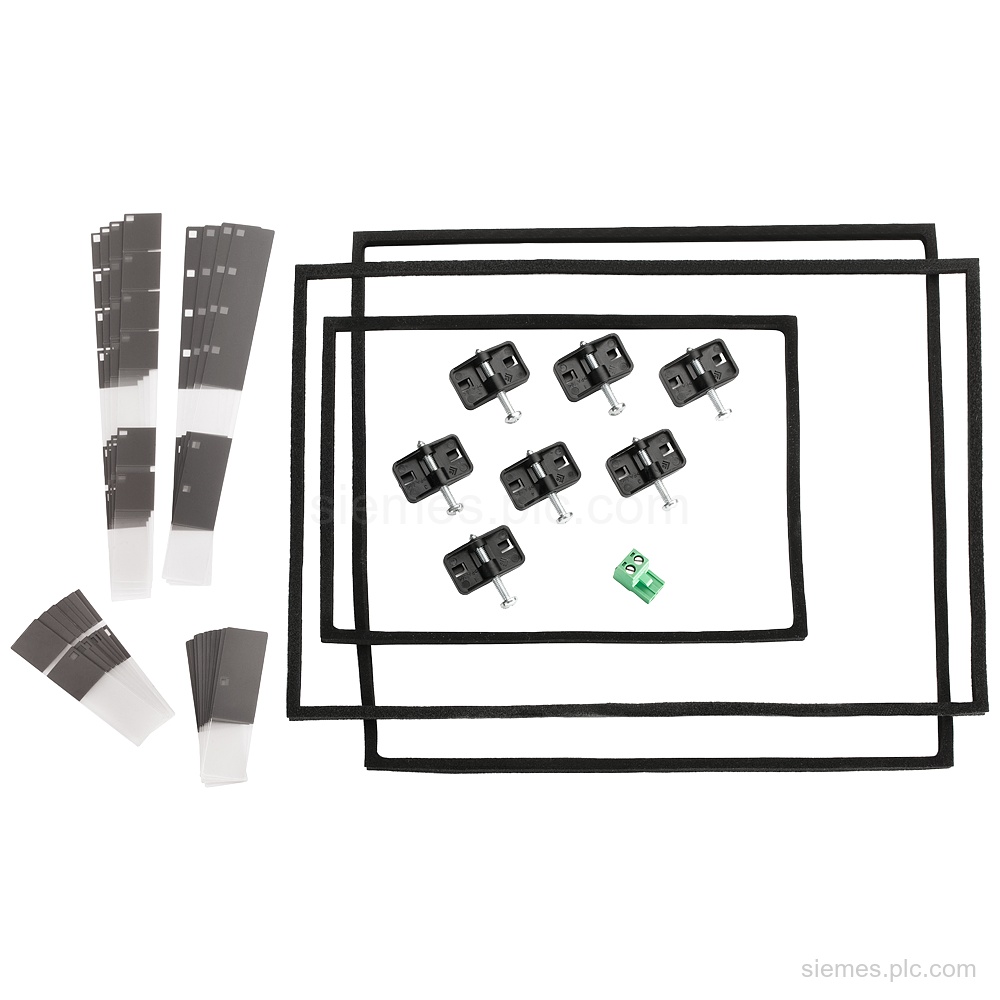
6AV3678-3XC30 is a service pack for PP7, PP17 I, and PP17 II, supplied with seals, clips, and 24 V DC…
6AV2181-5GJ00-0AX0 identifies a Siemens 7" widescreen protective film. The scope of supply is 10 protective films; verify the exact code…
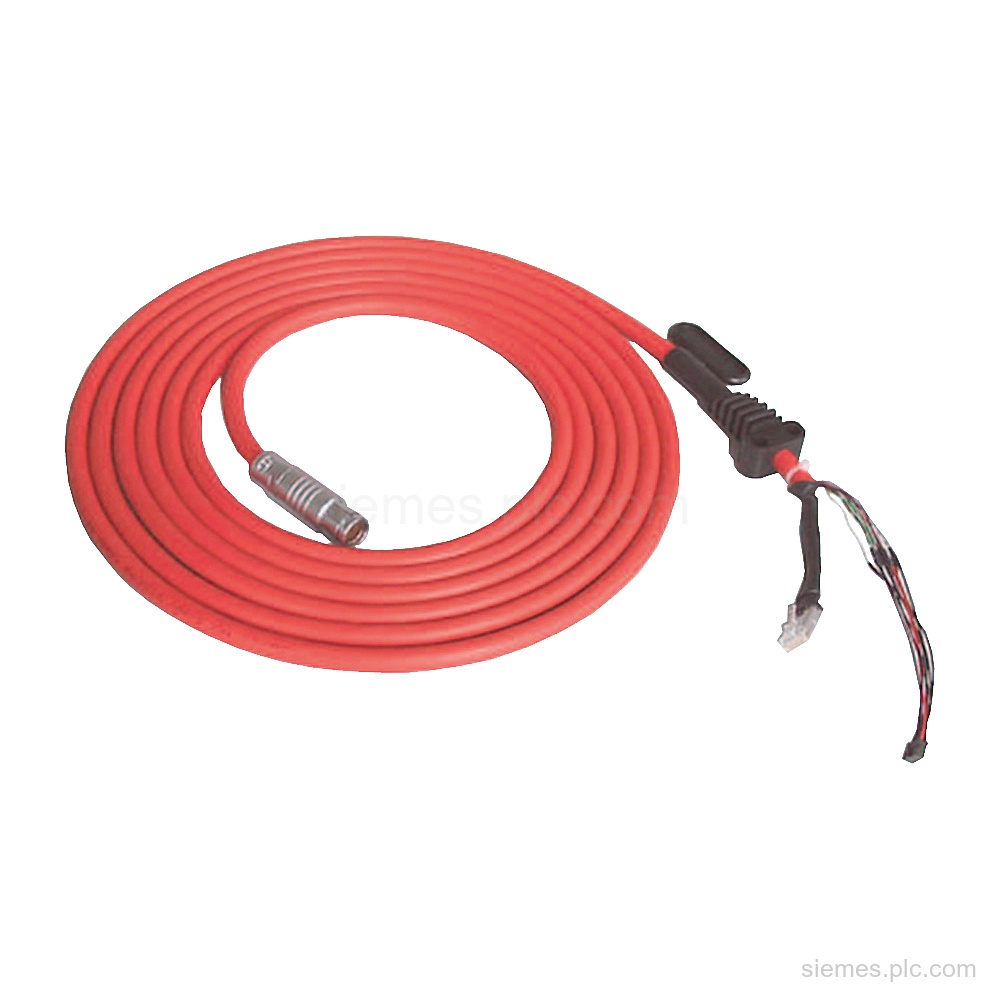
6XV1440-4AN15 is an MPI/DP connecting cable for Mobile Panels, with 15 m length and 1 cable supplied. Verify this exact…
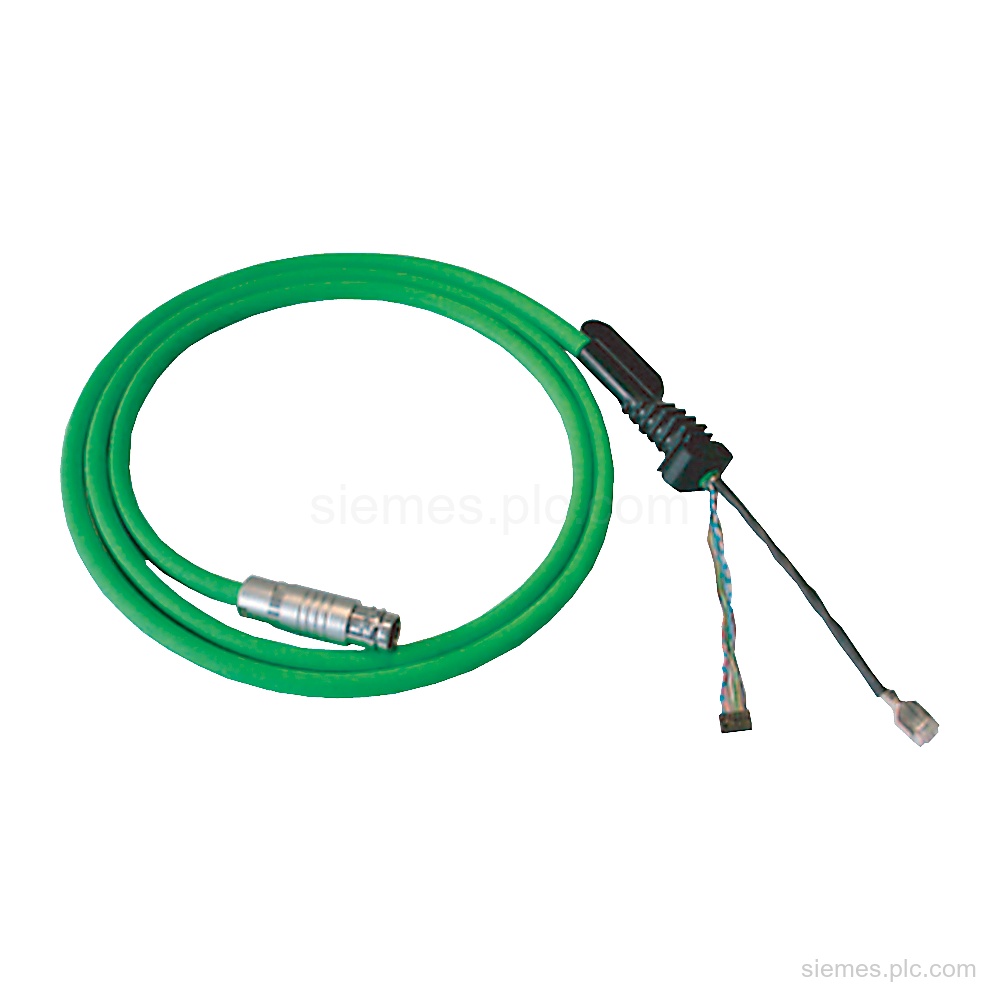
6XV1440-4BN20 is a Siemens PN connecting cable for Mobile Panels with PROFINET, 20 m length, 24 V DC rated value,…
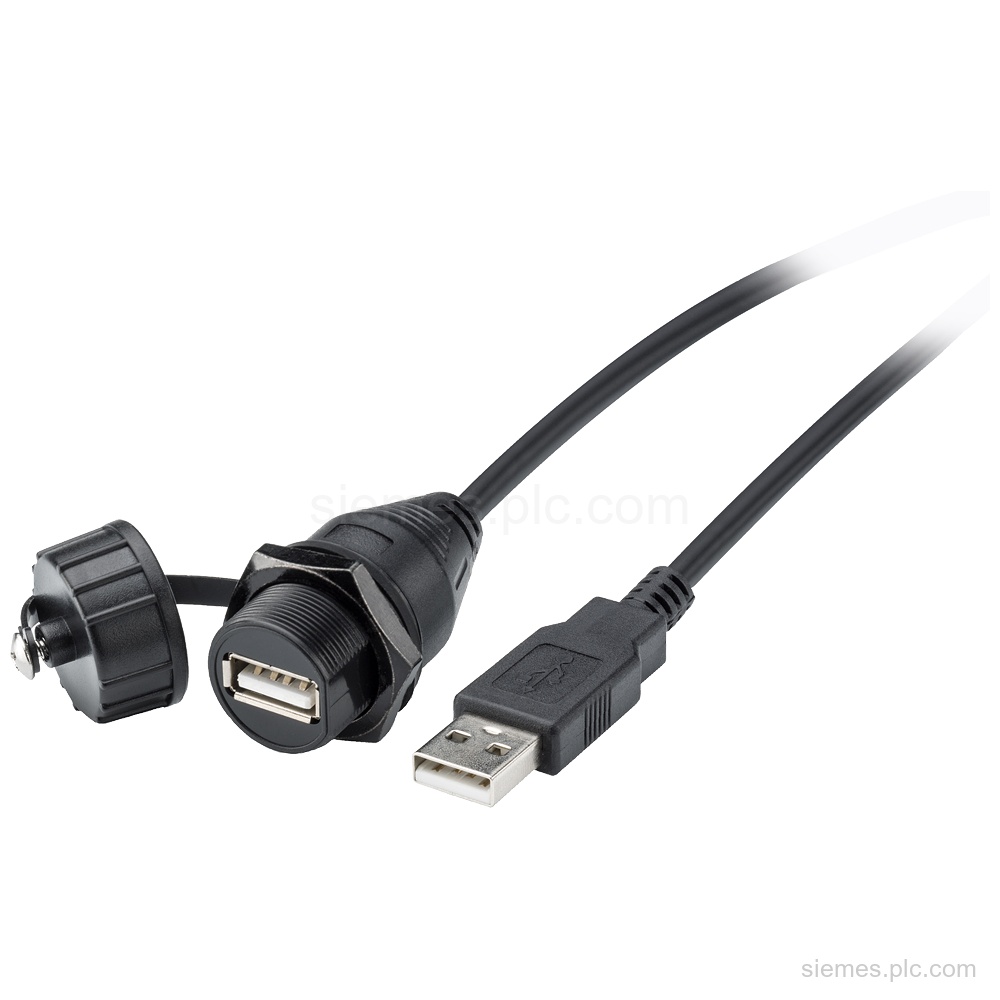
6AV6881-0AF21-0LC0 identifies a Siemens USB connecting cable with USB 2.0, IP67/IP20 connector protection, and 2.5 m length. Verify the complete…
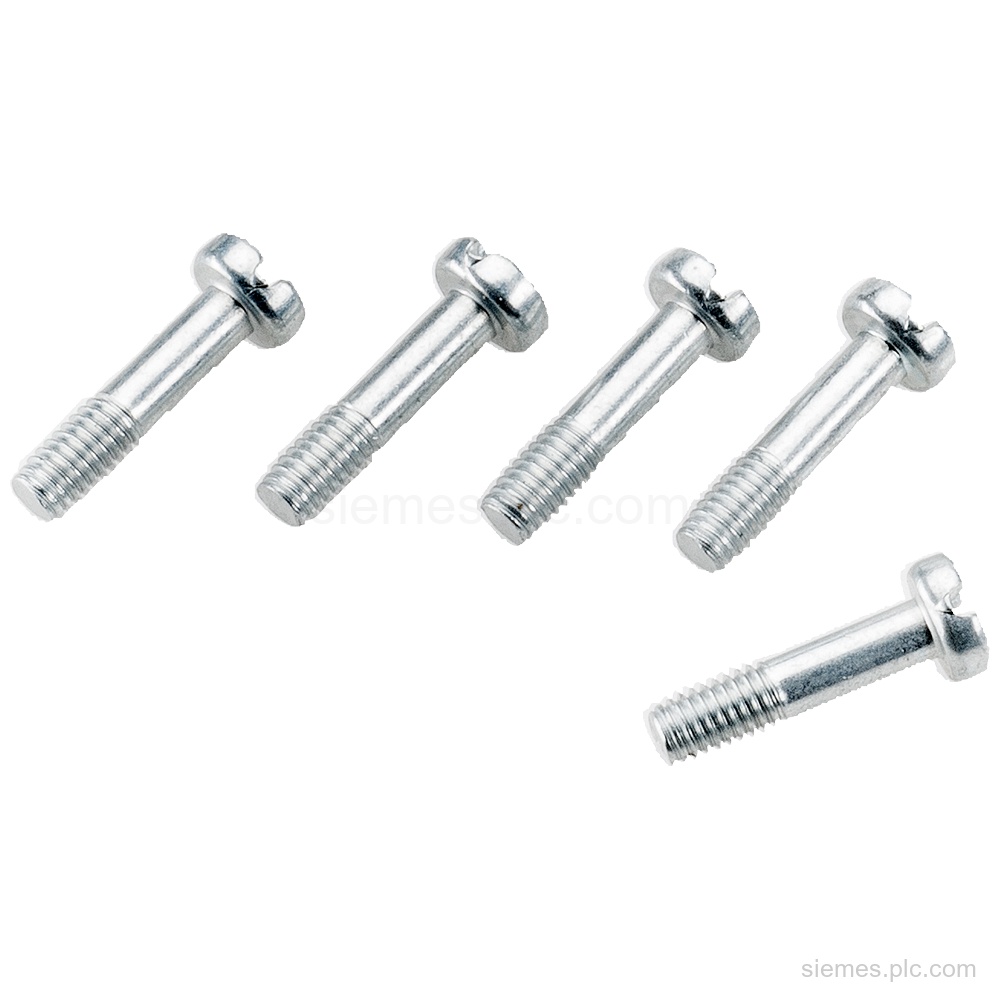
6AV6881-0AG11-0AA0 identifies a Mobile Panel M3 screw service set with 5 combination cross-tip neck screws. Verify the complete code and…
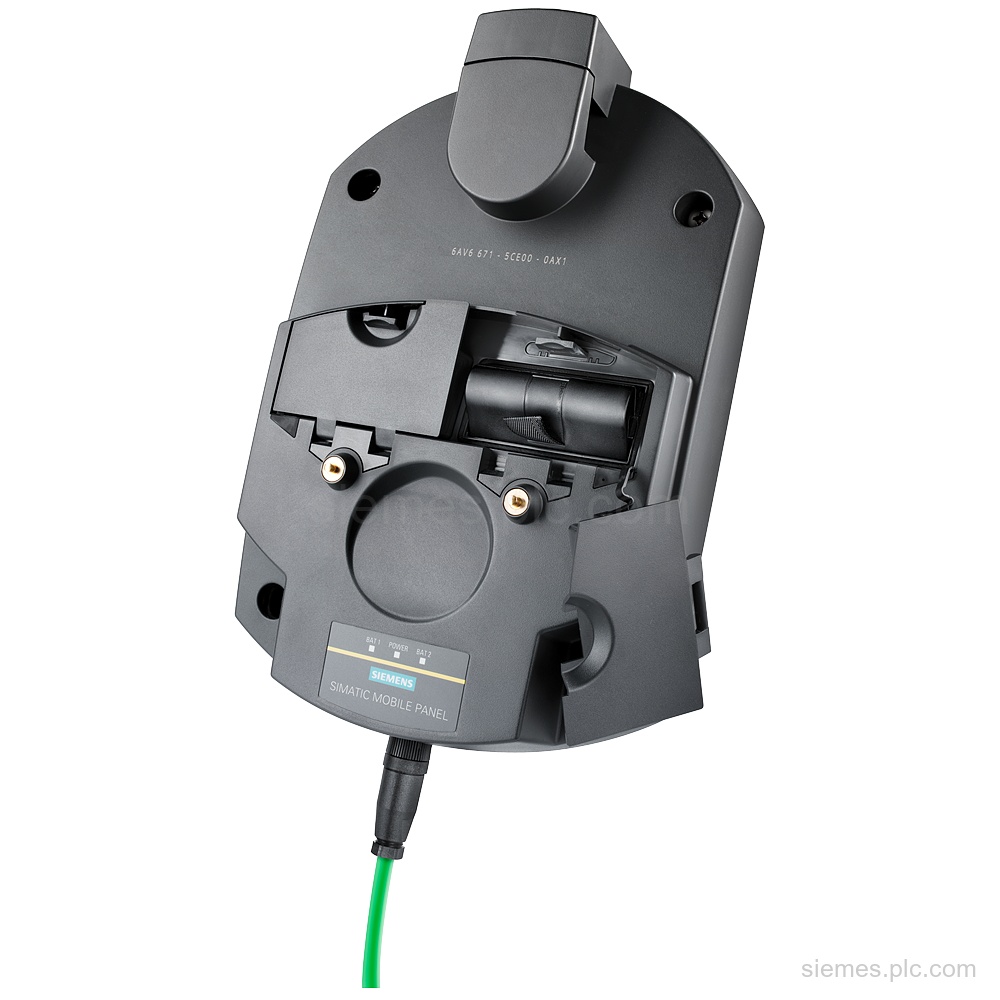
6AV6671-5CE00-0AX1 is a Siemens charging station for Mobile Panel 277(F) IWLAN with lock, 24 V DC supply, IP65, and 3.2…
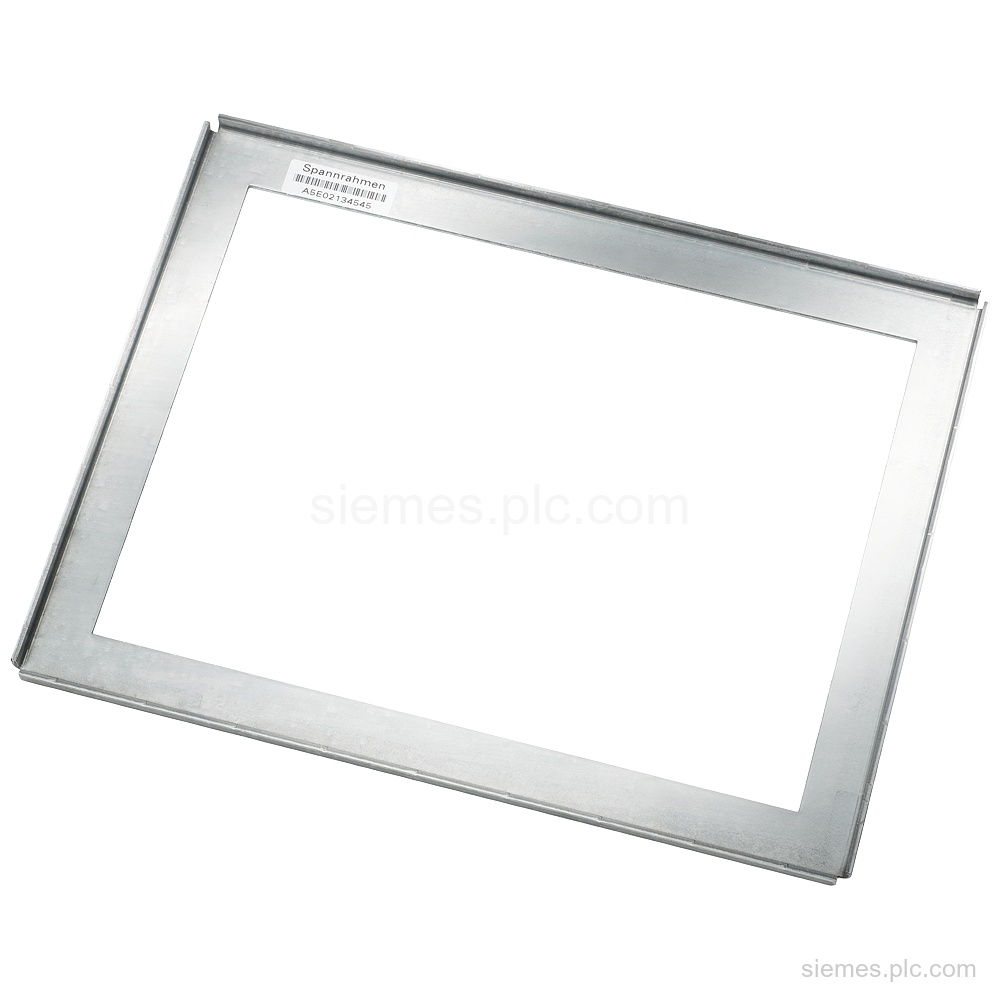
6AV6671-8XS00-0AX0 identifies a Siemens mounting frame for 10" to 12" touch devices, with portrait and landscape mounting. Verify the complete…
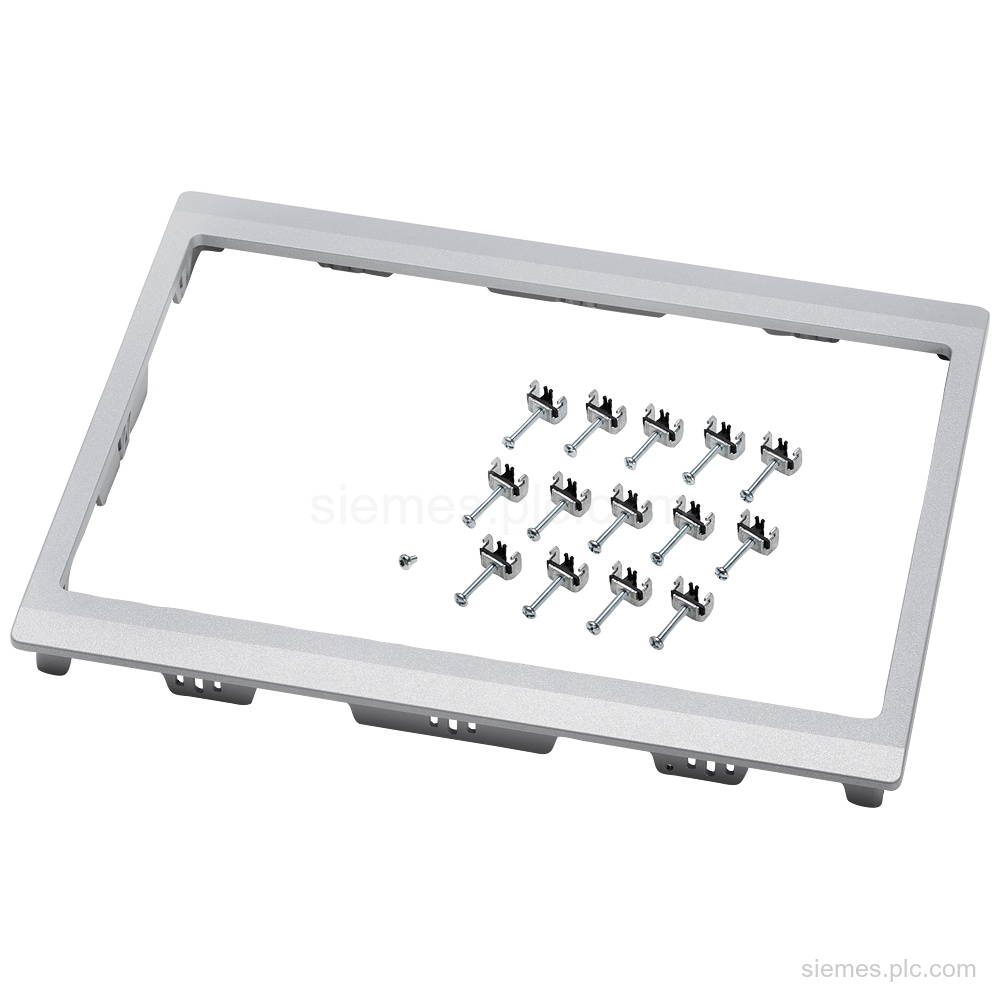
6AV6881-6QD41-0AA0 identifies an adapter frame for 15" touch widescreen devices. It supports portrait and landscape mounting, includes mounting accessories, and…
Product identification
HMI Accessories products can differ by function, interface, hardware version and configuration. Use the complete identifier and installed equipment details to avoid ordering a different variant.
Copy the complete MLFB, part number or product code, including every suffix shown on the label.
Include the current controller, panel, drive, motor or network details when compatibility must be assessed.
State the quantity, required condition and delivery destination for each requested item.
Multiple products
Send multiple Siemens MLFBs or product codes in one request. Add the quantity, required condition and destination for each item, plus any compatibility or replacement question that needs assessment.