6AV6574-1AE00-4AX0
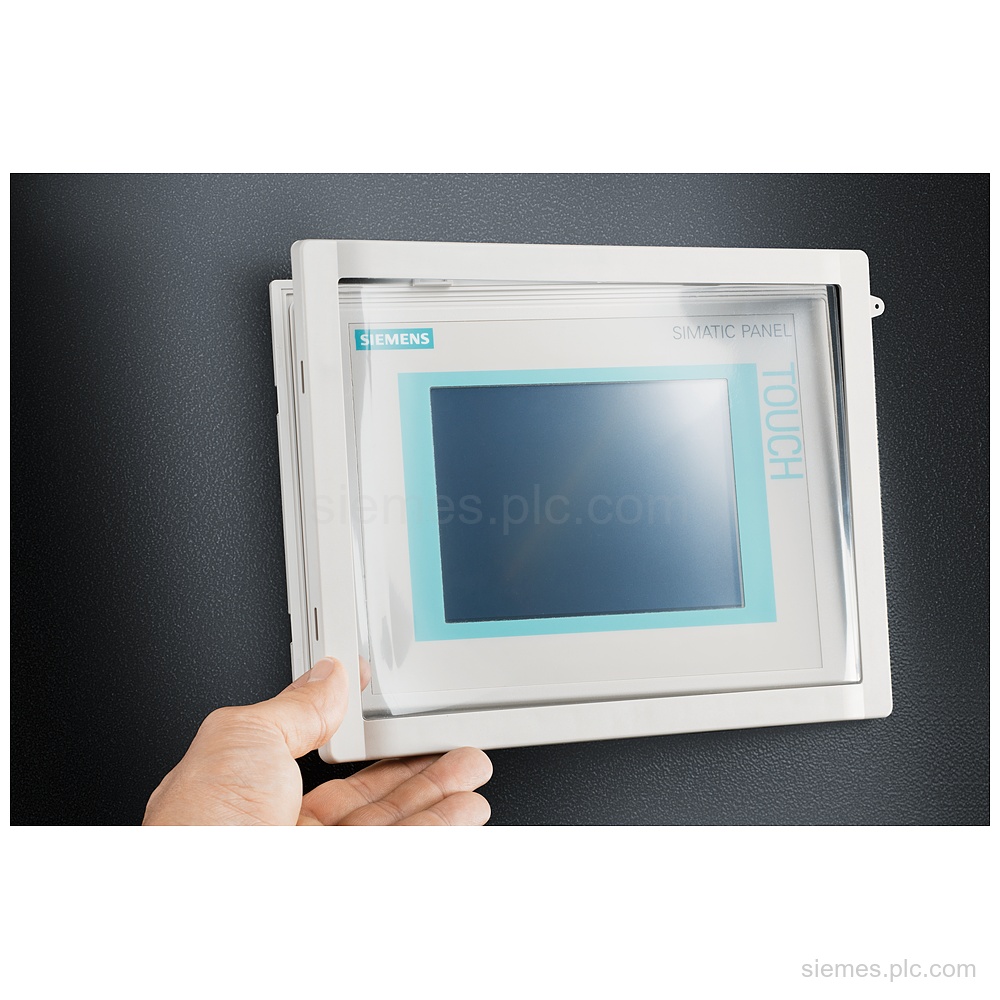
6AV6574-1AE00-4AX0 is a 6" protective cover for TP and MP touch devices, with IP65 at the front and portrait or…

Siemens Product Category
We supply Siemens SIMATIC HMI panels for machine visualization, operator control and process status display.
Products
Search SIMATIC HMI products by Siemens MLFB, part number or product code, or select a product group from the category menu.
6AV6574-1AE00-4AX0 is a 6" protective cover for TP and MP touch devices, with IP65 at the front and portrait or…
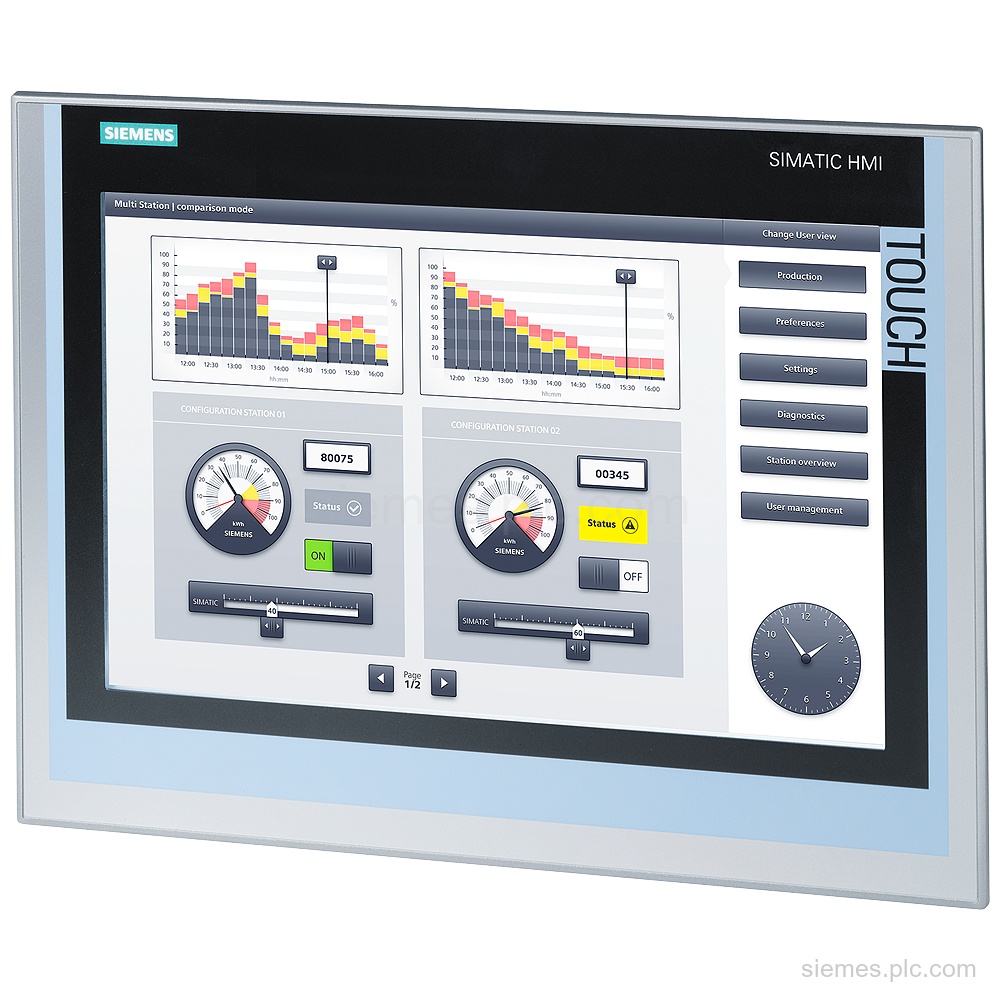
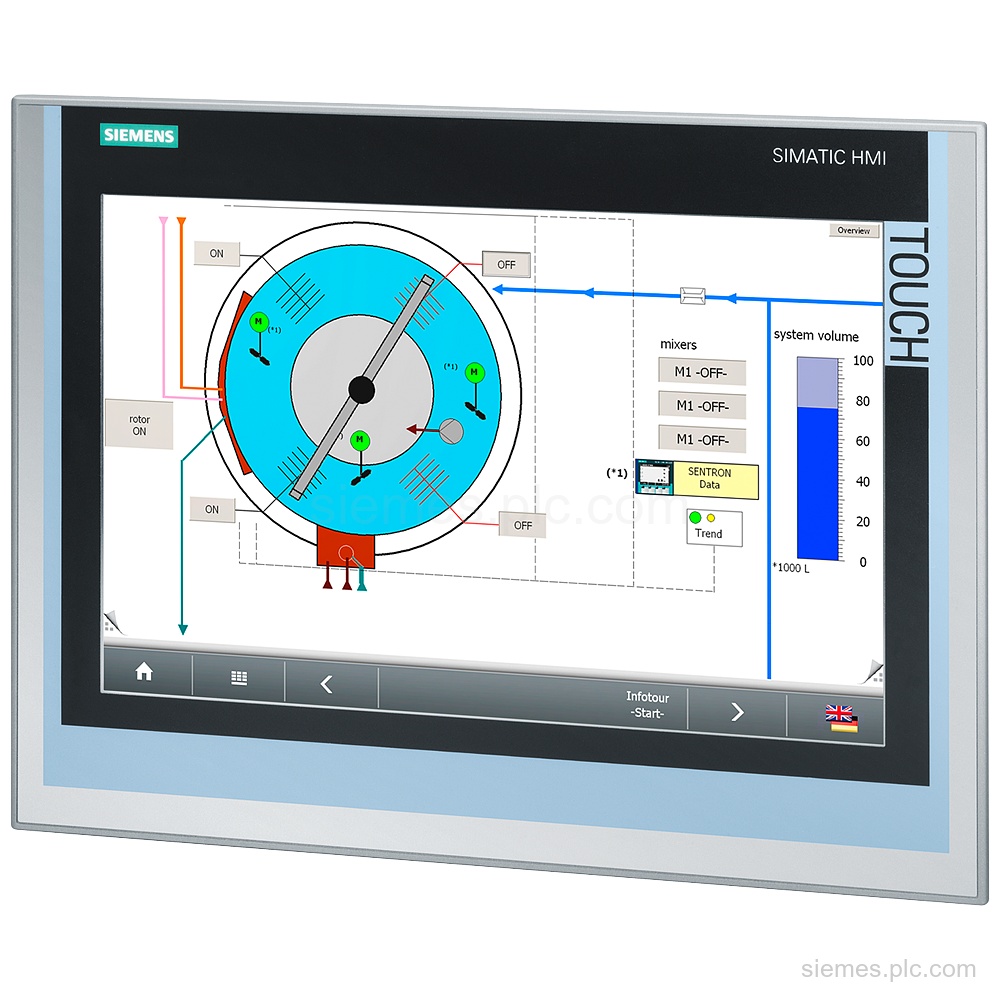
6AV2124-0QC02-0AX0 identifies a SIMATIC HMI TP1500 Comfort panel with 15.4 in widescreen TFT display, PROFINET and MPI/PROFIBUS DP interfaces. Verify…
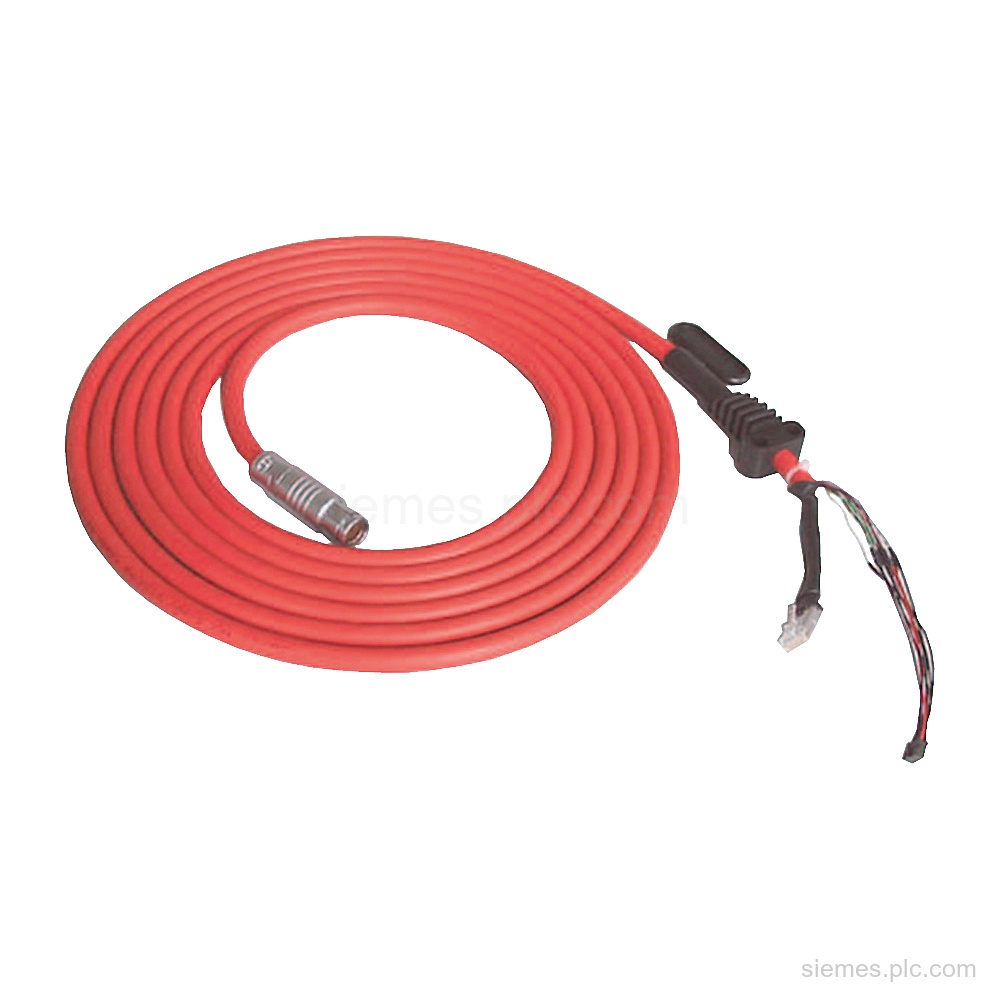
6XV1440-4AN10 is an MPI/DP connecting cable for Mobile Panels, with a 10 m cable length and 1 connection cable supplied.…
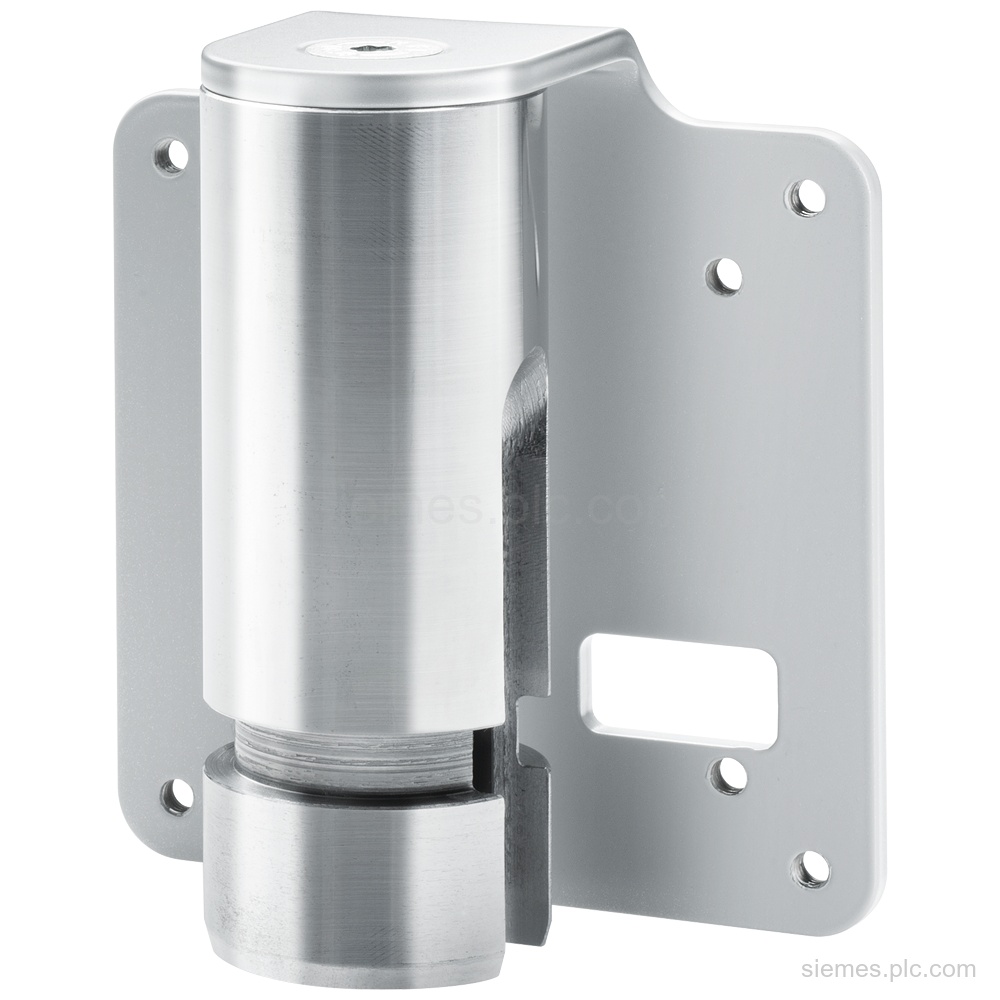
6AV6881-0AD56-0AA0 is a Siemens VESA 100/75 flange adapter for Pro devices, with M6 thread, IP20, and 35 kg max. load.…
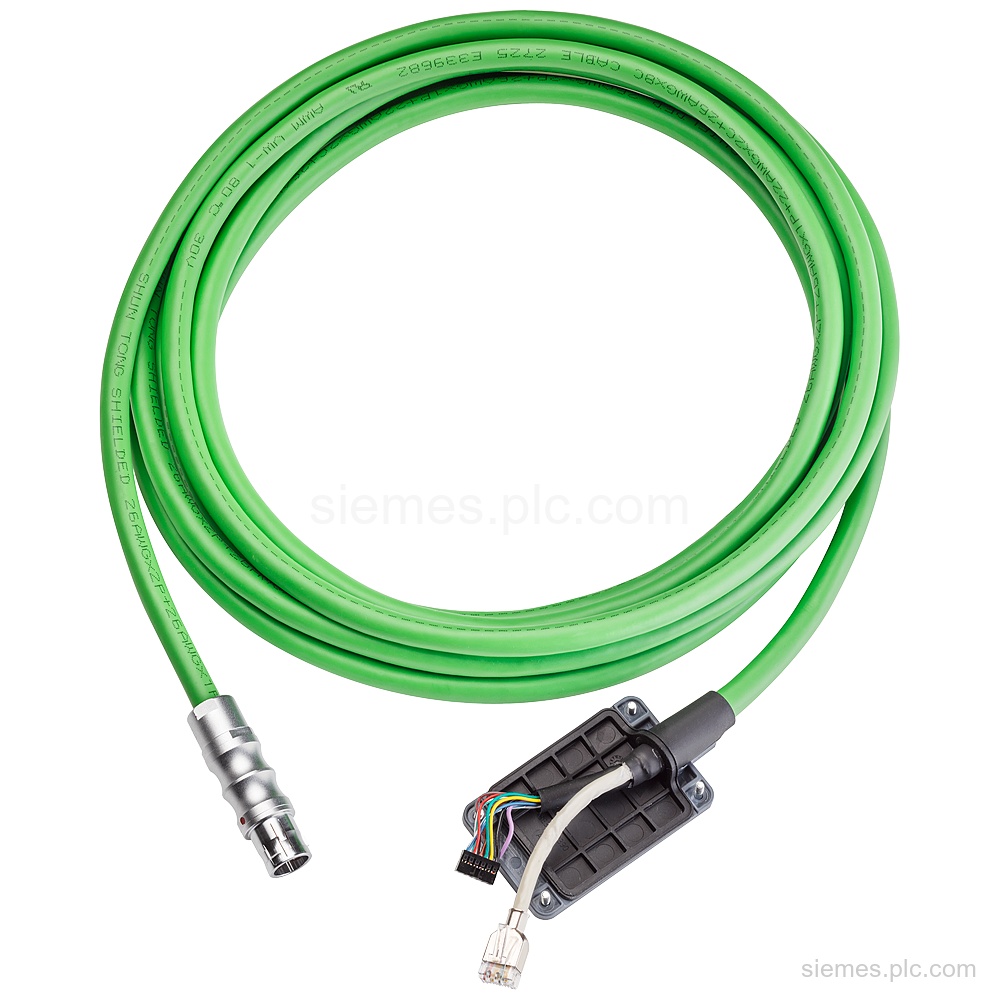
6AV2181-5AF25-0AX0 is a Siemens connecting cable for KTPX00(F) Mobile with PROFINET and a 25 m length. Verify the exact code…
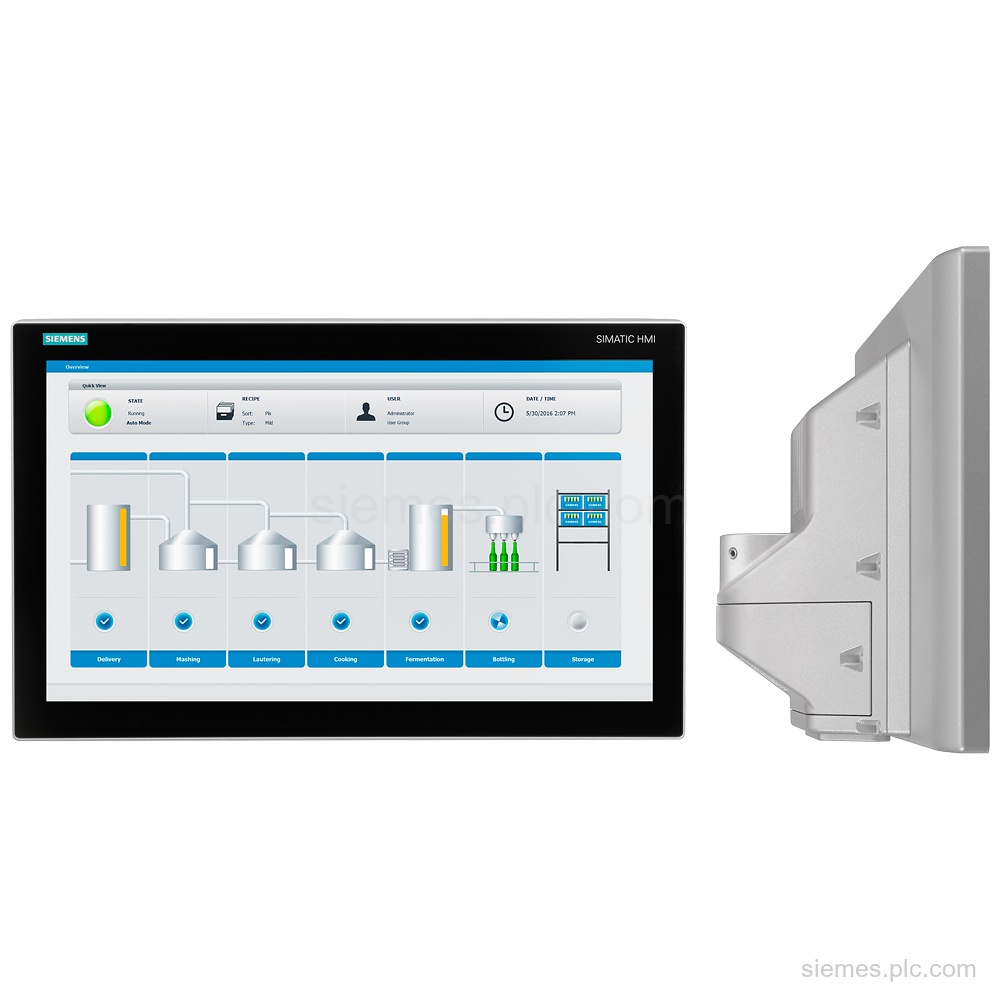
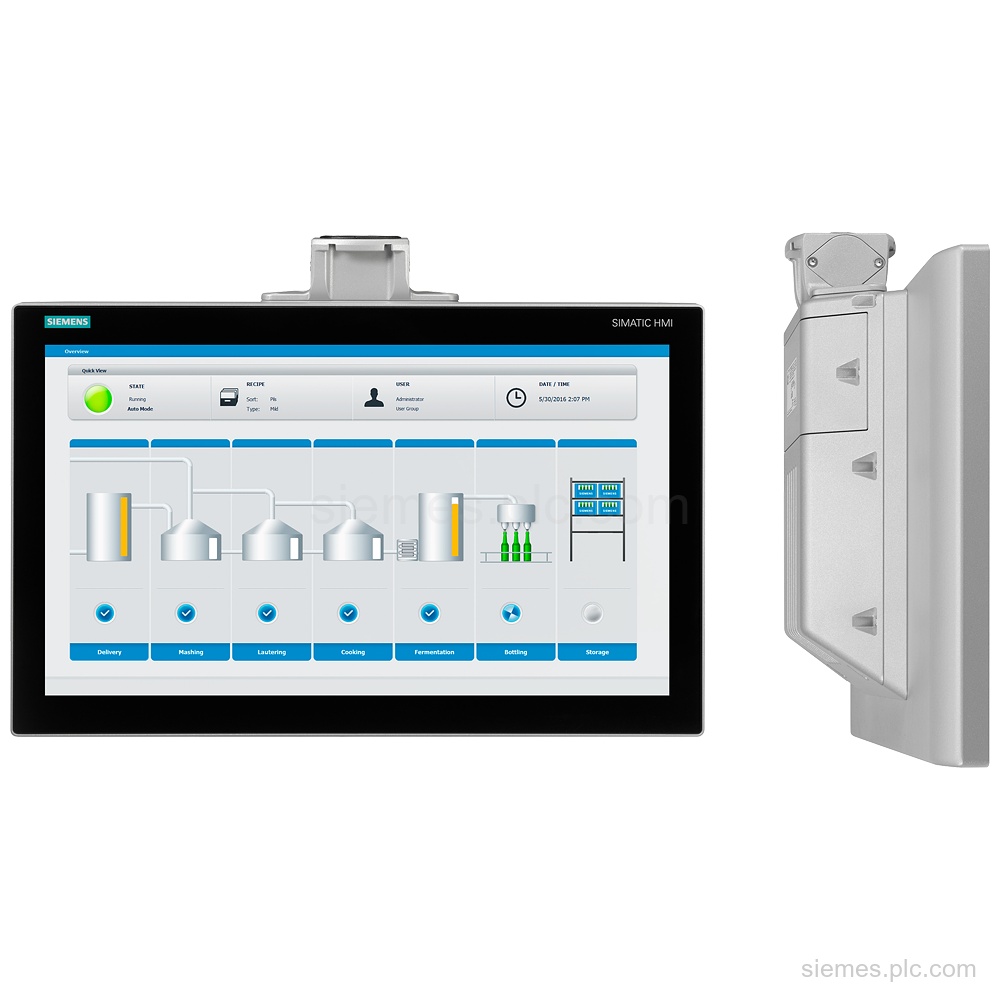
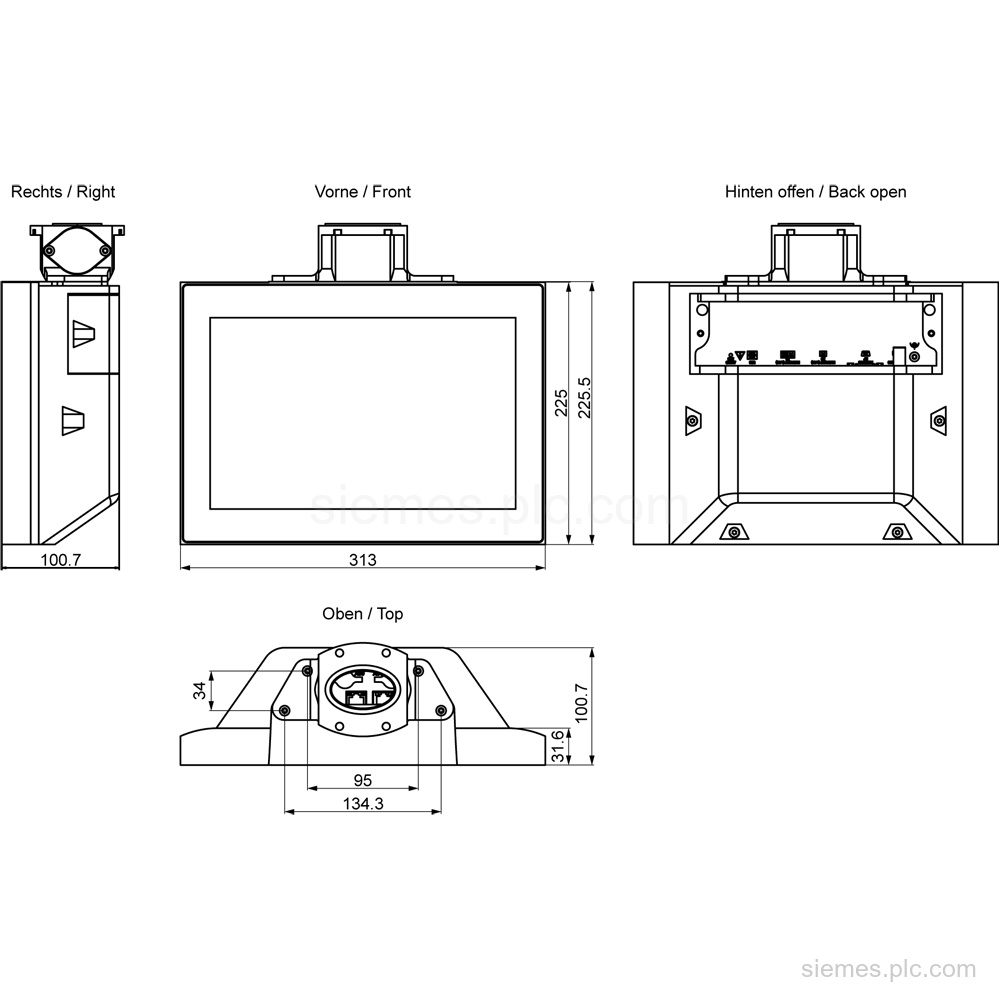
6AV2124-0UC24-0BX0 identifies the SIMATIC HMI TP1900 Comfort Pro for support-arm mounting, with a 19-inch widescreen display and PROFINET. Verify the…
6AV2124-0UC24-0AX0 identifies a SIMATIC HMI TP1900 Comfort Pro with 19" widescreen TFT, PROFINET, MPI/PROFIBUS DP, and 24 MB memory. Verify…
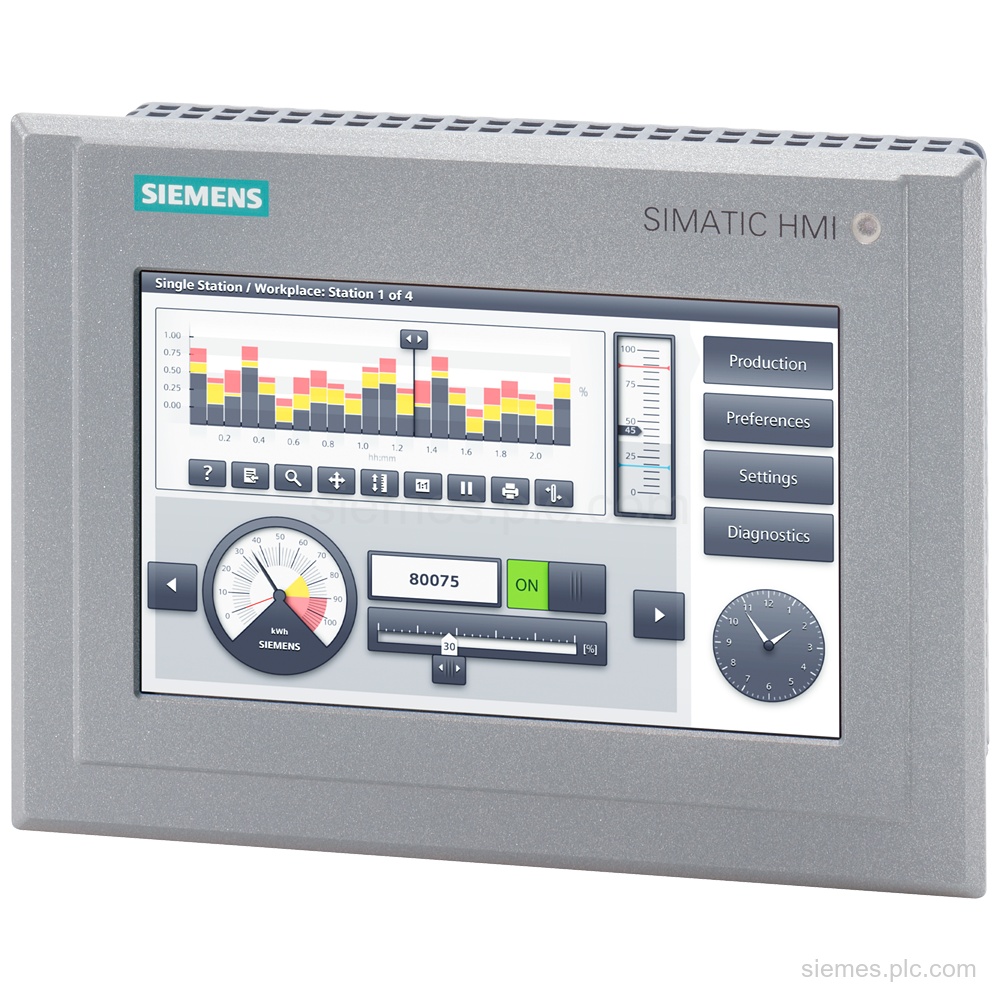
6AV2124-0GC13-0AX0 identifies a SIMATIC HMI TP700 Comfort Outdoor panel with a 7 in widescreen TFT display, PROFINET, and 12 MB…
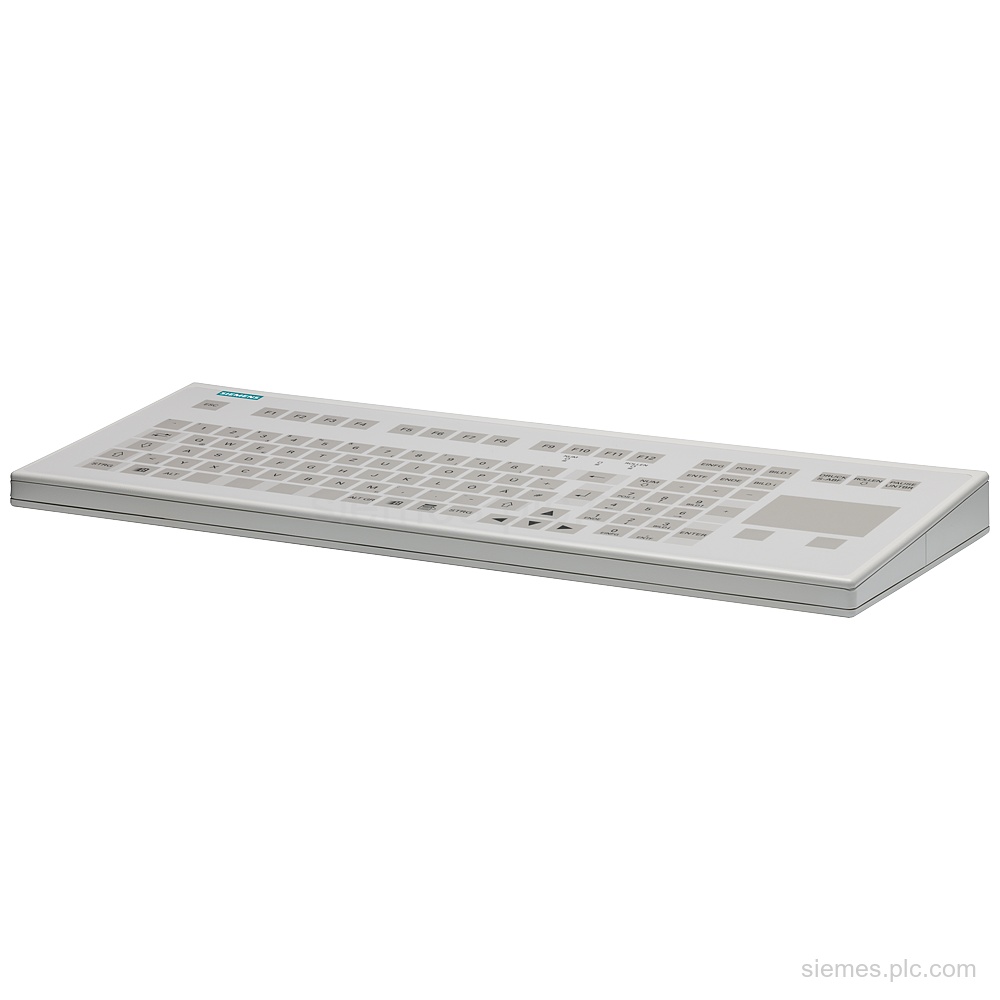
Siemens 6GF6710-2AC identifies a PS/2 membrane keyboard DEU with touch pad, 12 programmable function keys, IP65 protection, and desktop housing.…
6AV6613-1BA51-3CA0 identifies WinCC flexible 2008 Runtime software with a single license for 128 PowerTags, documentation on CD, and a USB…
6AV2124-0MC24-0AB0 identifies a SIMATIC HMI TP1200 Comfort PRO for support arm with 12.1 in TFT, PROFINET, and 24 MB configuration…
6AV7863-5MA20-2AA0 identifies a SIMATIC IFP1500 V2 15.6 in multi-touch display with 1 920 x 1 080 resolution, 24 V DC…
Product identification
SIMATIC HMI products can differ by function, interface, hardware version and configuration. Use the complete identifier and installed equipment details to avoid ordering a different variant.
Copy the complete MLFB, part number or product code, including every suffix shown on the label.
Include the current controller, panel, drive, motor or network details when compatibility must be assessed.
State the quantity, required condition and delivery destination for each requested item.
Multiple products
Send multiple Siemens MLFBs or product codes in one request. Add the quantity, required condition and destination for each item, plus any compatibility or replacement question that needs assessment.