6AV7863-1MA14-2AA0
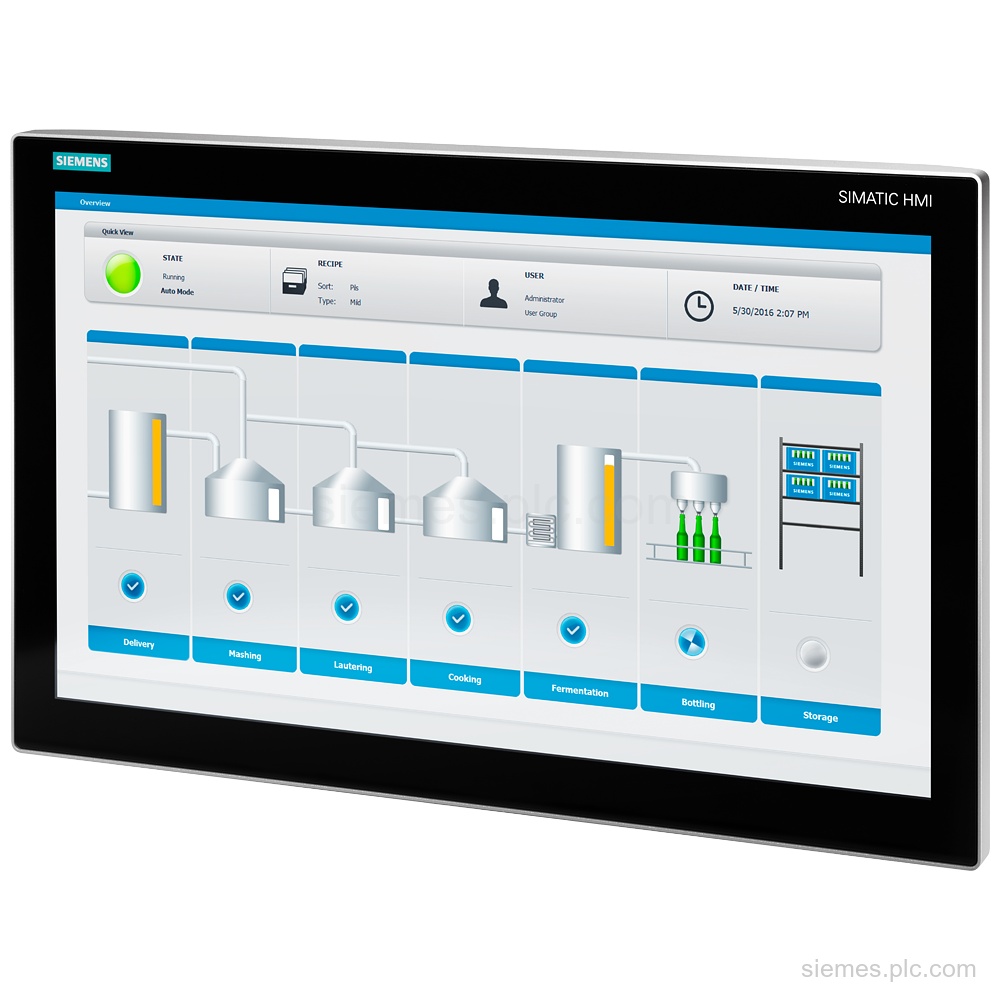
6AV7863-1MA14-2AA0 identifies the SIMATIC IFP1200 V2 PRO with a 12.1 in multi-touch display, 1 280 x 800 resolution, 24 V…

Siemens Product Category
We supply Siemens SIMATIC box, panel and rack PCs, programming devices and industrial monitors.
Products
Search SIMATIC Industrial PCs products by Siemens MLFB, part number or product code, or select a product group from the category menu.
6AV7863-1MA14-2AA0 identifies the SIMATIC IFP1200 V2 PRO with a 12.1 in multi-touch display, 1 280 x 800 resolution, 24 V…
6AV7863-6MA00-2AA0 identifies a SIMATIC IFP1900 V2 built-in 19" multi-touch display with 1 920 x 1 080 resolution, 24 V DC…
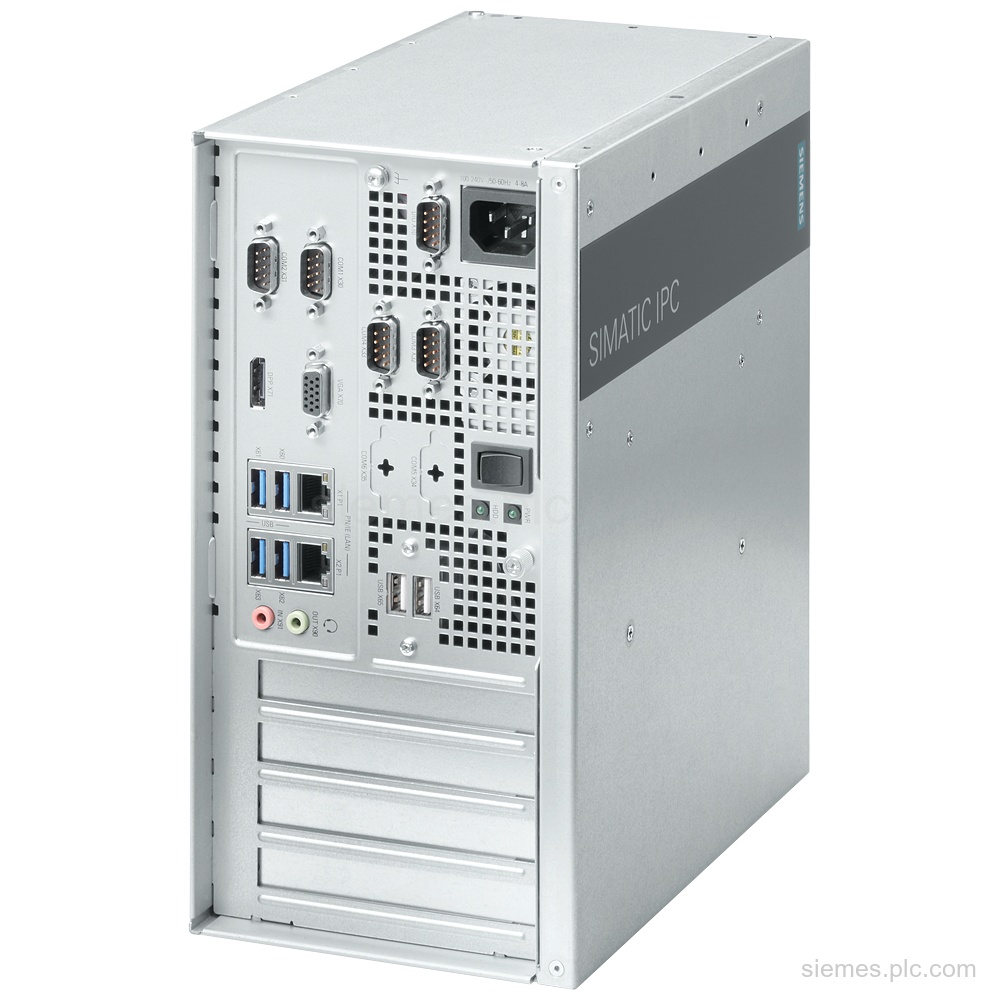
6AG4025-0DF20-2BB0 identifies a SIMATIC IPC527G Box PC with Core i7-6700, 8 GB RAM, 512 GB SSD, and 2x Gigabit Ethernet.…
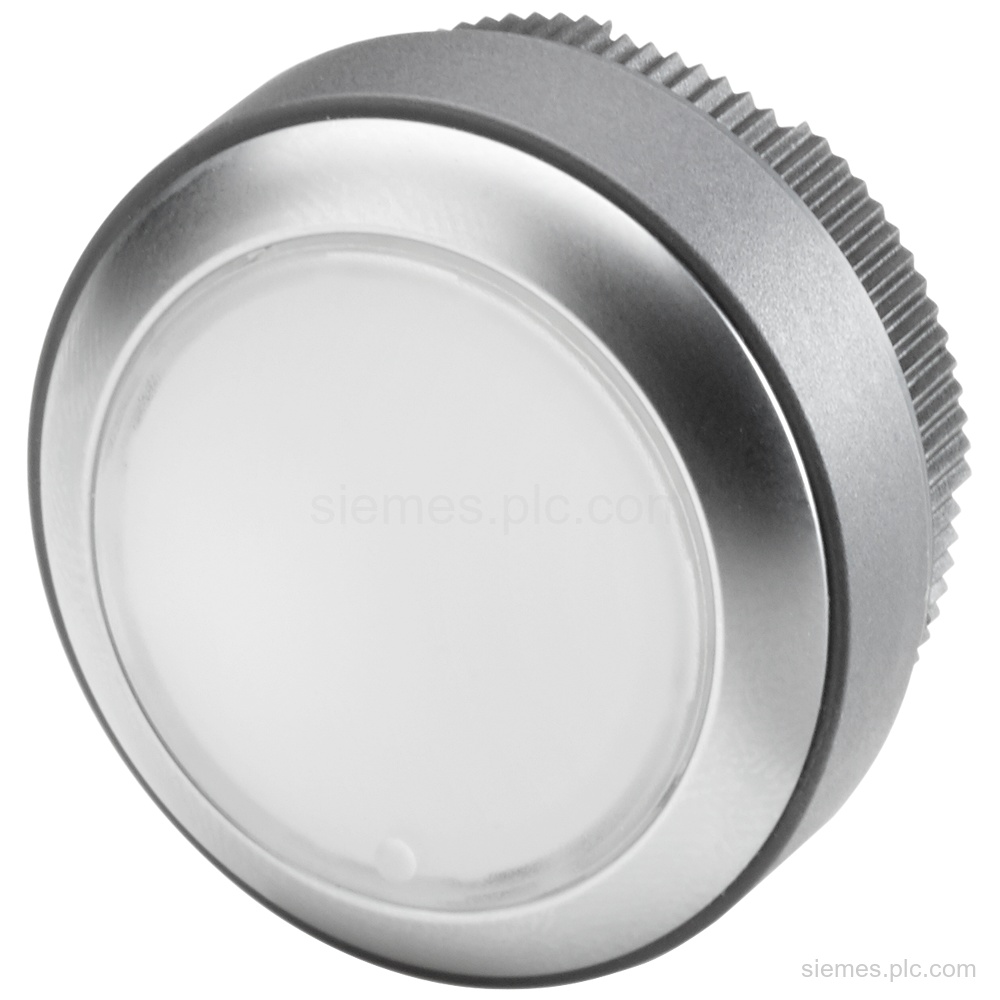
6AV7674-1MG00-0AA0 is an illuminated pushbutton for Extension Units with 1 NC and 1 NO contact, 24 V DC, IP65 front…
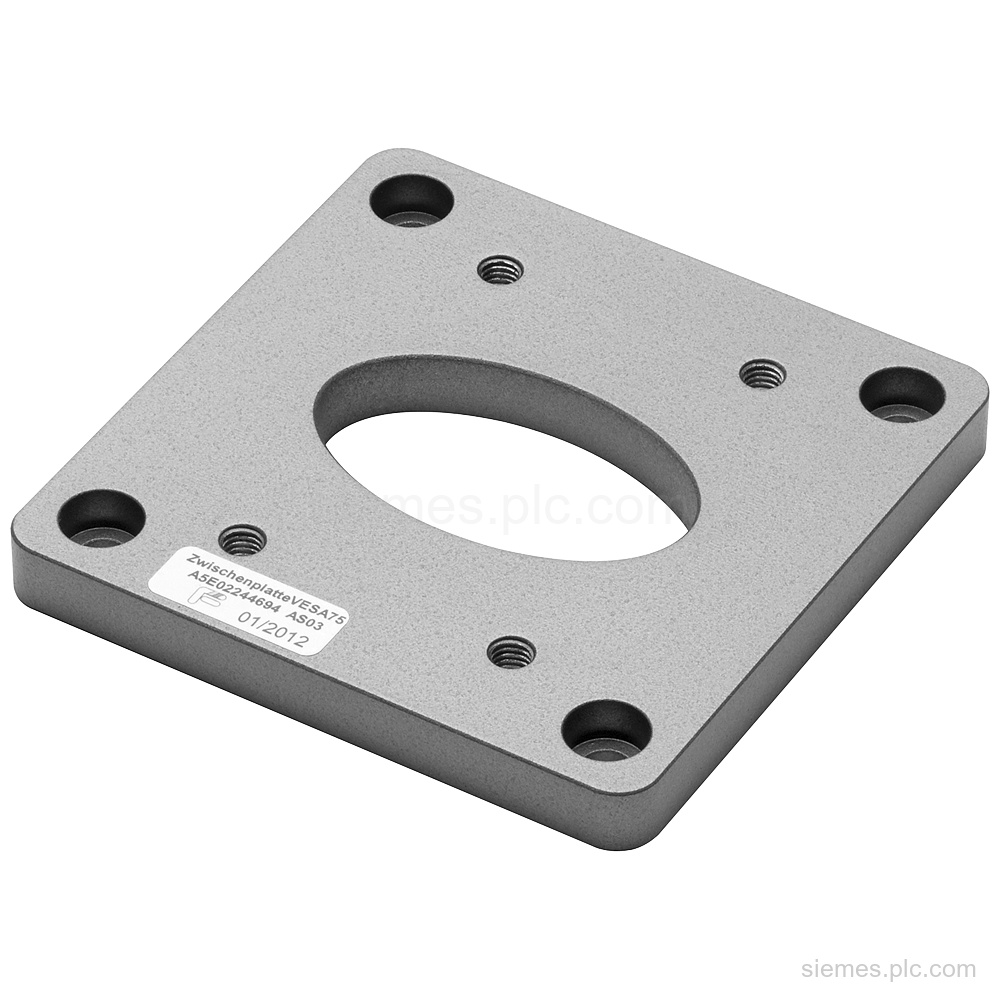
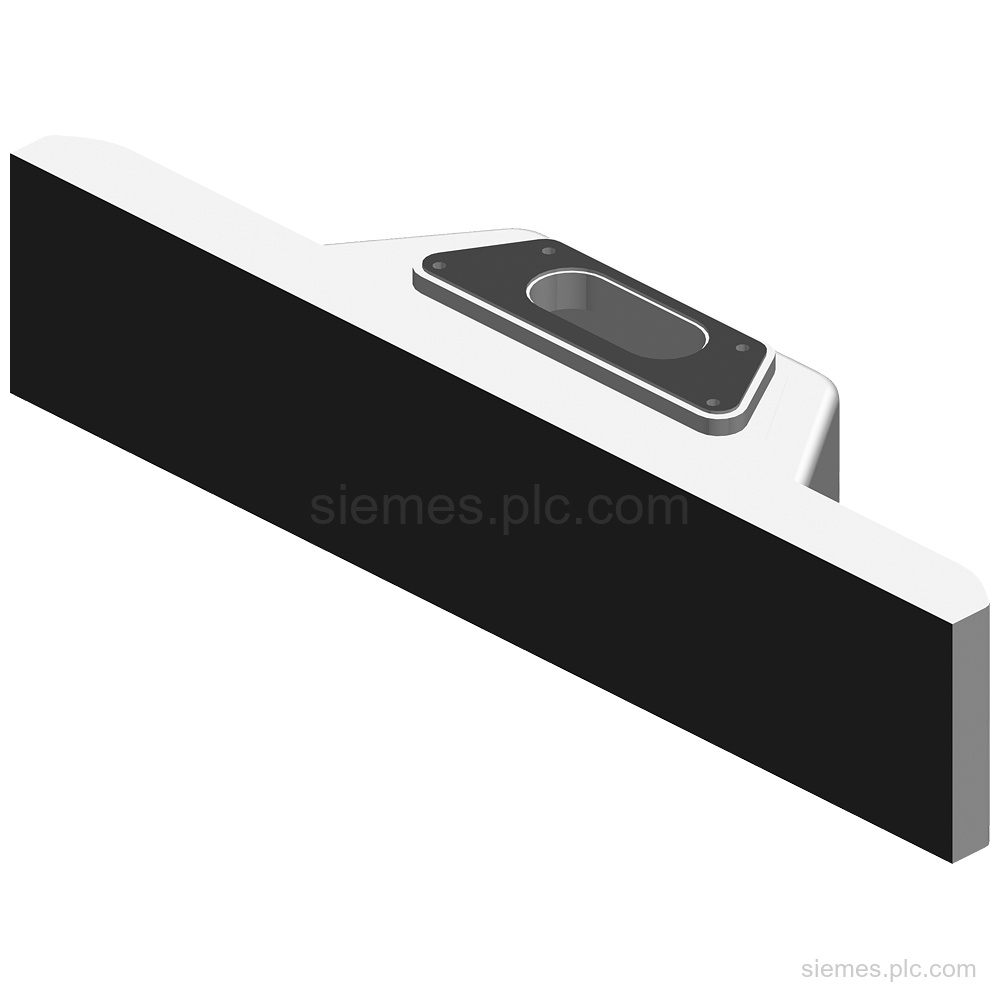
6AV7674-0KE00-0AA0 is a Siemens Adapter set VESA 75 for PRO devices, supplied with 1 adapter plate and 8 screws. Verify…
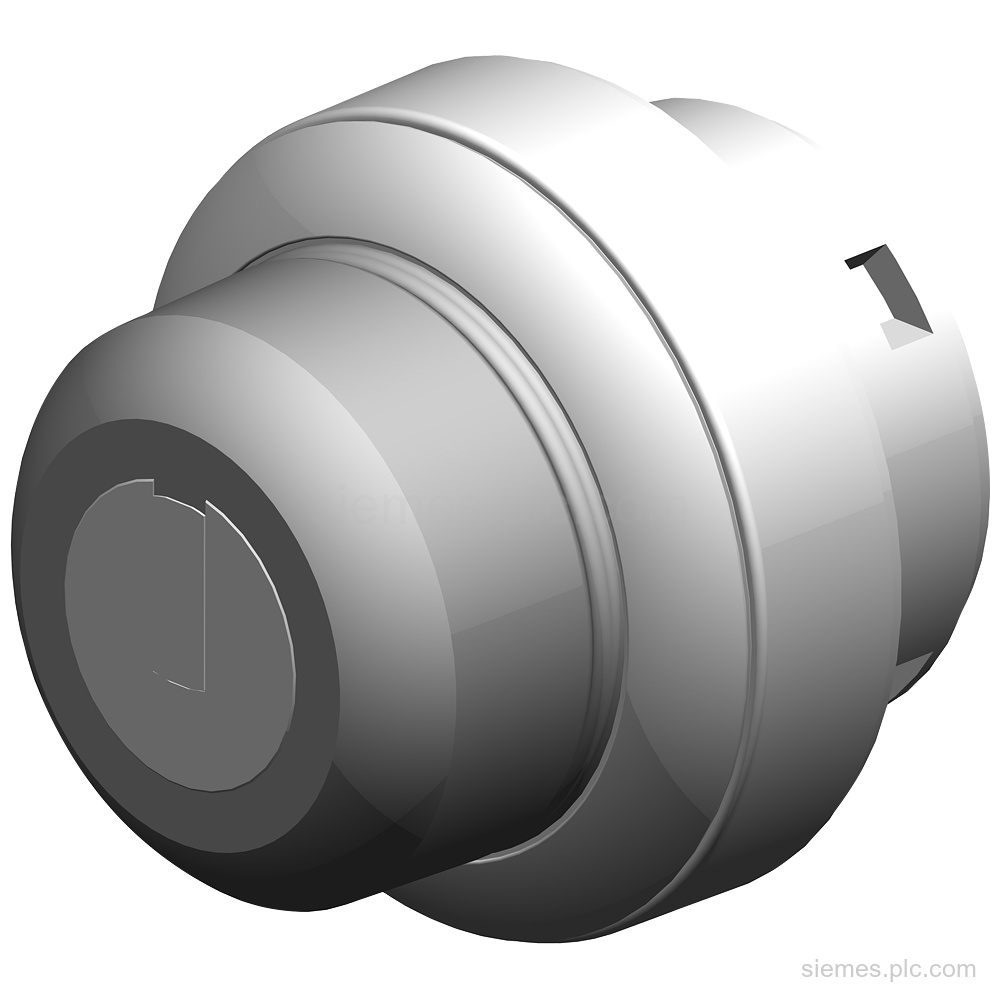
Siemens 6AV7674-1ME50-0AA0 is a latching safety keyswitch for Extension Units with 2 switch positions, 2 NO contacts, and IP65 front…
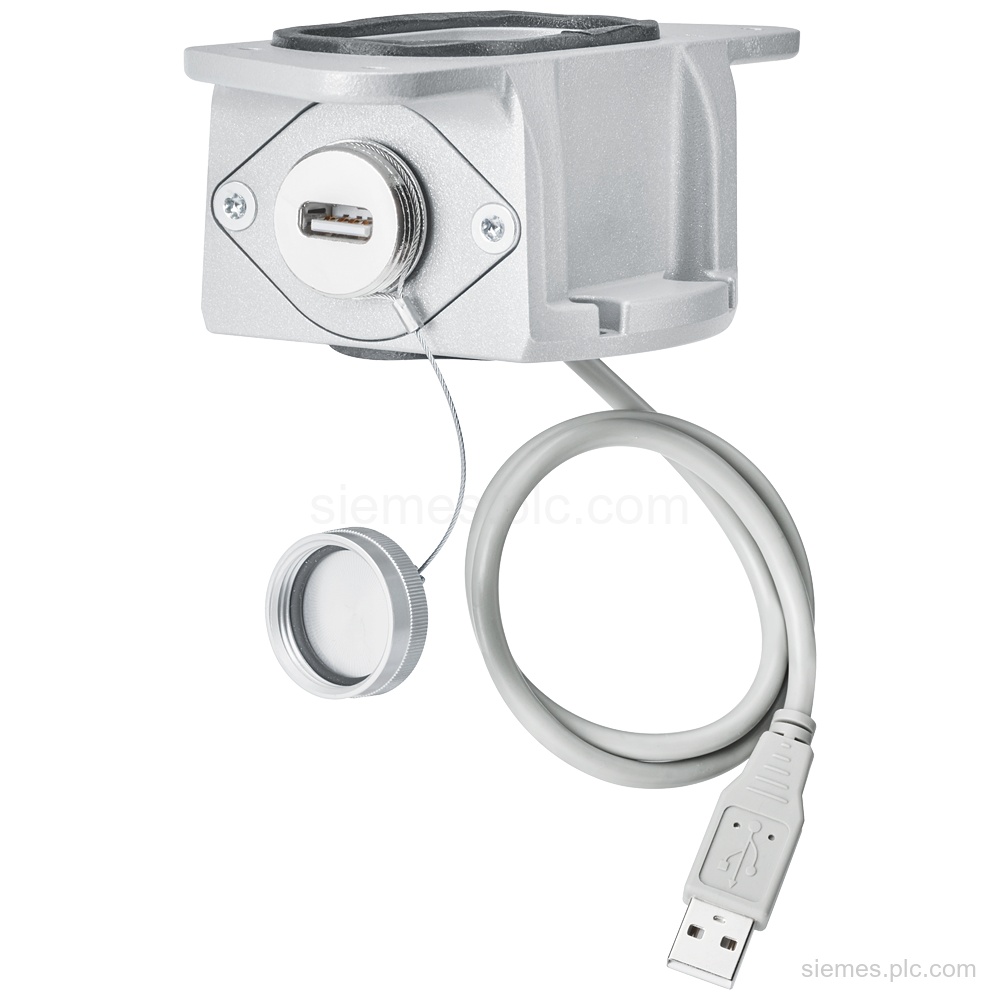
Siemens 6AV7674-1LX00-0AA0 is a USB interface for PRO devices with USB 2.0 type A, 0.5 m cable, and IP65 when…
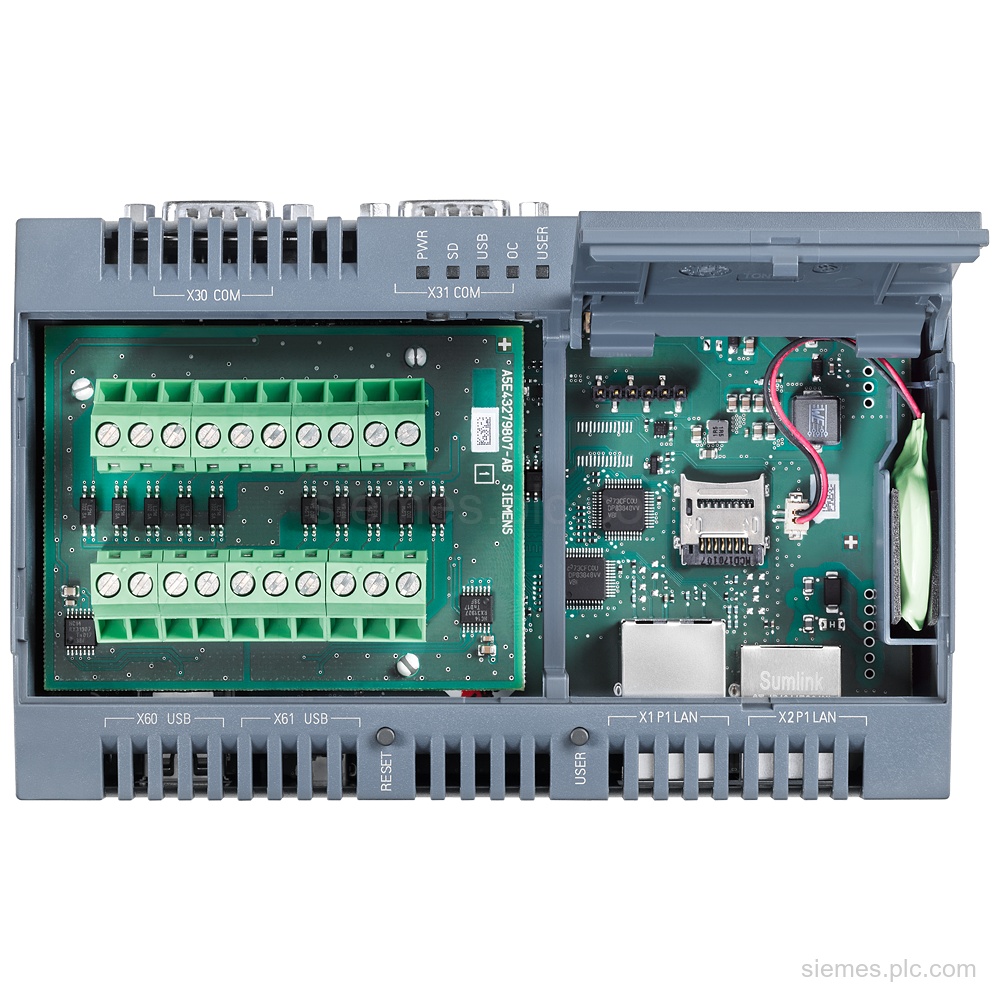
6ES7647-0KA02-0AA2 identifies a SIMATIC IOT2000 sink/source input module with 10 digital inputs and 24 V DC supply. Verify the complete…
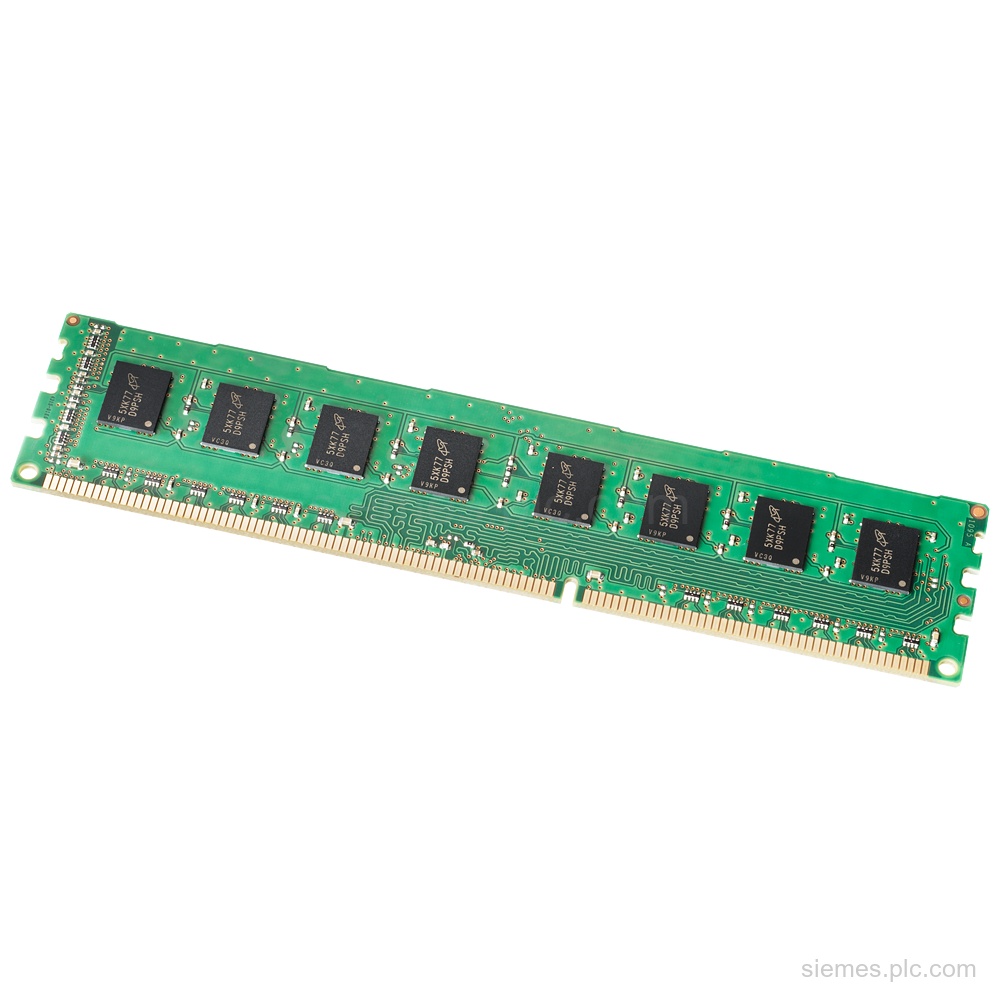
6ES7648-2AJ50-0MA0 identifies a Siemens SIMATIC memory expansion with 2 GB DDR3-1600 DIMM memory for listed SIMATIC IPC variants. Verify the…
6AV7674-1LA53-0AA0 is a Siemens 19" PROFIsafe Extension Unit with 10 mounting positions, 24 V DC supply, IP65 protection, and 2…
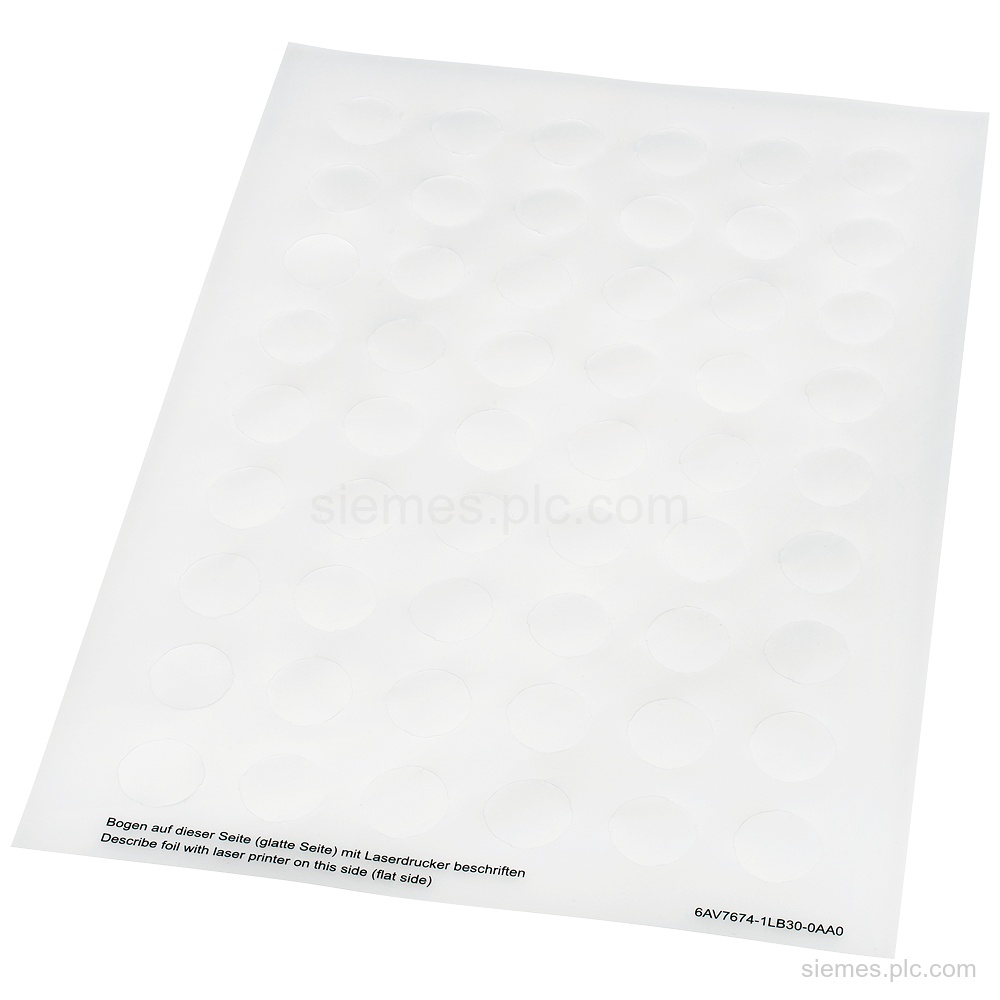
6AV7674-1LB30-0AA0 identifies Siemens Insert labels: colorless plates for indicator lights and illuminated pushbuttons, with 216 labels on 4 A4 sheets.…
6AV7860-1EX23-0AB1 identifies a Siemens SIMATIC cable set with a 30 m CAT6 cable and V2 host module using HDBaseT. Verify…
Product identification
SIMATIC Industrial PCs products can differ by function, interface, hardware version and configuration. Use the complete identifier and installed equipment details to avoid ordering a different variant.
Copy the complete MLFB, part number or product code, including every suffix shown on the label.
Include the current controller, panel, drive, motor or network details when compatibility must be assessed.
State the quantity, required condition and delivery destination for each requested item.
Multiple products
Send multiple Siemens MLFBs or product codes in one request. Add the quantity, required condition and destination for each item, plus any compatibility or replacement question that needs assessment.