6ES7193-6CP00-2MA0
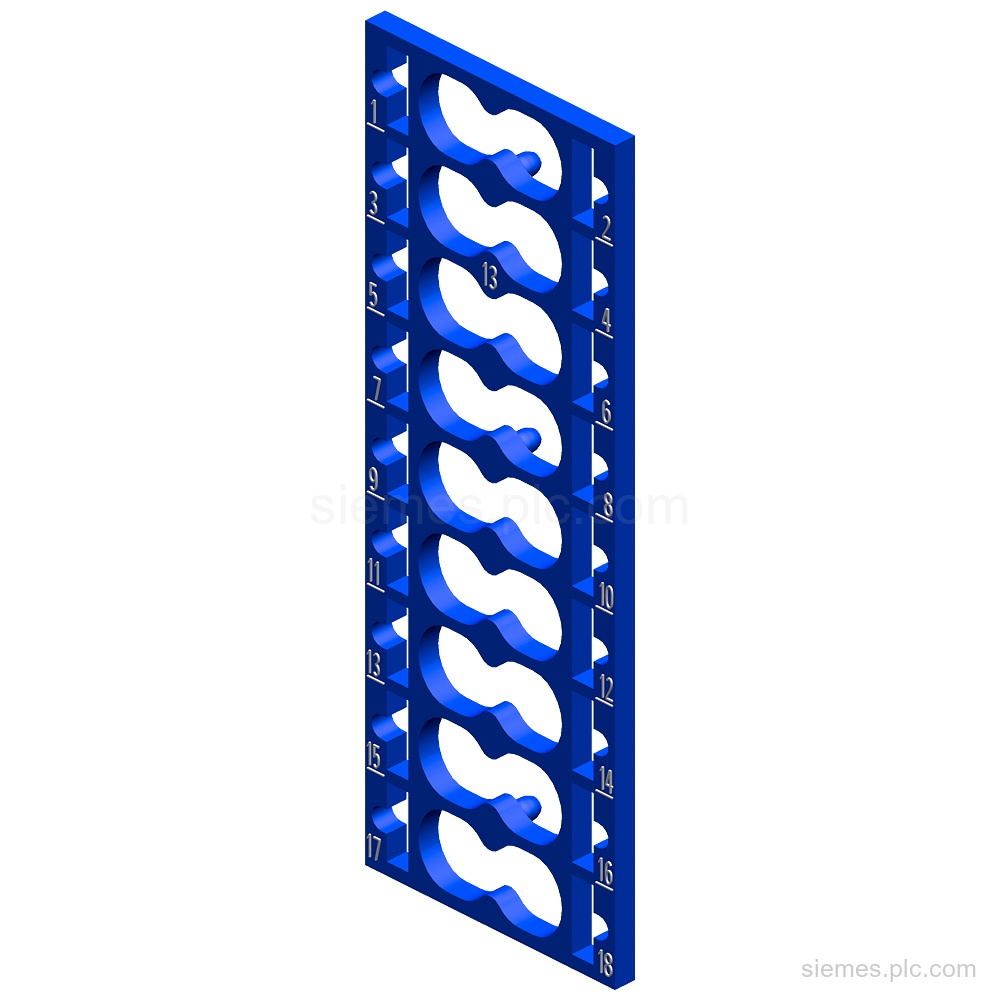
6ES7193-6CP00-2MA0 identifies SIMATIC ET 200SP color-coded labels: 10 labels in color code CC00 for I/O modules and 16 push-in terminals.…

Siemens Product Category
SIMATIC ET 200SP is a compact, scalable in-cabinet distributed I/O system for machine and plant automation.
Products
Search SIMATIC ET 200SP products by Siemens MLFB, part number or product code, or select a product group from the category menu.
6ES7193-6CP00-2MA0 identifies SIMATIC ET 200SP color-coded labels: 10 labels in color code CC00 for I/O modules and 16 push-in terminals.…
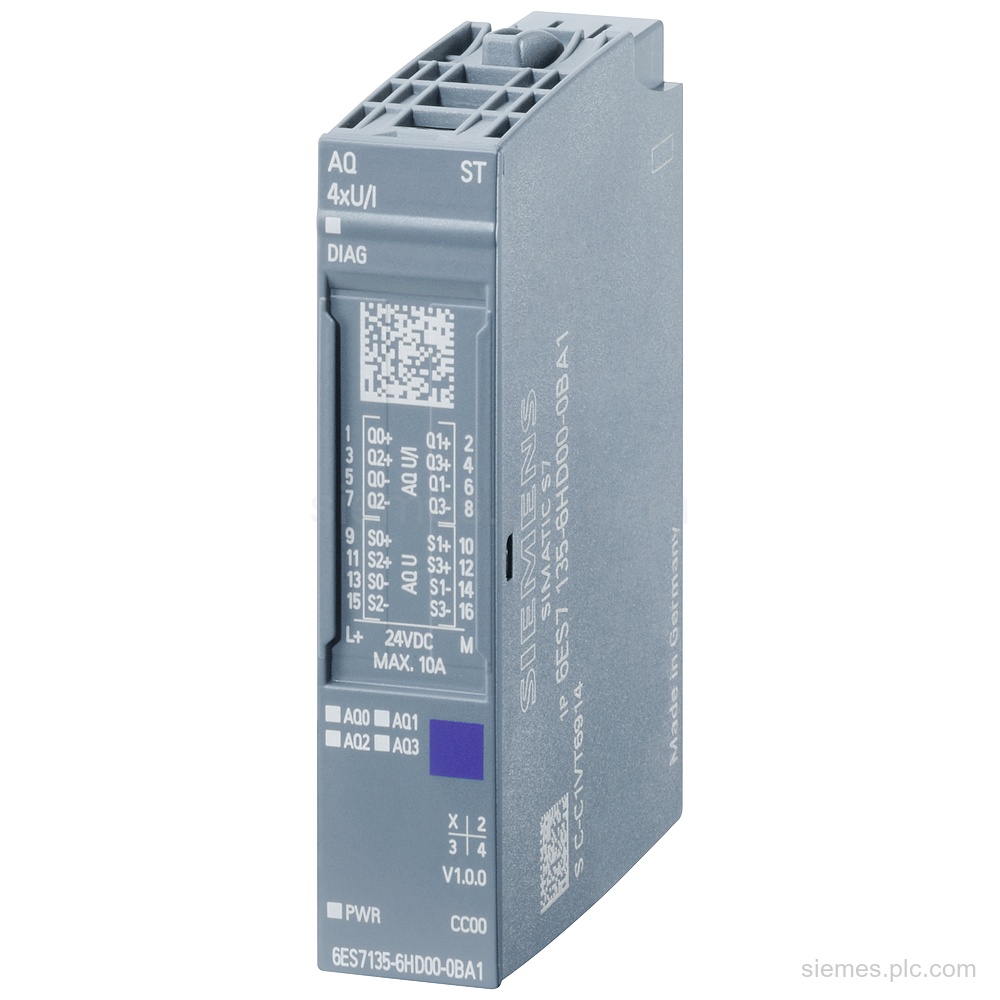
6ES7135-6HD00-0BA1 identifies a SIMATIC ET 200SP AQ 4xU/I ST analog output module with 4 outputs, 16 bit resolution, 24 V…
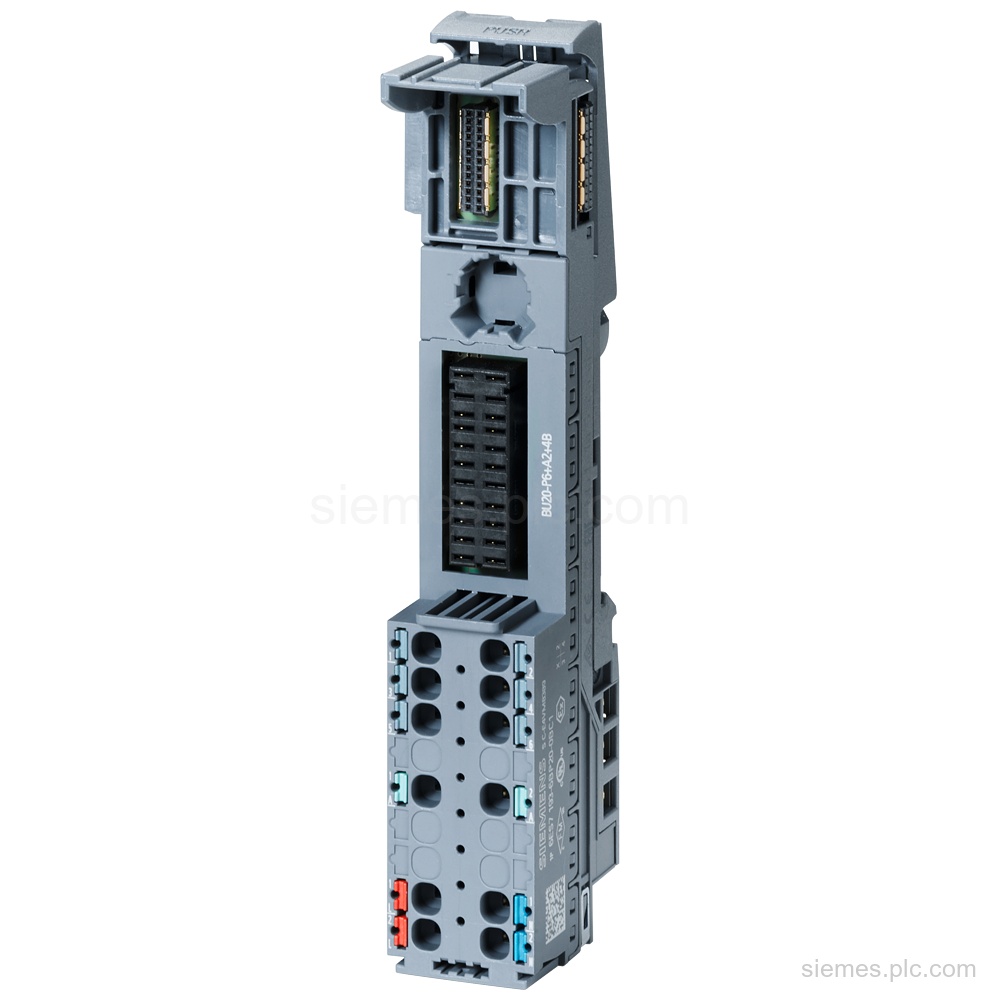
6ES7193-6BP20-0BC1 identifies a SIMATIC ET 200SP BaseUnit Type C1 with Push-in terminals and 2 AUX terminals bridged to the left.…
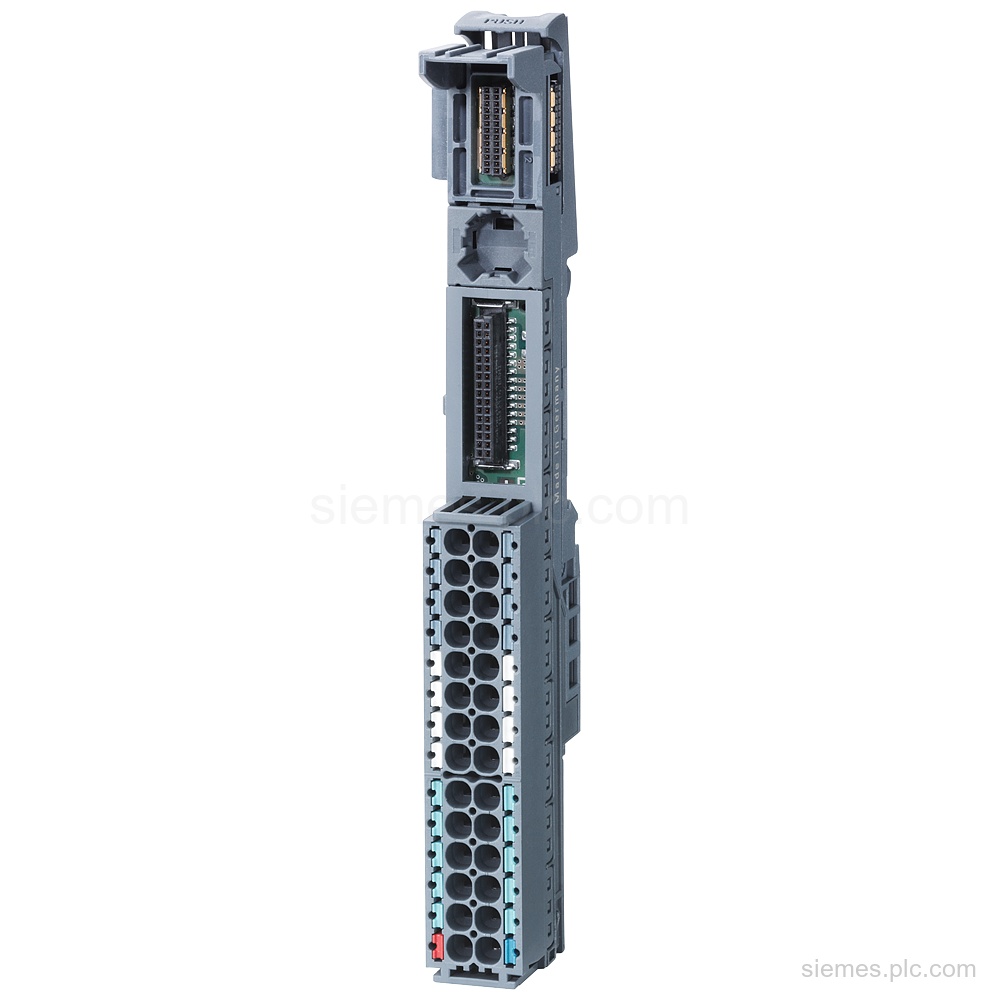
6ES7193-6BP20-0BA0 identifies a SIMATIC ET 200SP BaseUnit BU15-P16+A10+2B with BU type A0, Push-in terminals, and 10 AUX terminals. Verify the…
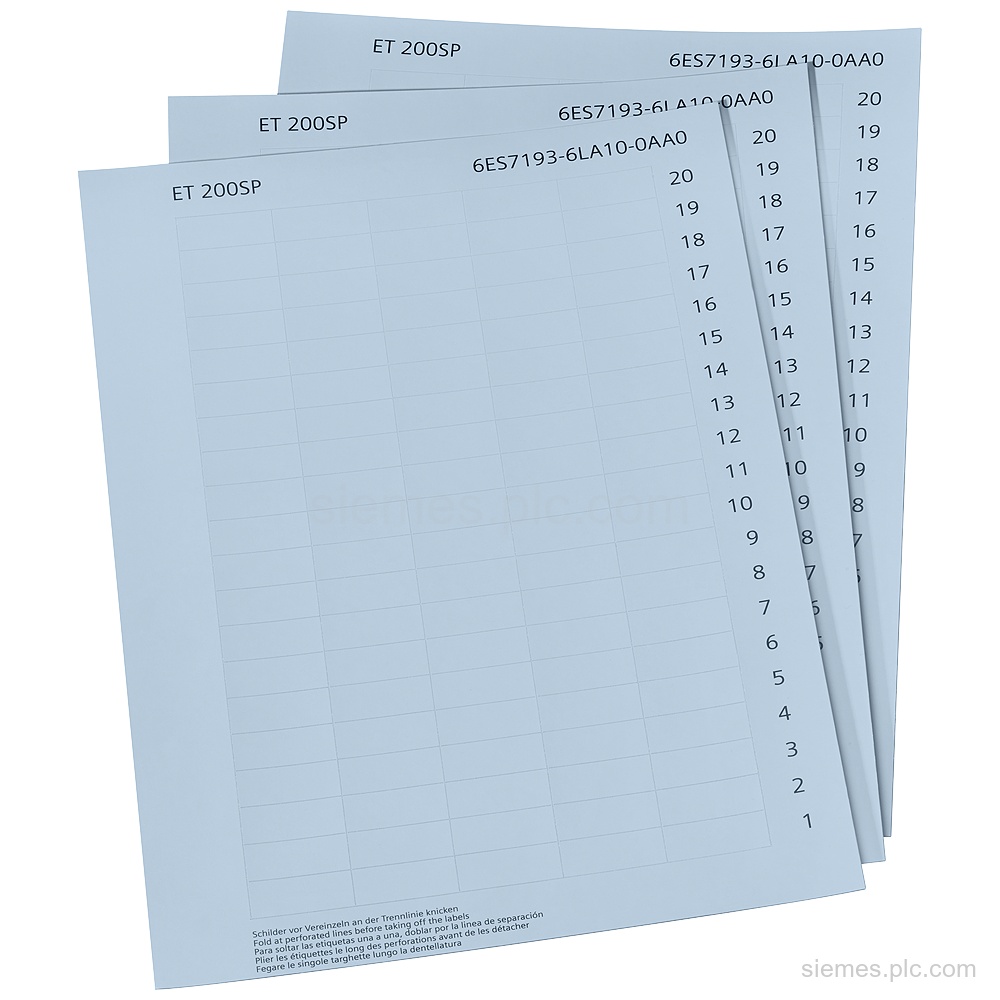
6ES7193-6LA10-0AA0 identifies SIMATIC labeling strips in light gray paper: 1 000 strips across 10 perforated DIN A4 sheets. Verify the…
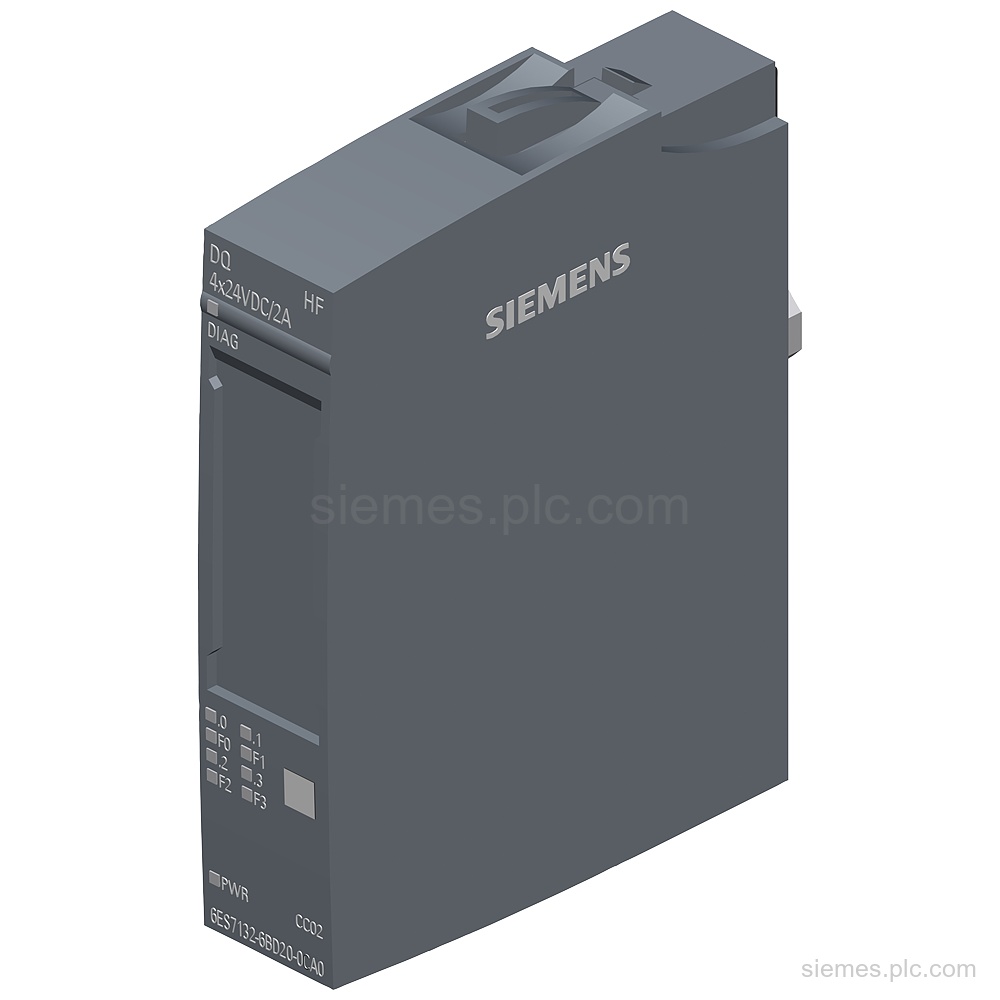
6ES7132-6BD20-0CA0 identifies a SIMATIC ET 200SP digital output module with 4x 24 VDC/2 A, BU type A0 and channel diagnostics.…
6ES7193-6CP52-2MC0 identifies SIMATIC ET 200SP color-coded labels with color code CC52 for I/O modules, module-specific and for BU type C0.…
6ES7193-6CP13-2MT0 identifies SIMATIC ET 200SP color-coded labels, CC13, for PotDis-TB type P2, BR, blue, and 18 Push-in terminals. Verify the…
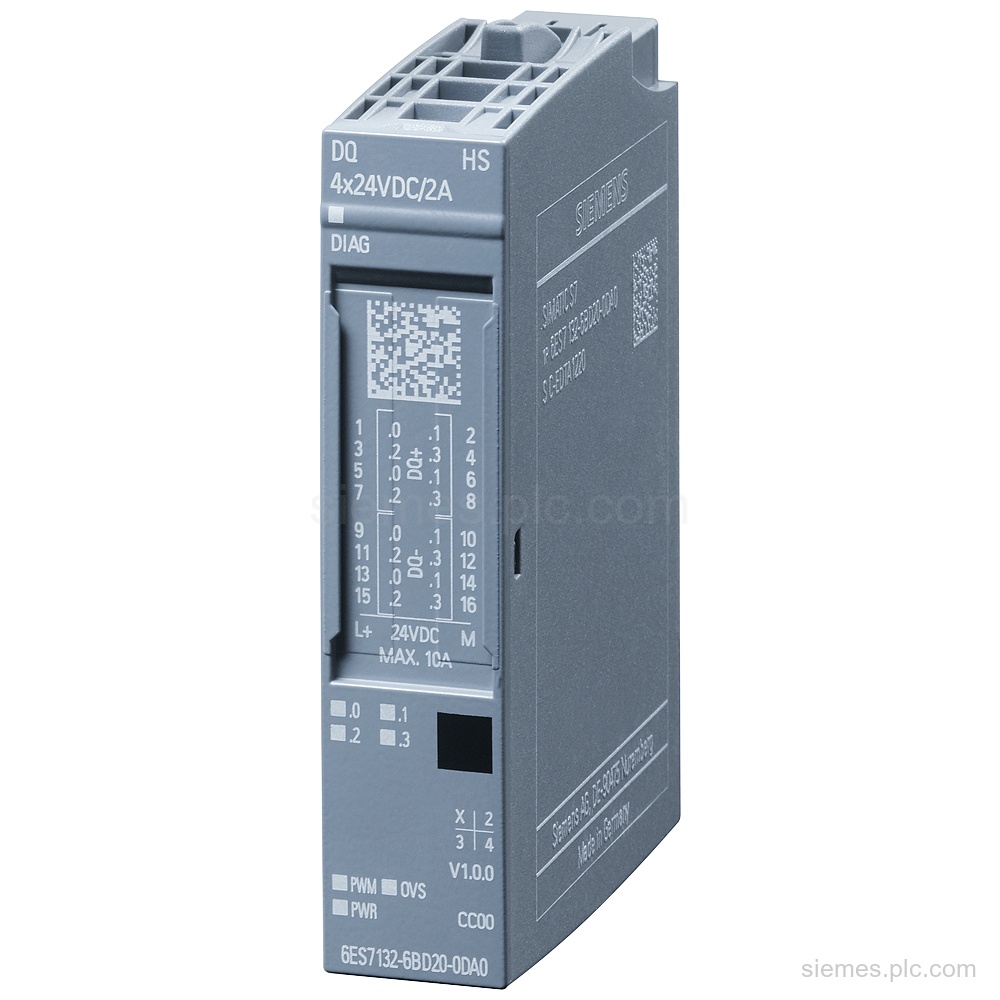
6ES7132-6BD20-0DA0 identifies a SIMATIC ET 200SP digital output module with 4 x 24 V DC outputs, 2 A per channel,…
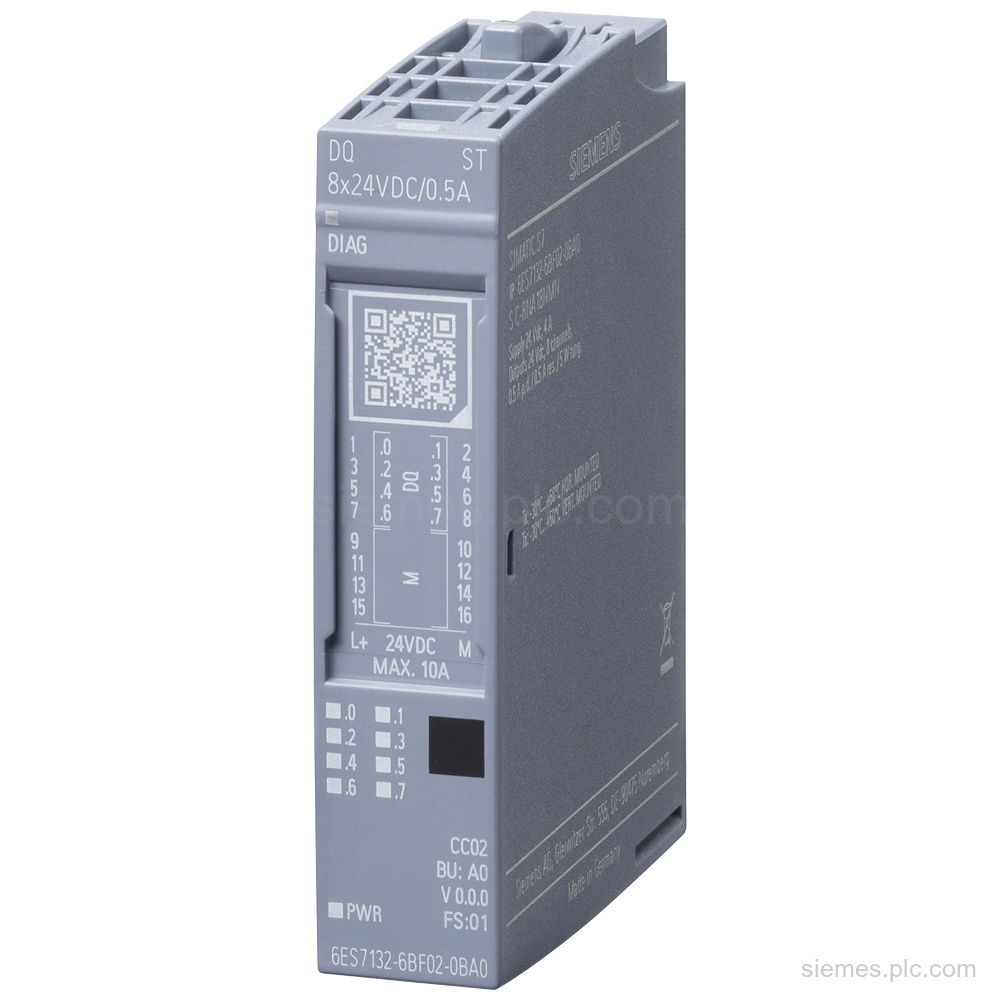
6ES7132-6BF01-0BA0 identifies a SIMATIC ET 200SP digital output module with 8 source outputs, 24 V DC, and 0.5 A output…
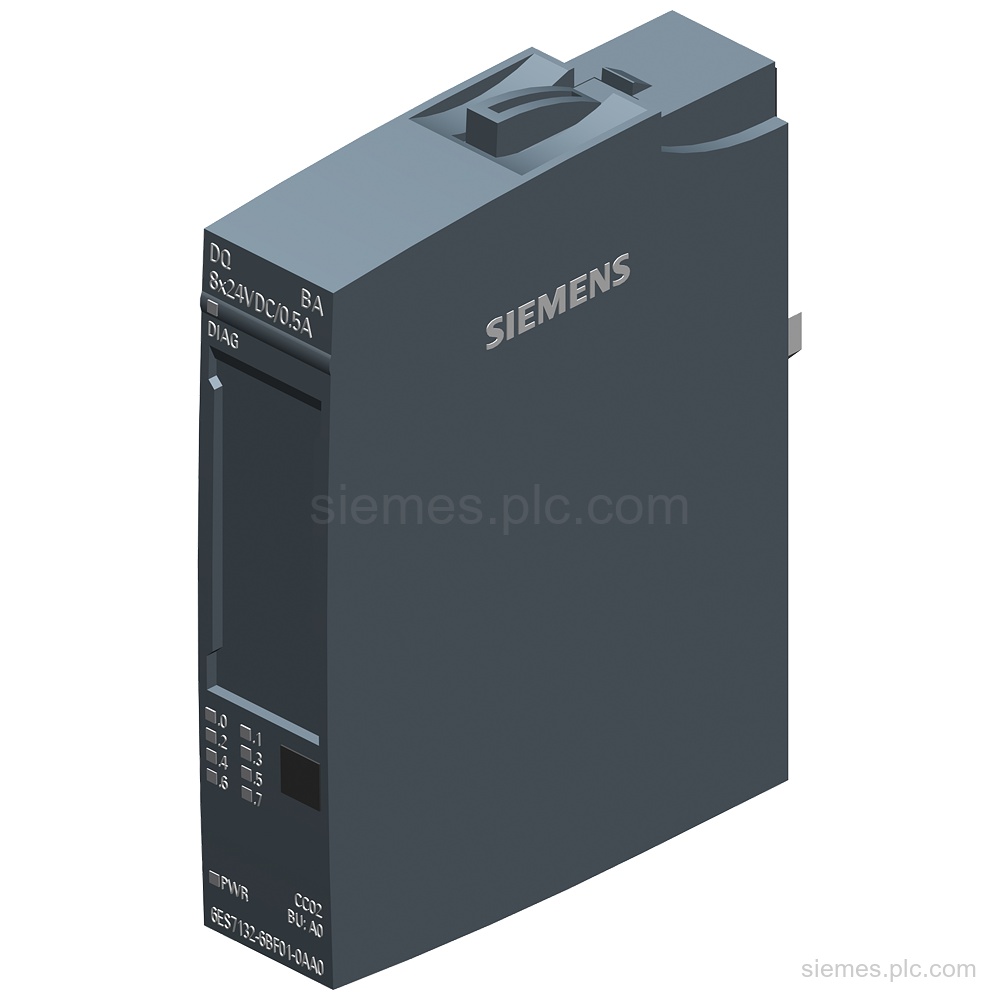
Siemens 6ES7132-6BF01-0AA0 is a SIMATIC ET 200SP digital output module with 8x 24 V DC/0.5 A source outputs, BU type…
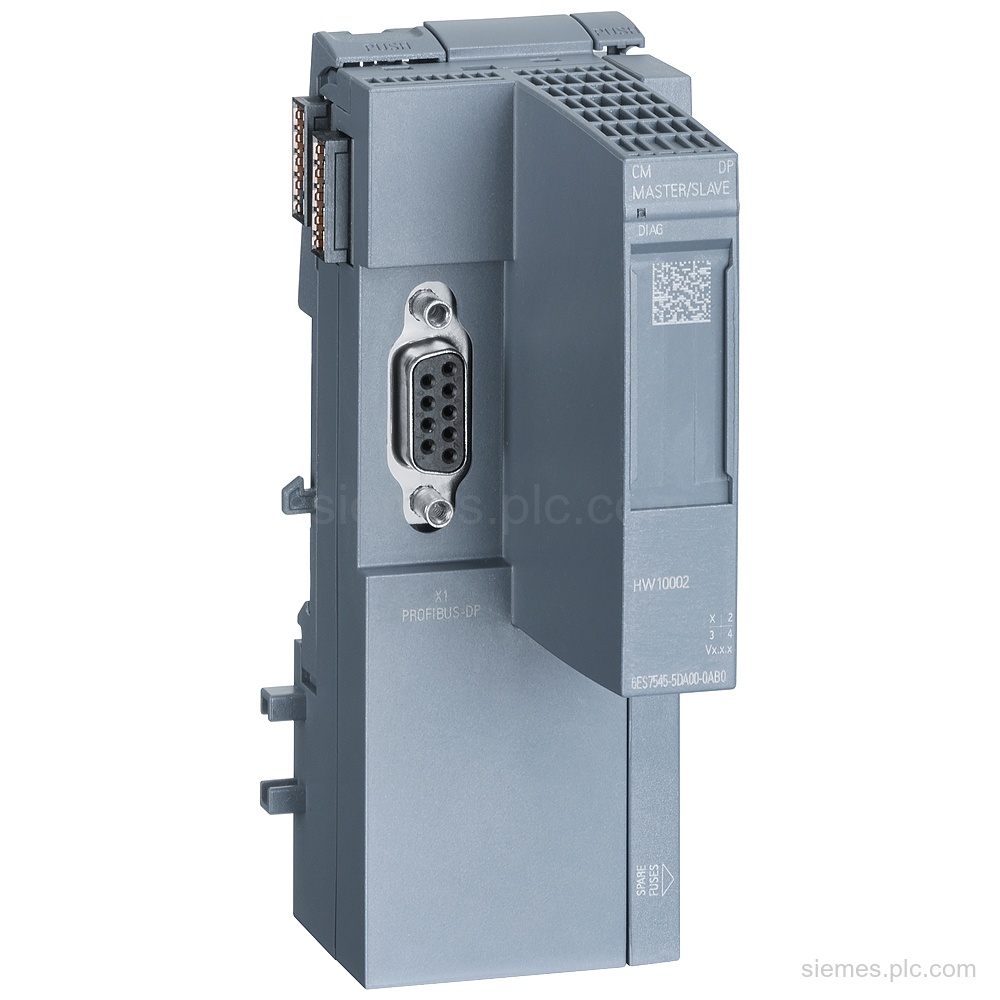
6ES7545-5DA00-0AB0 identifies a Siemens CM PROFIBUS DP module for an ET 200SP CPU, with a 9-pole D-sub socket, 125 DP…
Product identification
SIMATIC ET 200SP products can differ by function, interface, hardware version and configuration. Use the complete identifier and installed equipment details to avoid ordering a different variant.
Copy the complete MLFB, part number or product code, including every suffix shown on the label.
Include the current controller, panel, drive, motor or network details when compatibility must be assessed.
State the quantity, required condition and delivery destination for each requested item.
Multiple products
Send multiple Siemens MLFBs or product codes in one request. Add the quantity, required condition and destination for each item, plus any compatibility or replacement question that needs assessment.