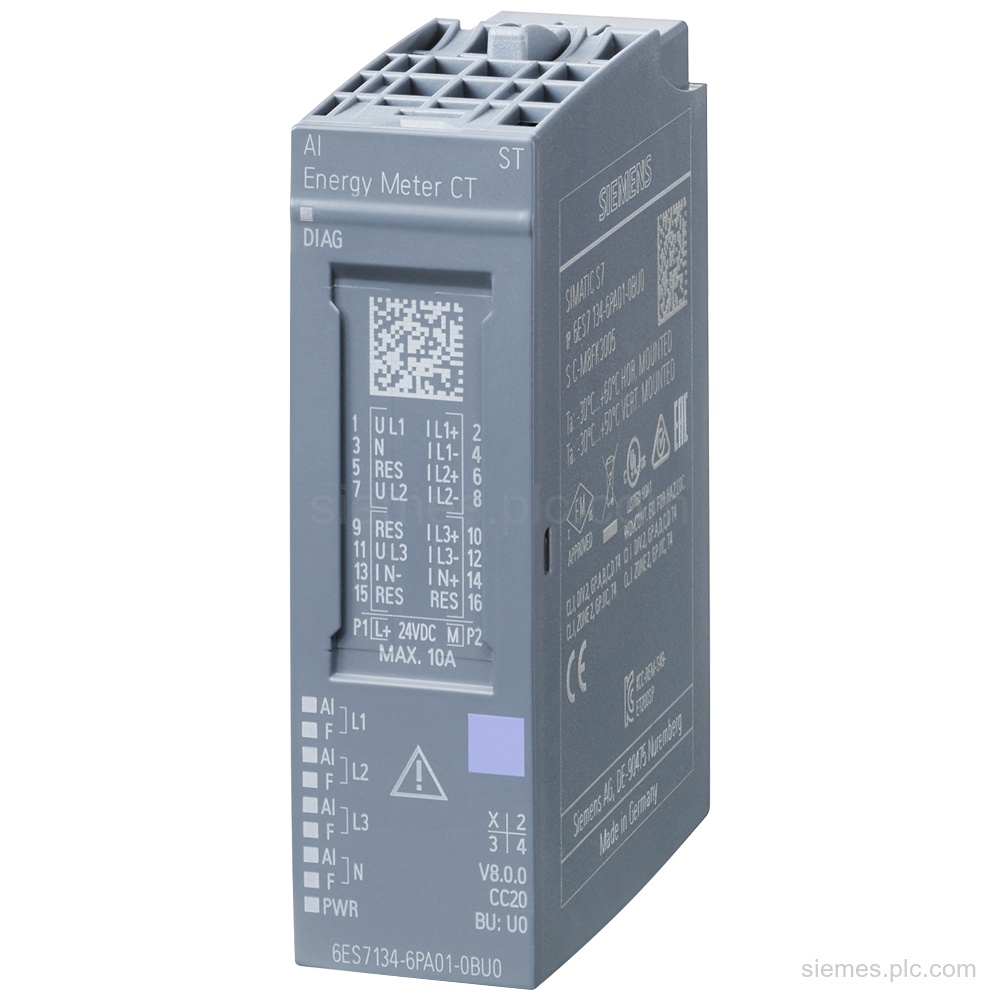
6ES7134-6PA01-0BU0
6ES7134-6PA01-0BU0 identifies a SIMATIC ET 200SP AI Energy Meter CT ST analog input module for 1 A or 5 A…

Siemens Product Category
SIMATIC ET 200SP is a compact, scalable in-cabinet distributed I/O system for machine and plant automation.
Products
Search SIMATIC ET 200SP products by Siemens MLFB, part number or product code, or select a product group from the category menu.
6ES7134-6PA01-0BU0 identifies a SIMATIC ET 200SP AI Energy Meter CT ST analog input module for 1 A or 5 A…
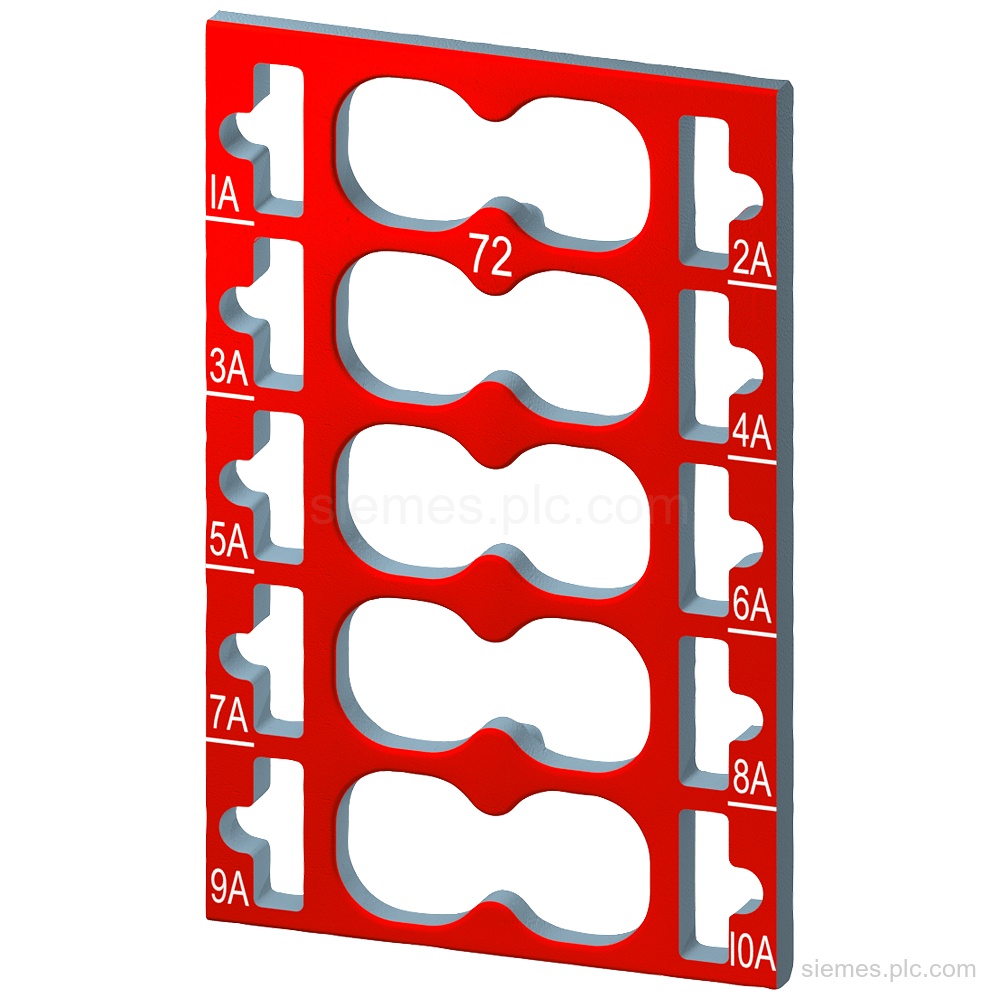
Siemens 6ES7193-6CP72-2AA0 identifies SIMATIC ET 200SP color-coded labels: 10 labels, color code CC72, for 10 AUX terminals and BU type…
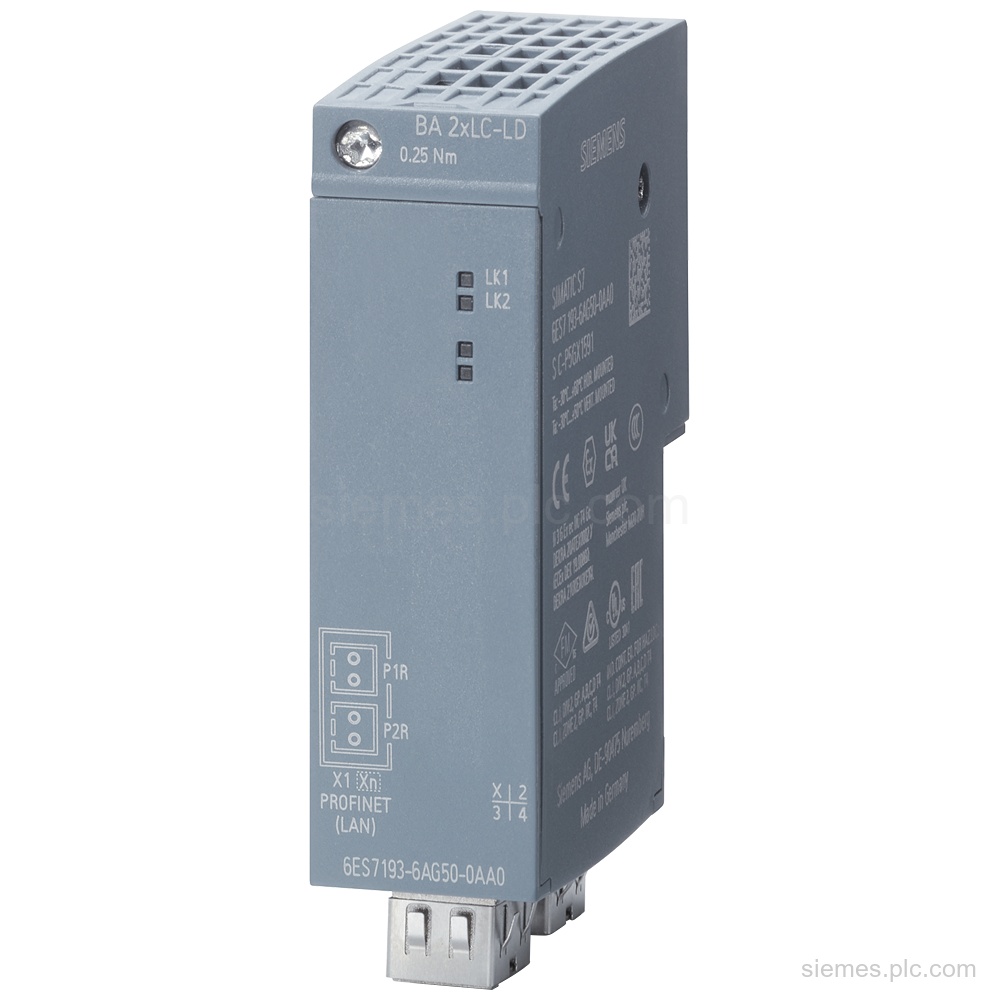
6ES7193-6AG50-0AA0 identifies a Siemens SIMATIC BusAdapter BA 2xLC-LD with 2 LC-LD ports, single-mode fiber up to 20 km. Verify the…
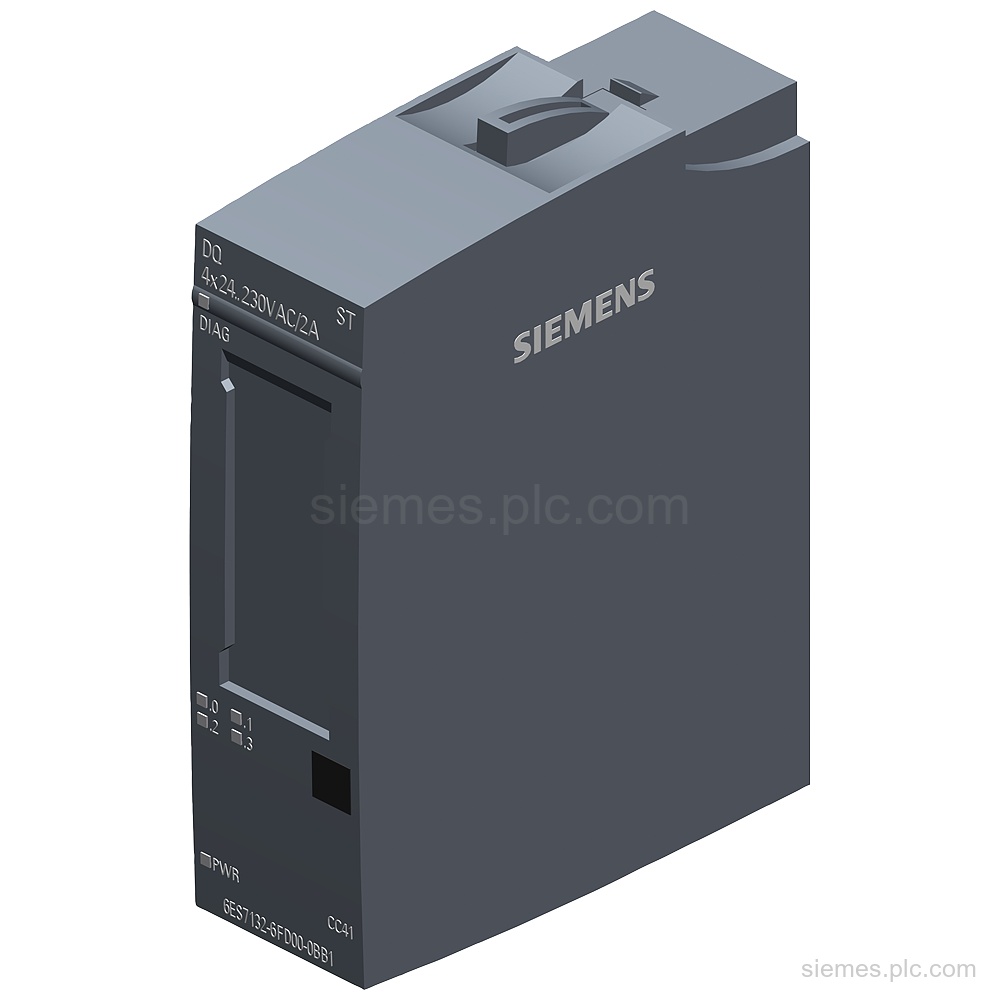
6ES7132-6FD00-0BB1 identifies a SIMATIC ET 200SP digital output module with 4 AC outputs, 24 V to 230 V AC and…
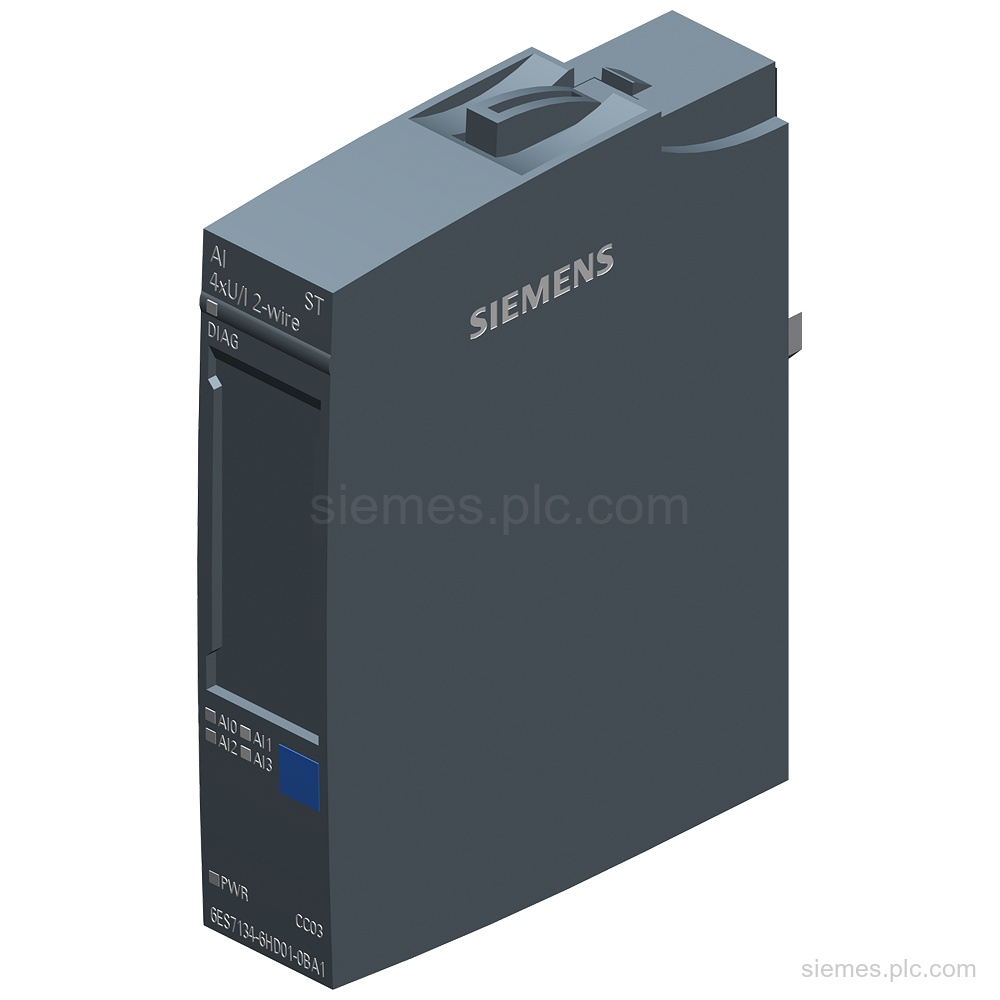
6ES7134-6HD01-0BA1 is a SIMATIC ET 200SP analog input module with 4x U/I 2-wire inputs, 16-bit resolution, and 24 V supply.…
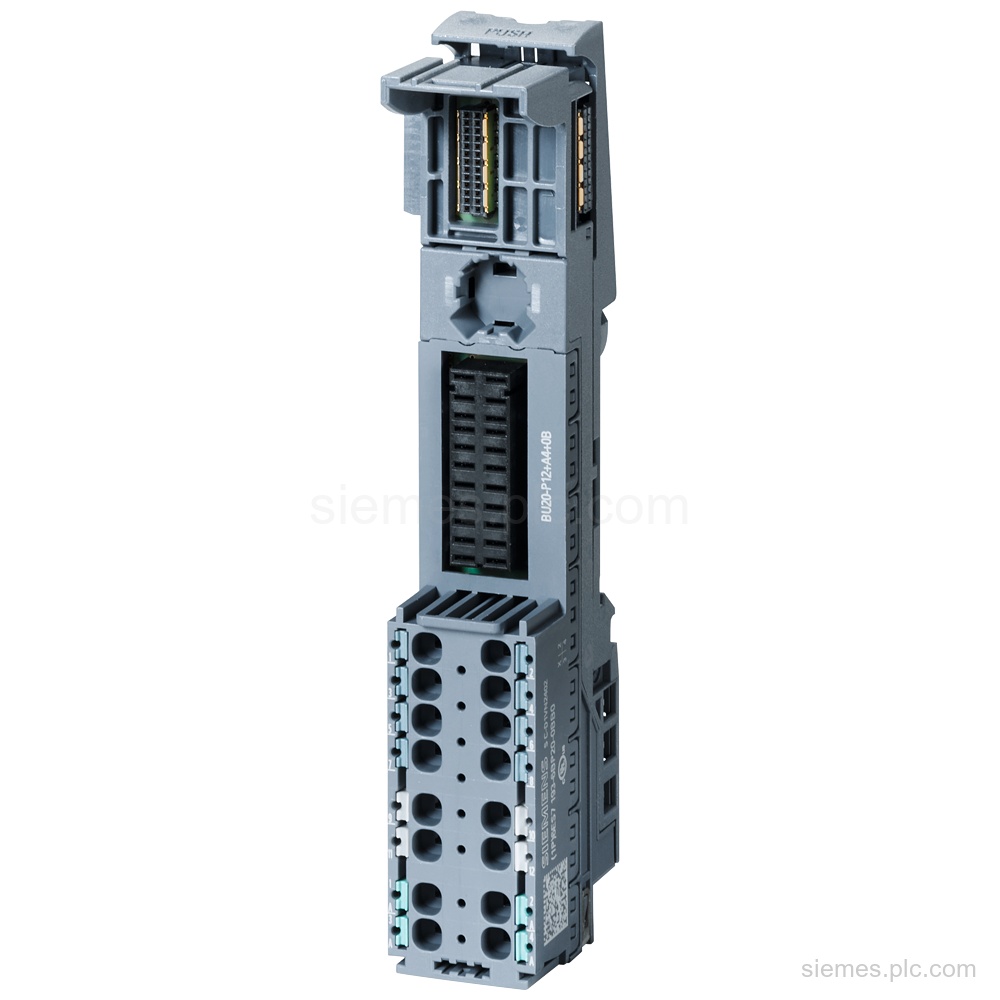
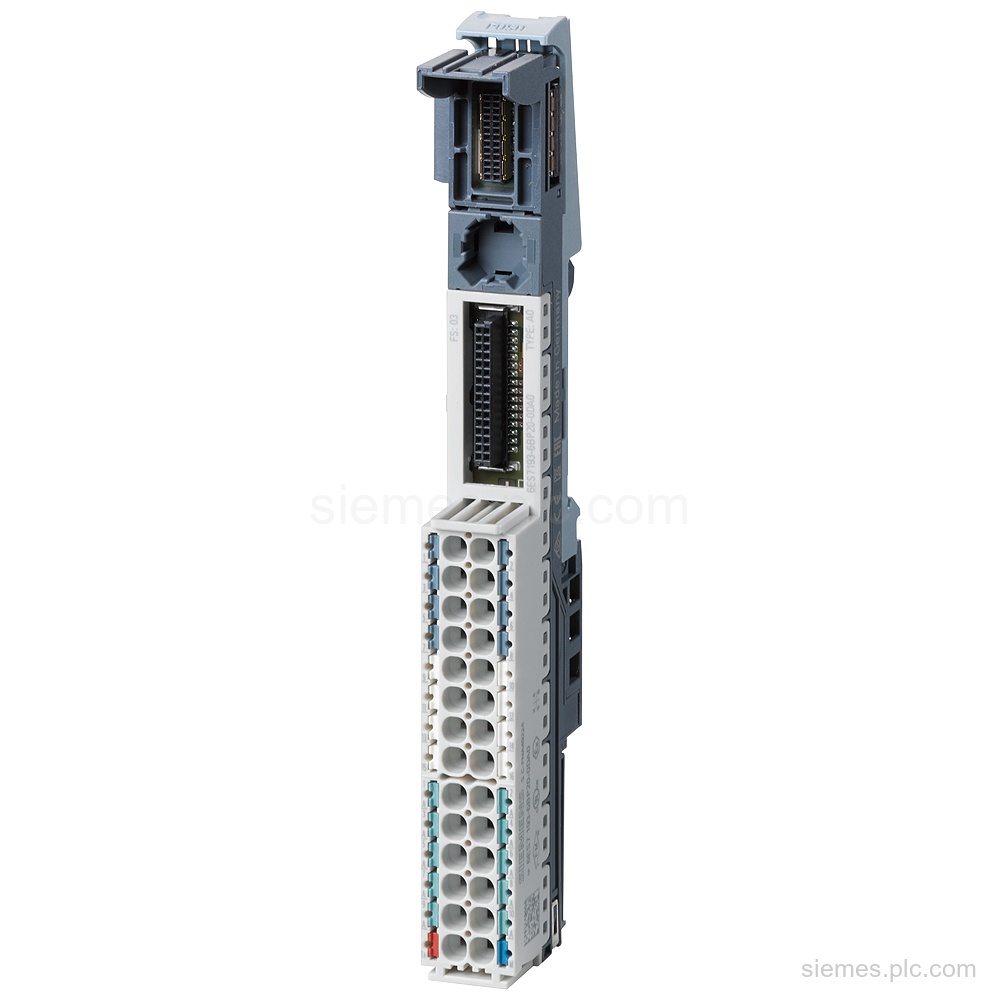
6ES7193-6BP20-0BB0 identifies a SIMATIC ET 200SP BaseUnit BU20-P12+A4+0B, BU type B0, with Push-in terminals and 4 AUX terminals. Verify the…
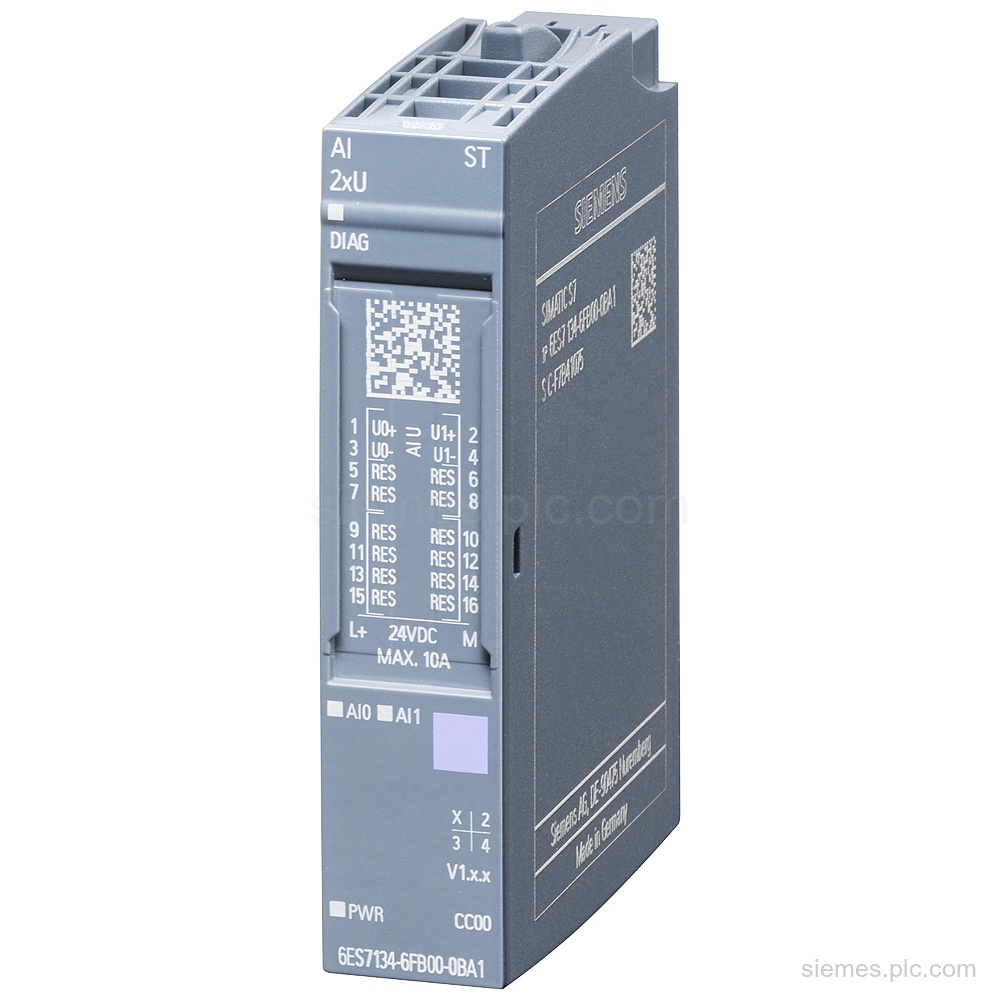
6ES7134-6FB00-0BA1 identifies a SIMATIC ET 200SP analog input module with 2 voltage inputs, 16-bit resolution, and 24 V supply. Verify…
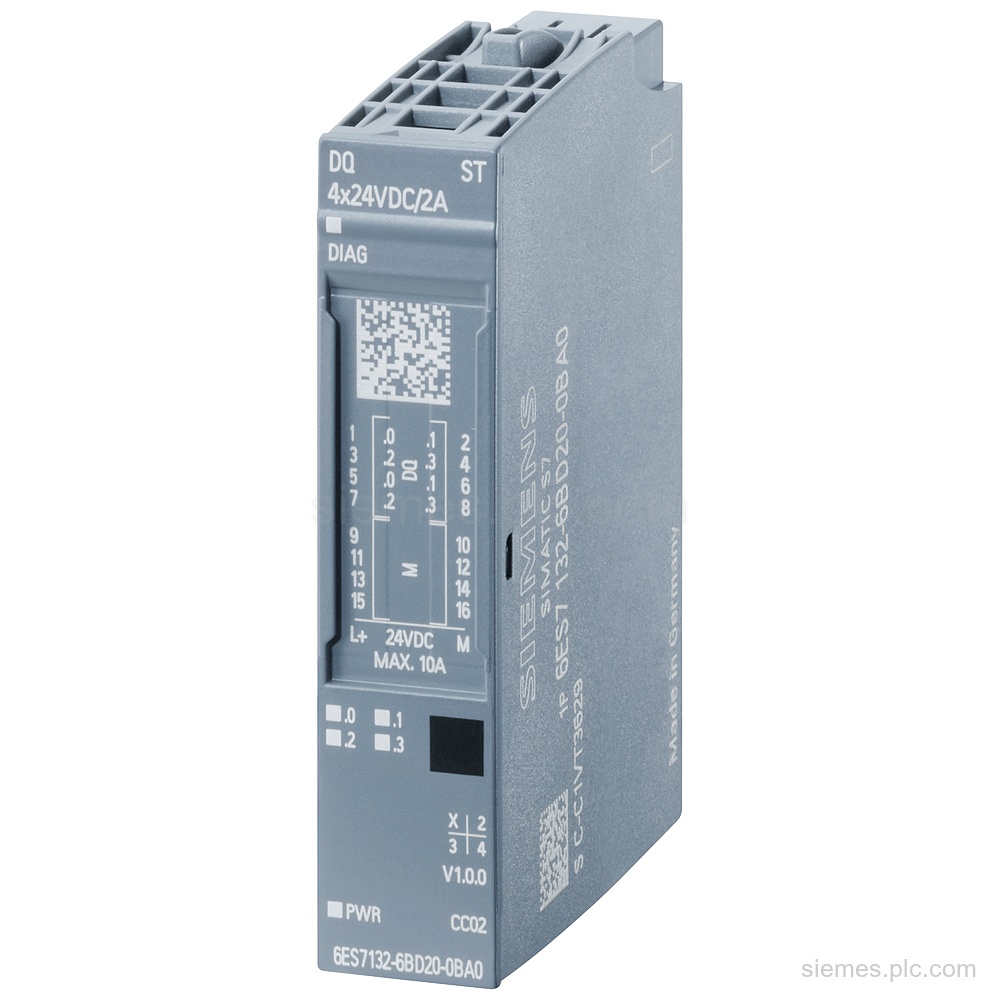
6ES7132-6BD20-0BA0 identifies a SIMATIC ET 200SP digital output module with 4 outputs, 24 V DC rated voltage, 2 A rated…
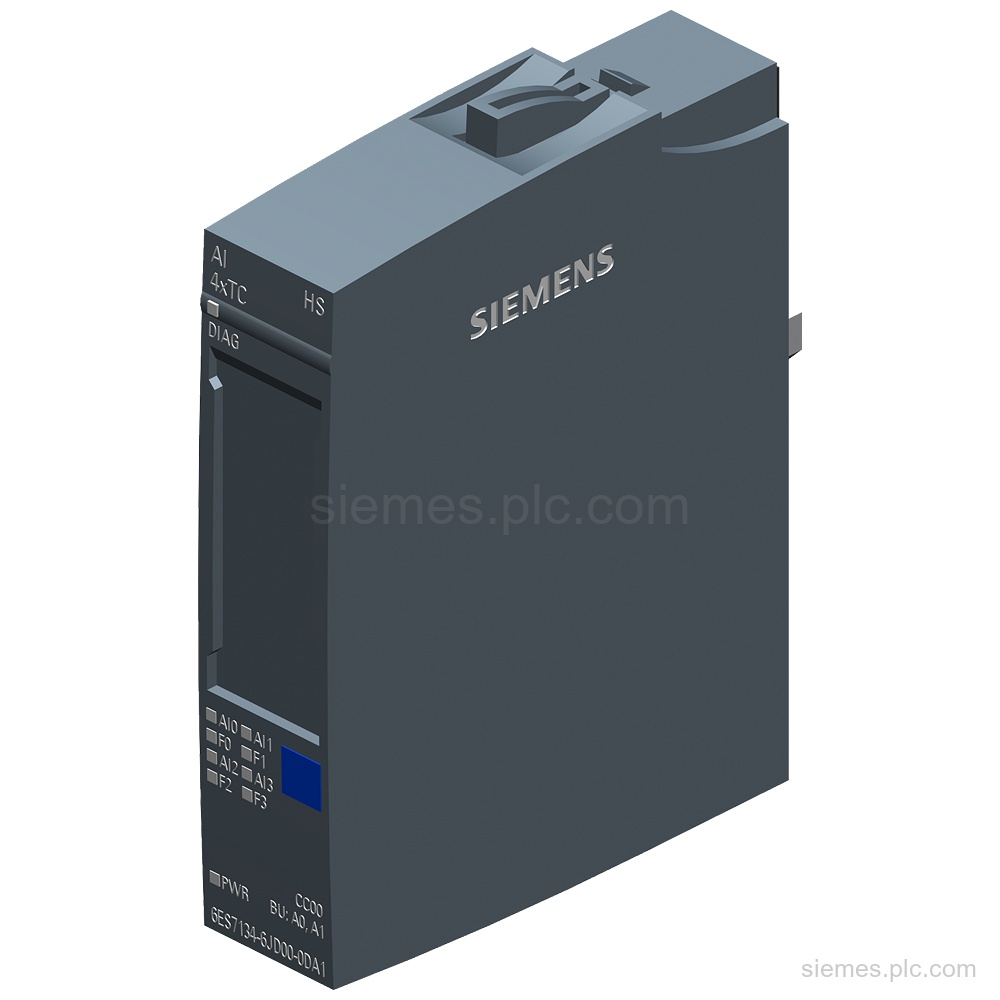
6ES7134-6JD00-0DA1 identifies a SIMATIC ET 200SP analog input module with 4 thermocouple channels, 16-bit resolution, and 24 V supply. Verify…
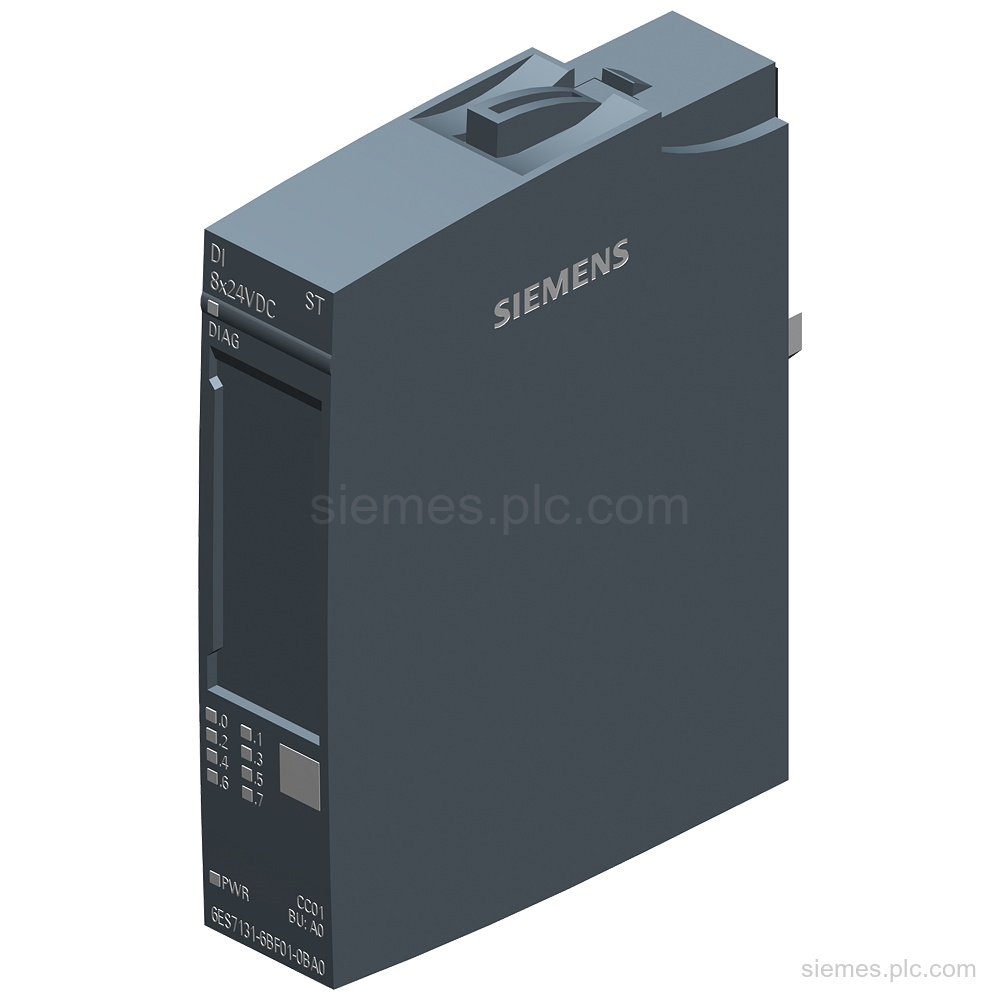
6ES7131-6BF01-0BA0 identifies a SIMATIC ET 200SP digital input module with 8 x 24 V DC inputs, P-reading, and diagnostics. Verify…
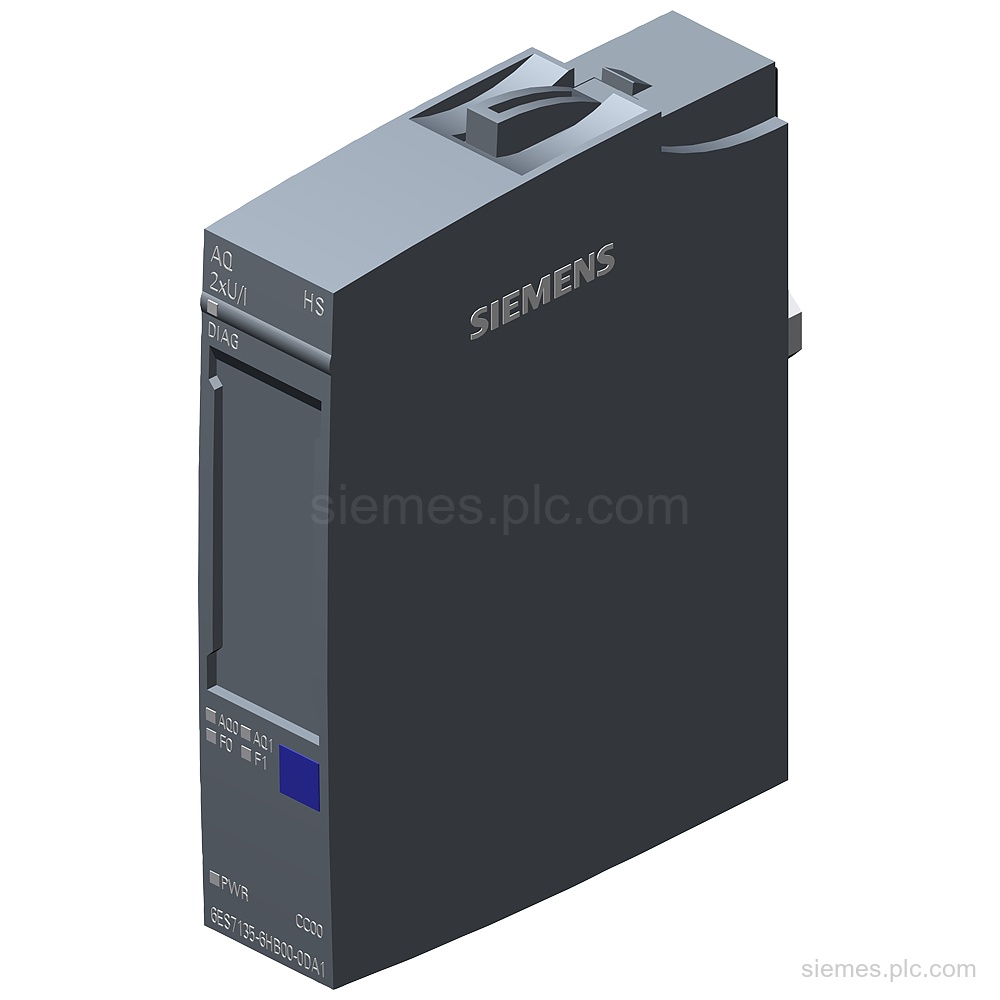
6ES7135-6HB00-0DA1 identifies a SIMATIC ET 200SP analog output module with 2 voltage/current outputs, 16-bit resolution and channel diagnostics. Verify the…
6ES7193-6BP20-0DA0 identifies a SIMATIC ET 200SP BaseUnit BU15-P16+A10+2D with BU type A0, Push-in terminals, 10 AUX terminals, and a new…
Product identification
SIMATIC ET 200SP products can differ by function, interface, hardware version and configuration. Use the complete identifier and installed equipment details to avoid ordering a different variant.
Copy the complete MLFB, part number or product code, including every suffix shown on the label.
Include the current controller, panel, drive, motor or network details when compatibility must be assessed.
State the quantity, required condition and delivery destination for each requested item.
Multiple products
Send multiple Siemens MLFBs or product codes in one request. Add the quantity, required condition and destination for each item, plus any compatibility or replacement question that needs assessment.